help-icon
icon

Create and use

helpDetails-time-icon2026-01-08T10:50:38+08:00

Instructions

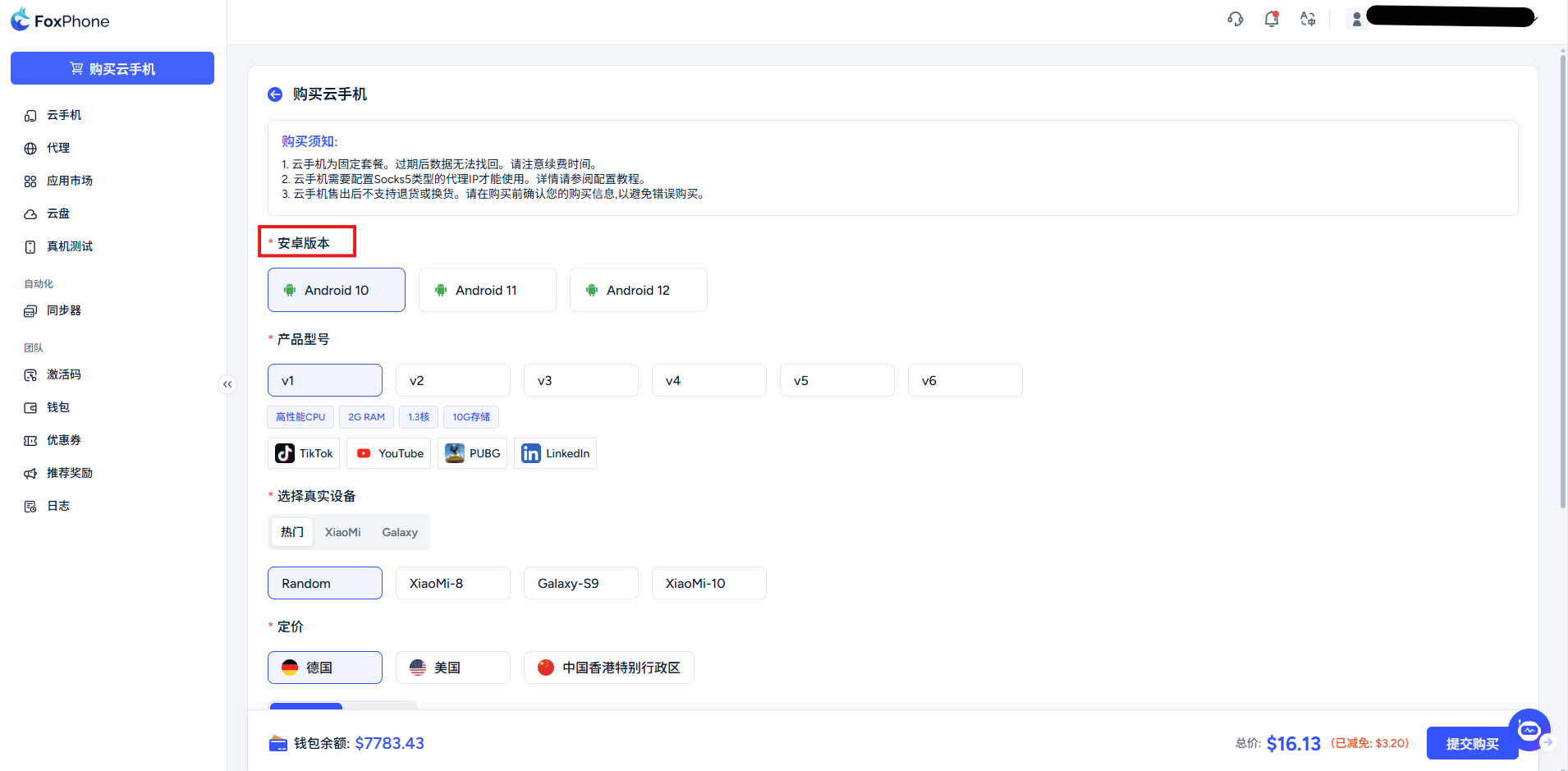
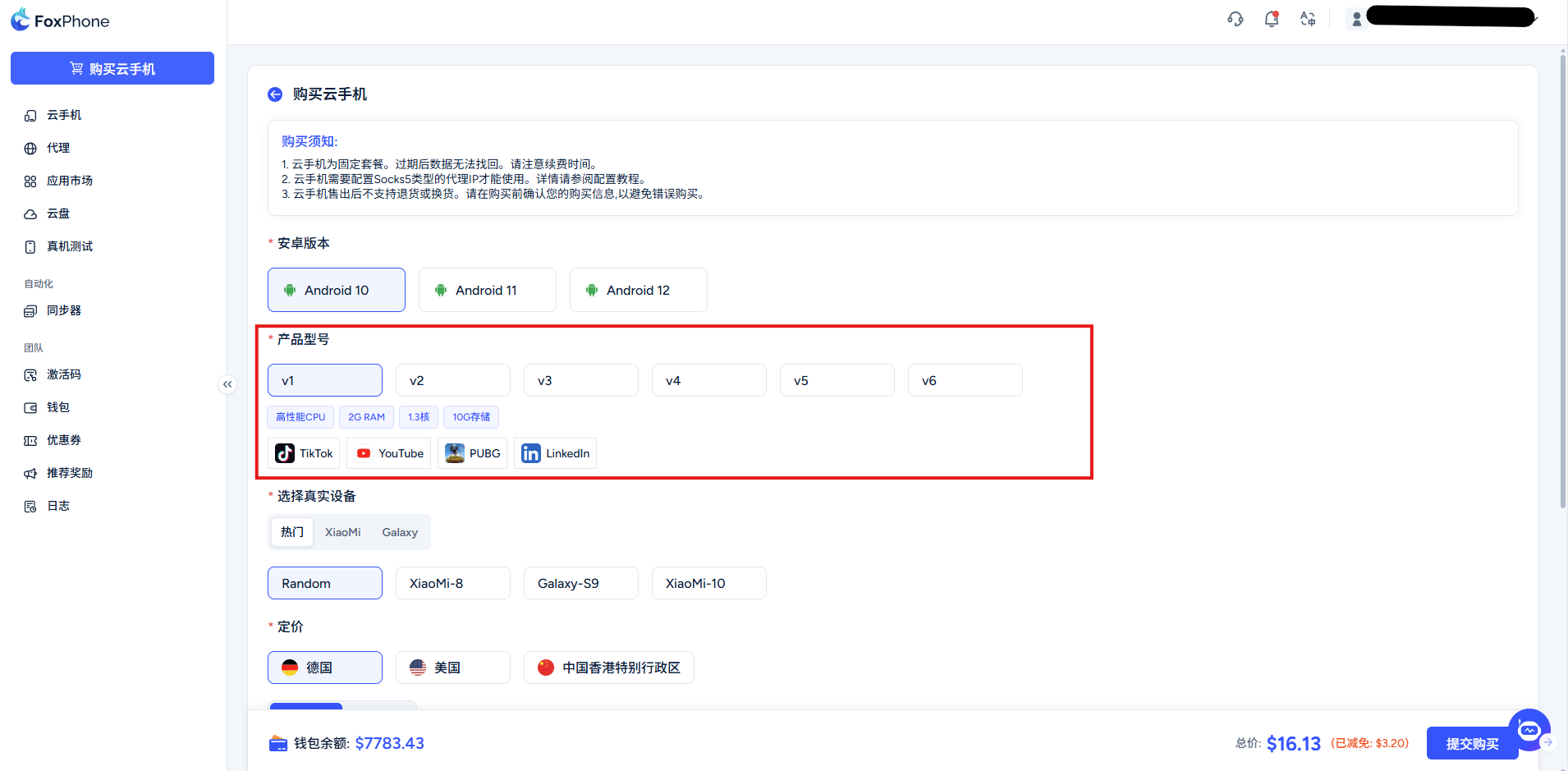
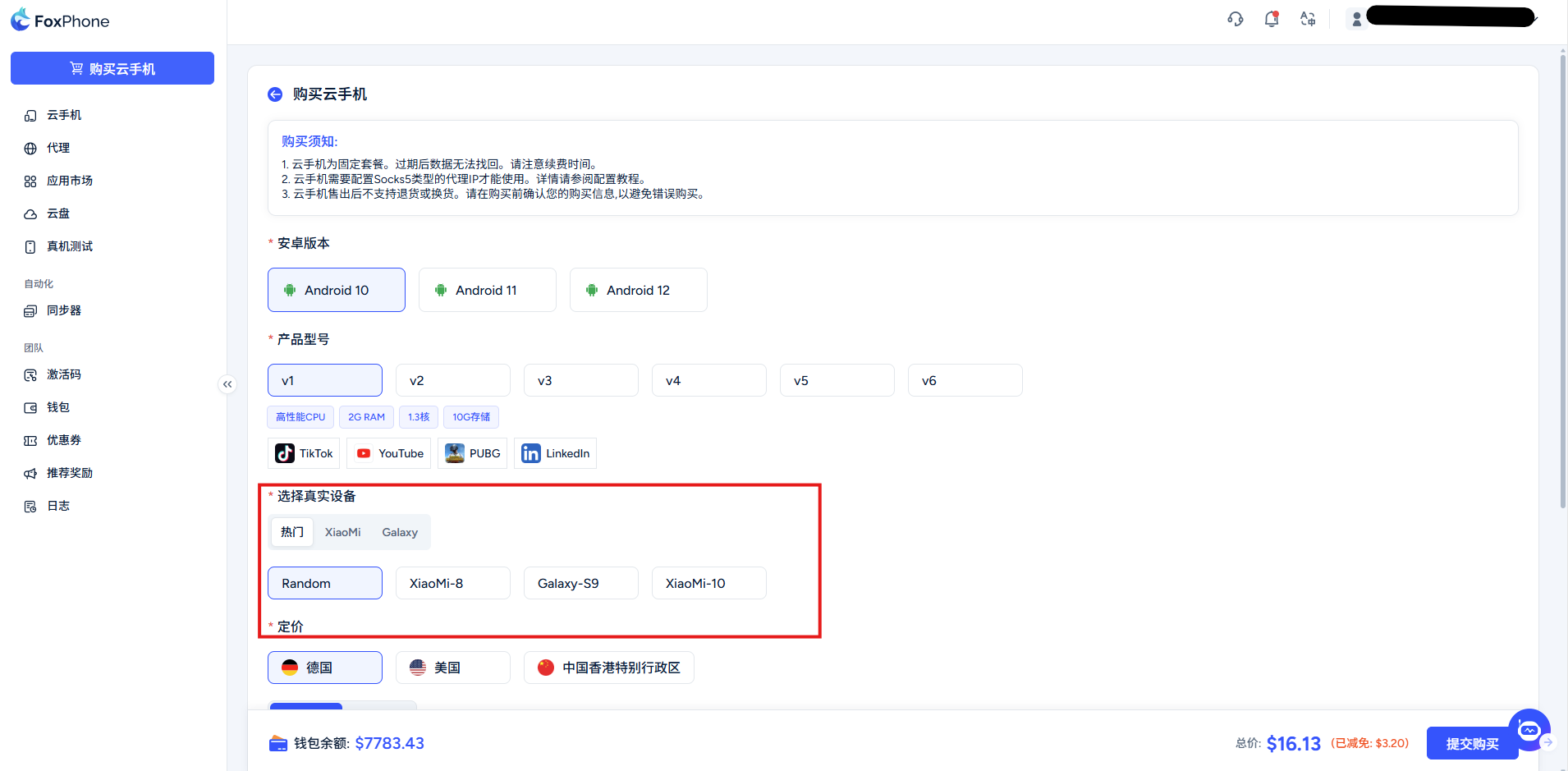
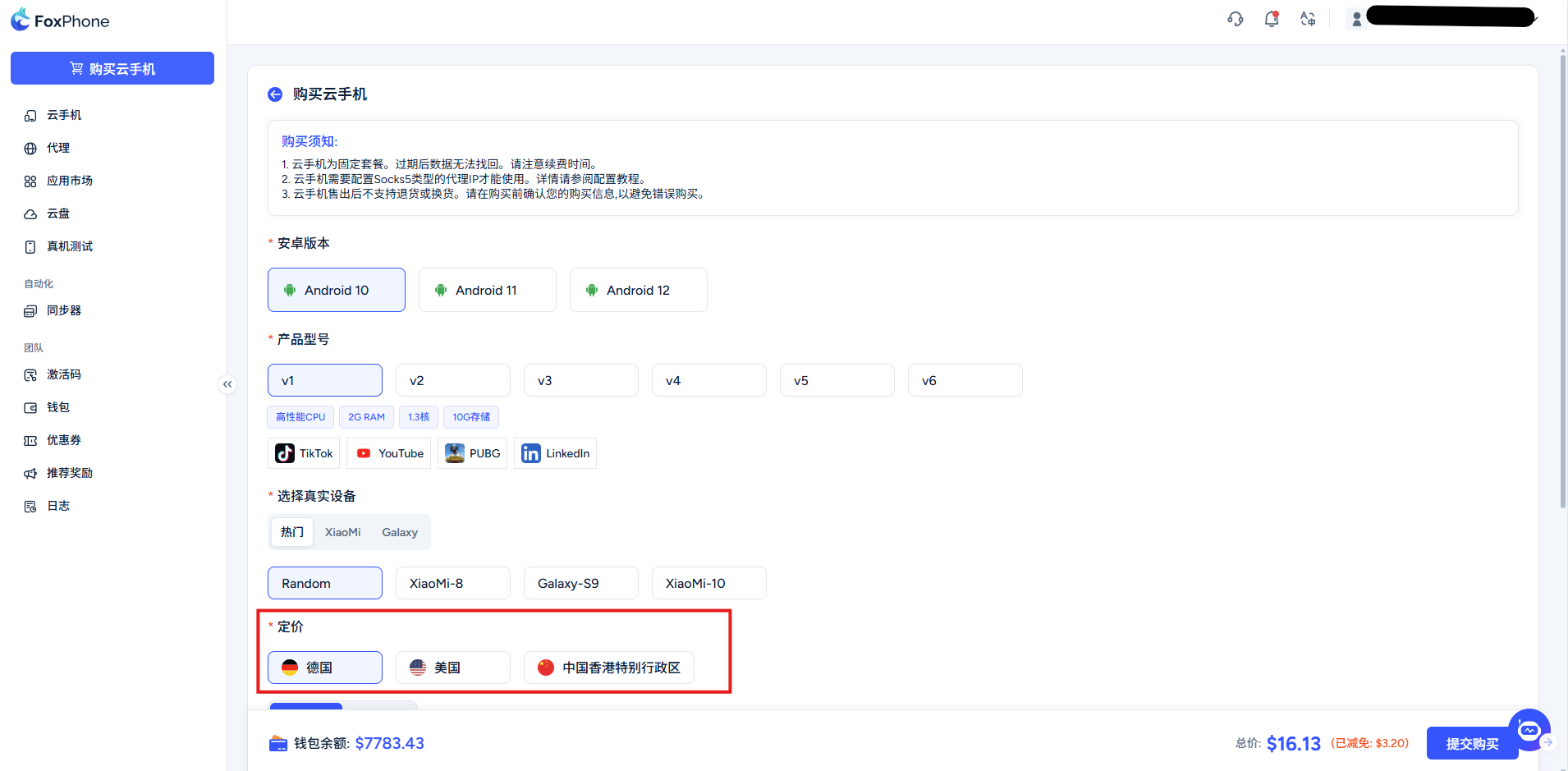
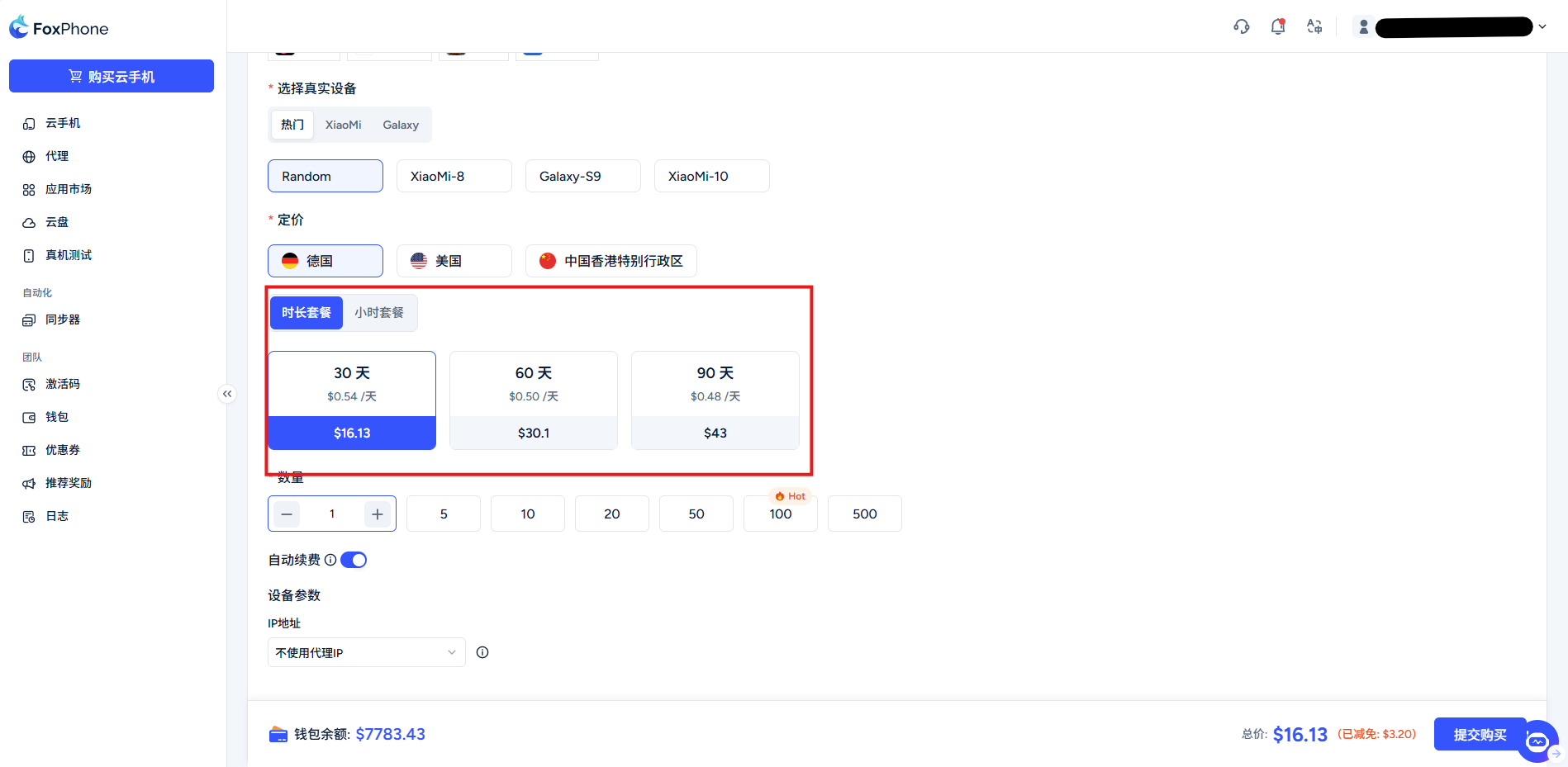
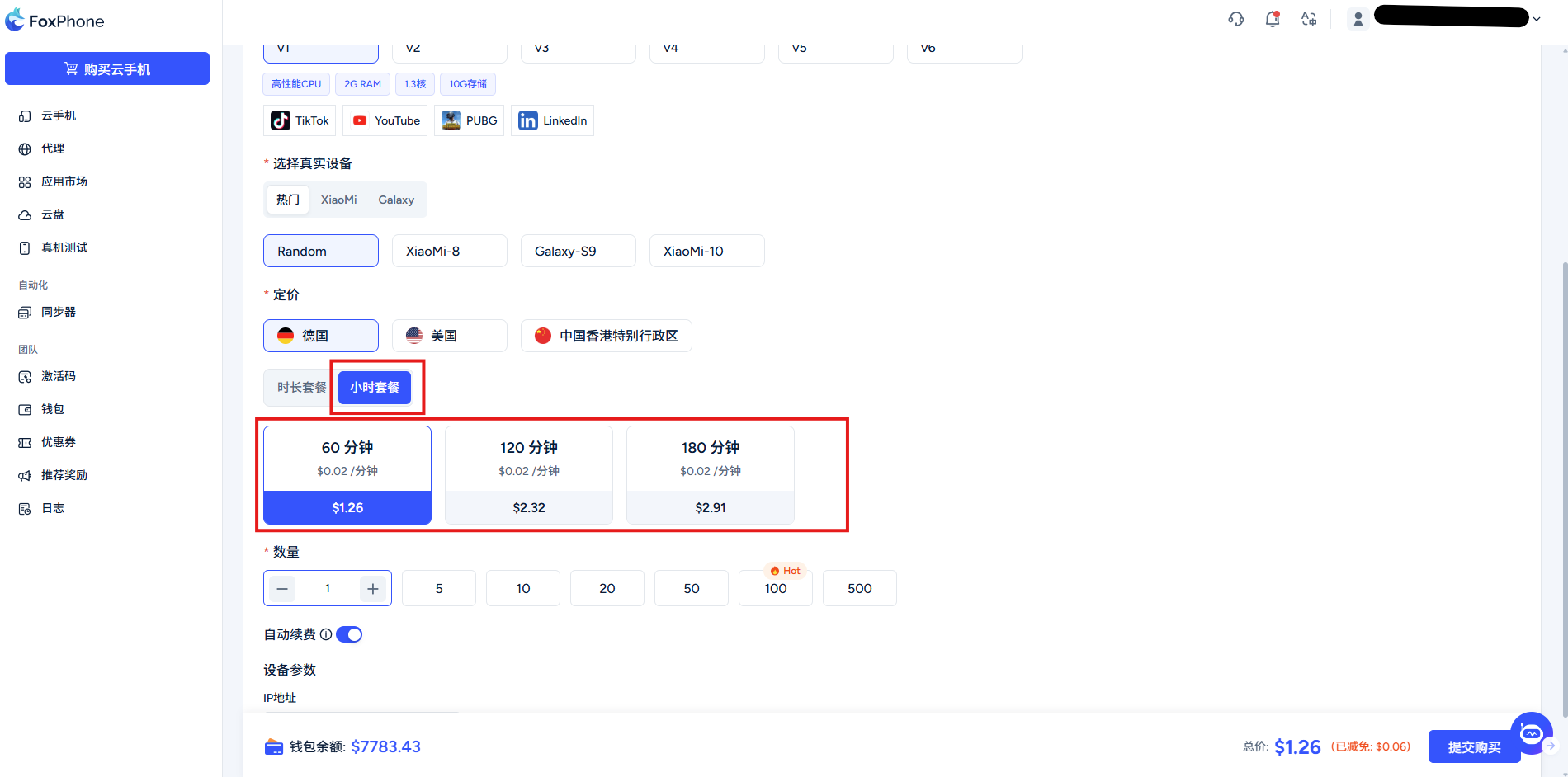
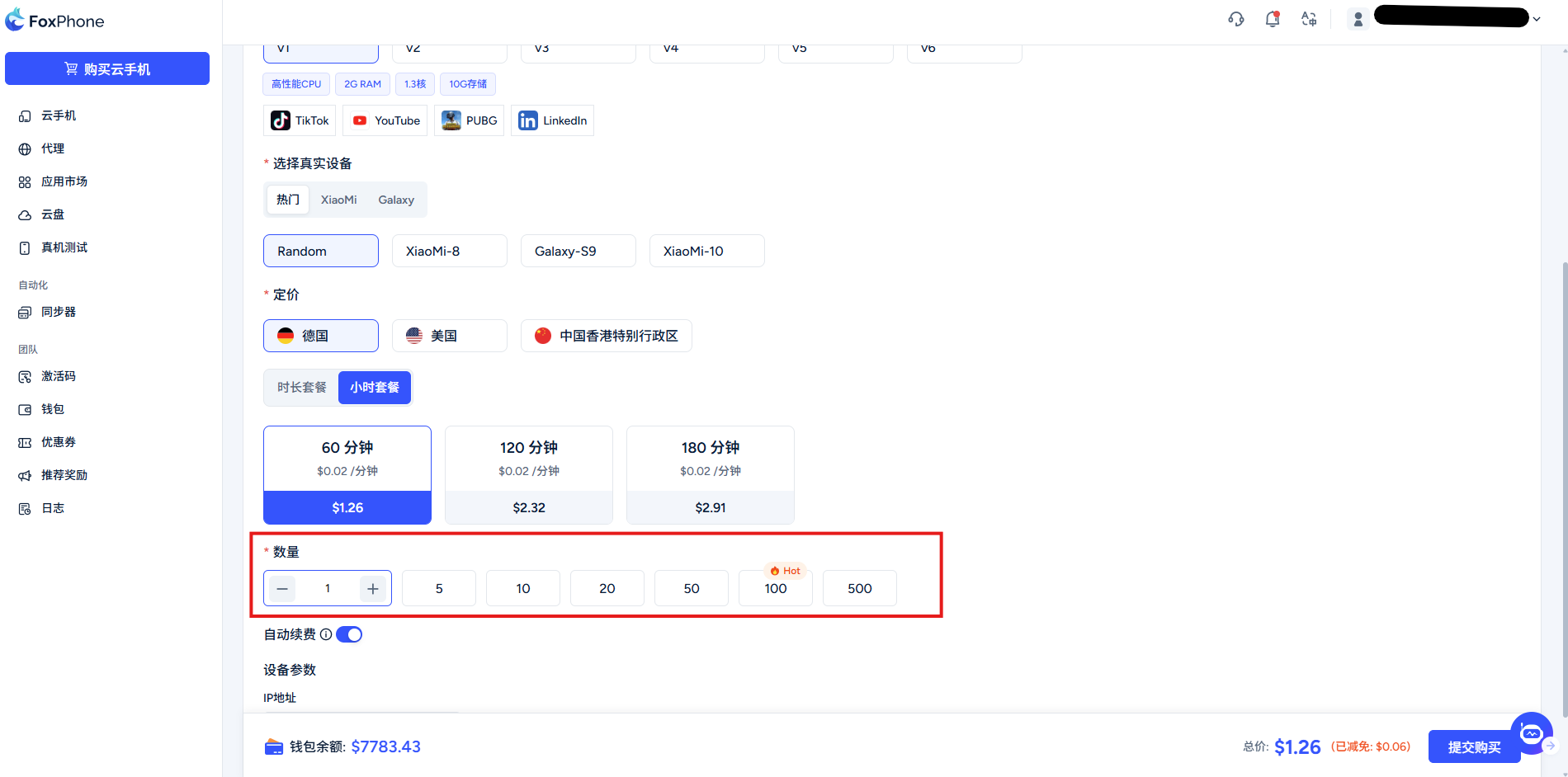
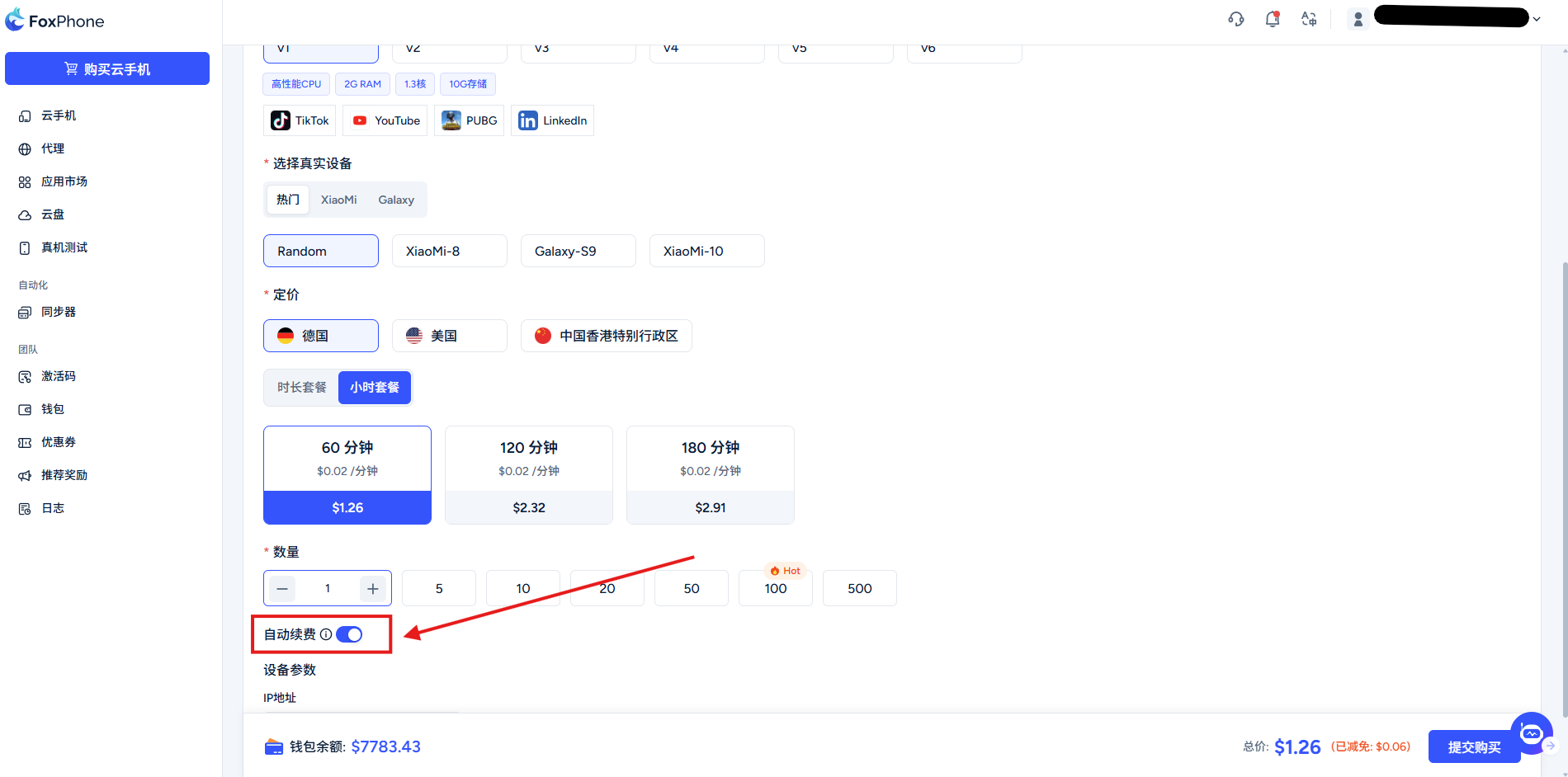
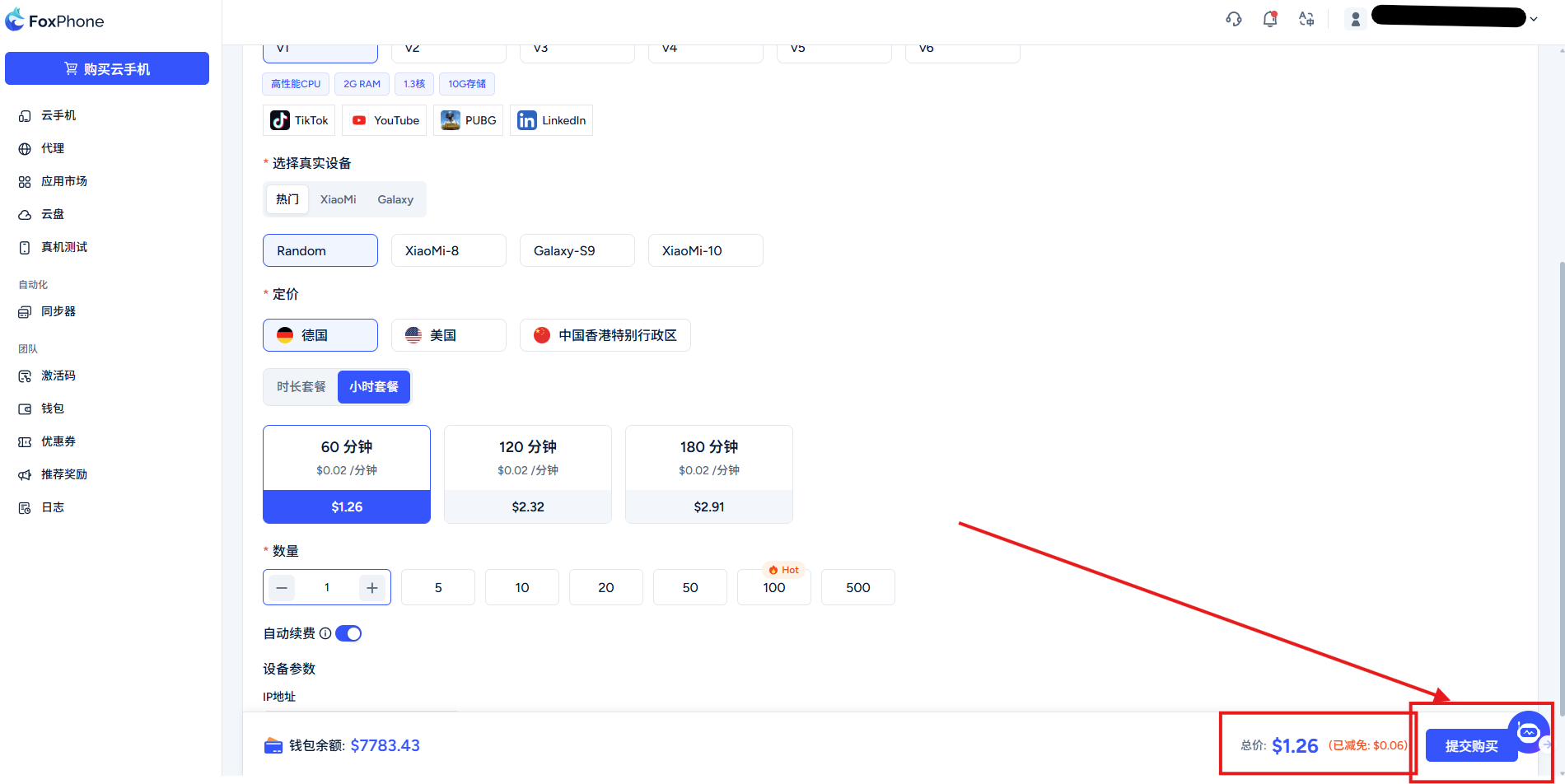
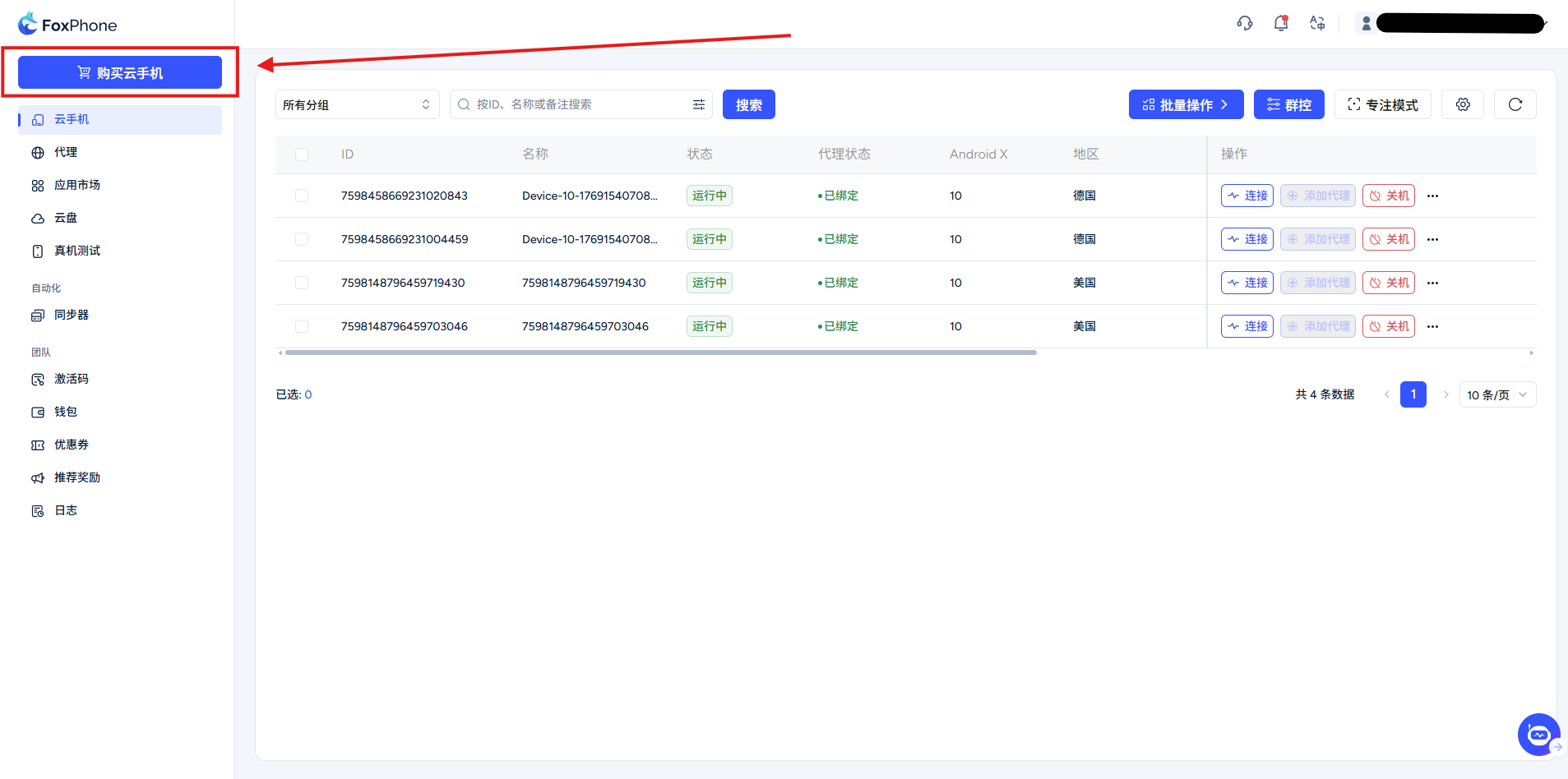
Select Buy Cloud Phone in the console. Review available Android versions, CPU, RAM, storage, region, network, billing mode, duration, quantity and total price. App compatibility also depends on the package, architecture, permissions and app requirements; test a small number of devices first.

Checks and troubleshooting

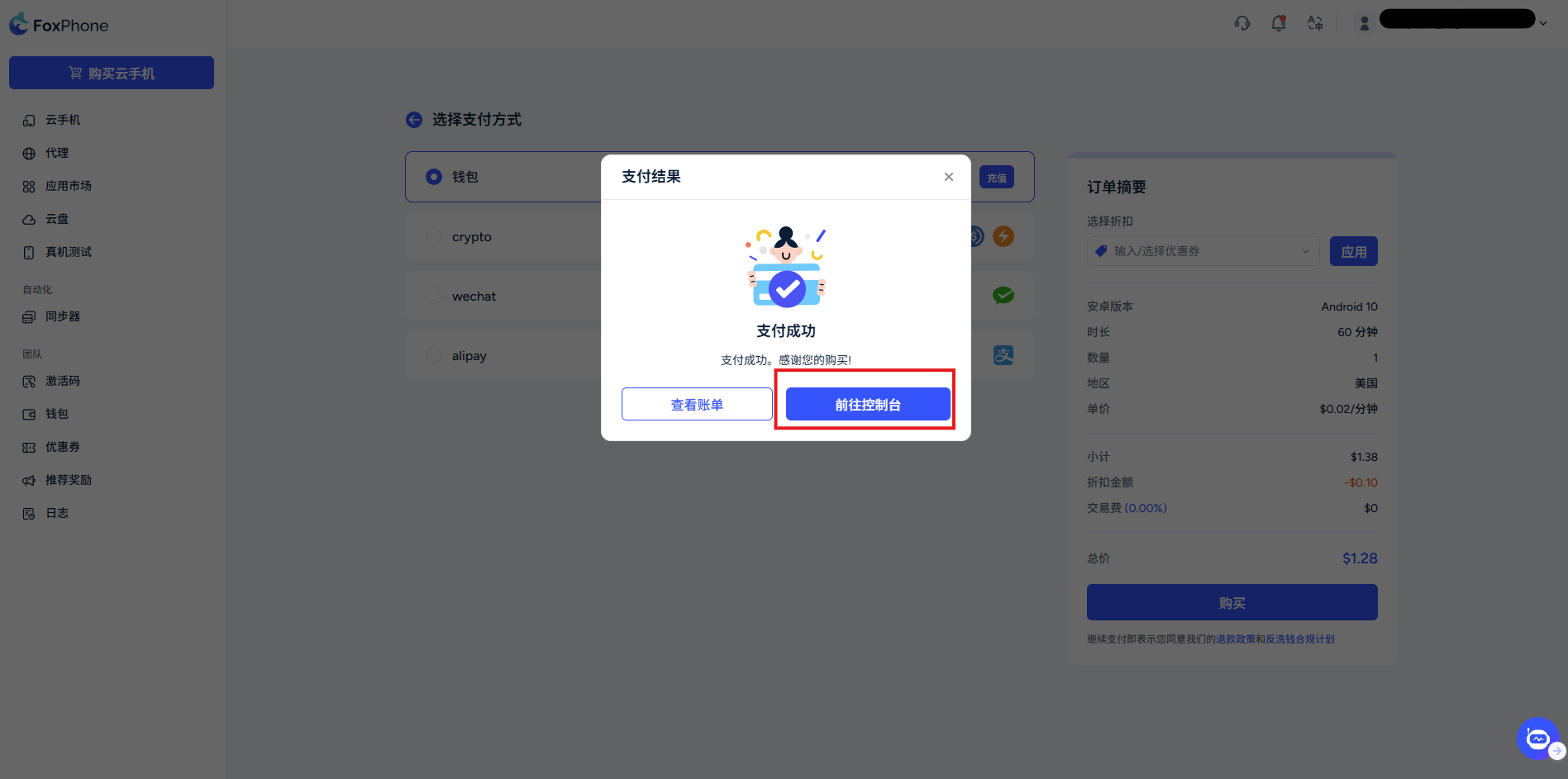
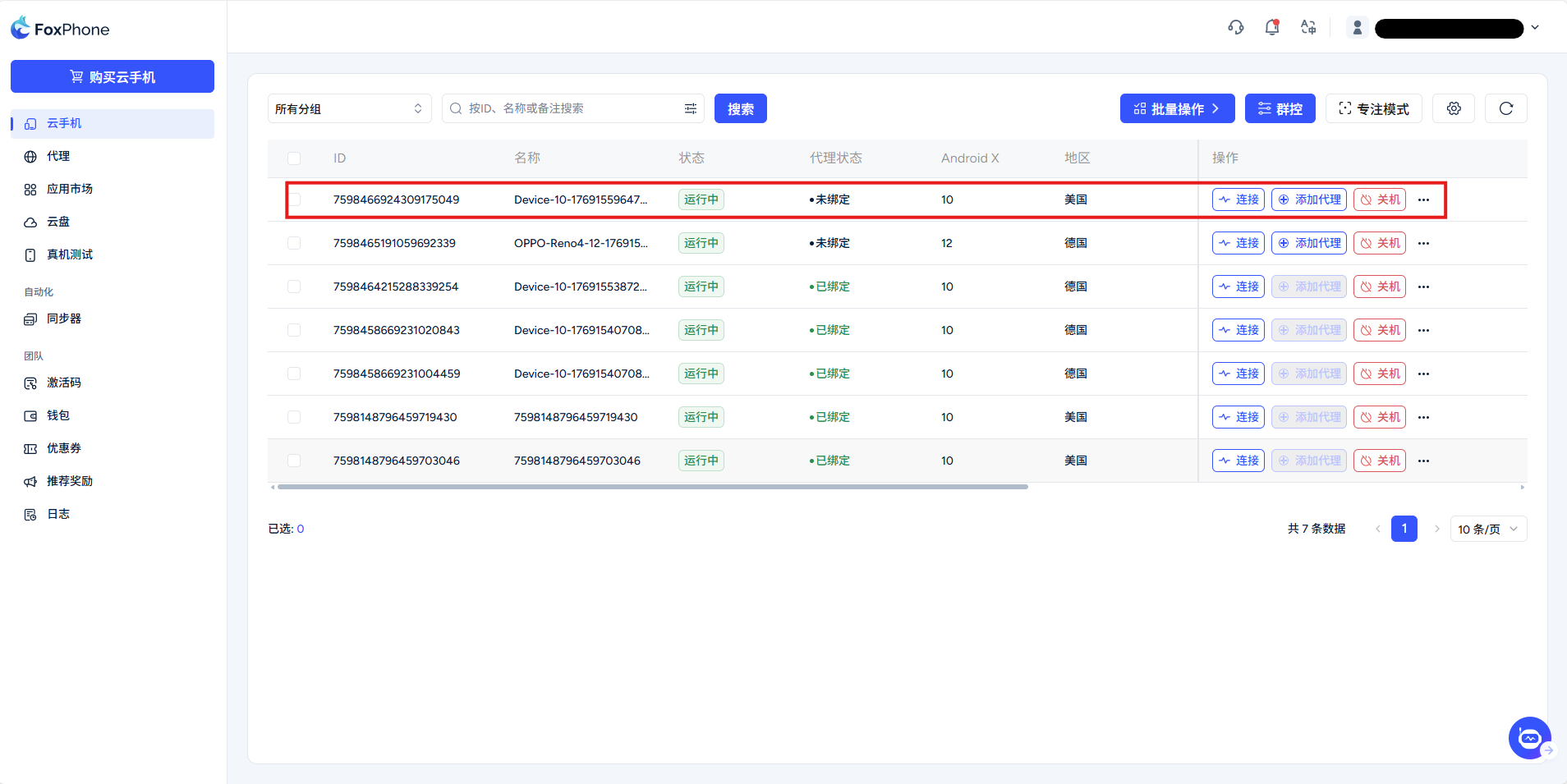
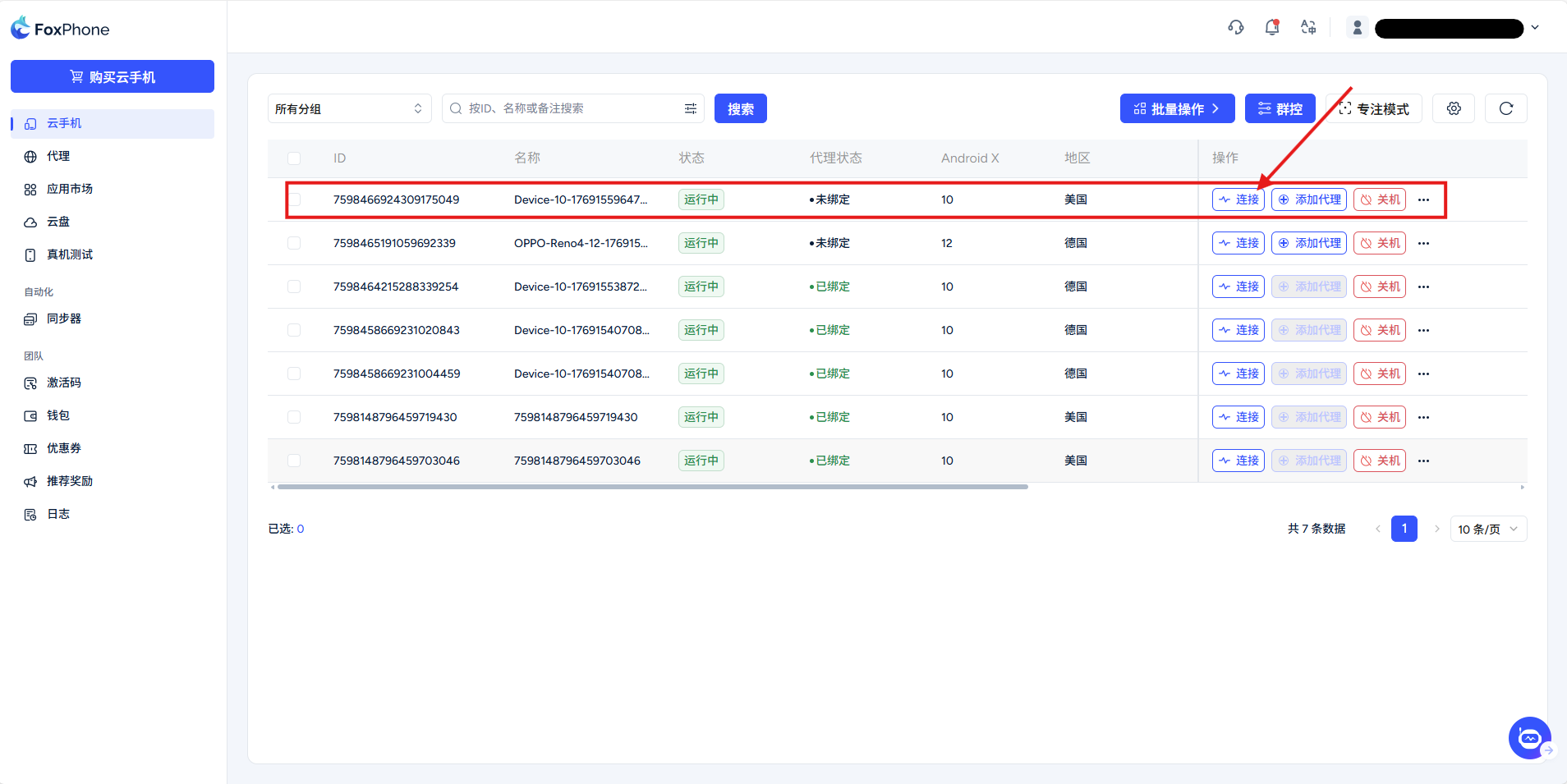
After payment, confirm delivery in the device list and wait for startup before connecting. Configure a proxy and install apps as needed. Wait for ongoing operations to finish instead of submitting them repeatedly. Available models, stock and payment methods are shown on the purchase page.

Interface screenshots

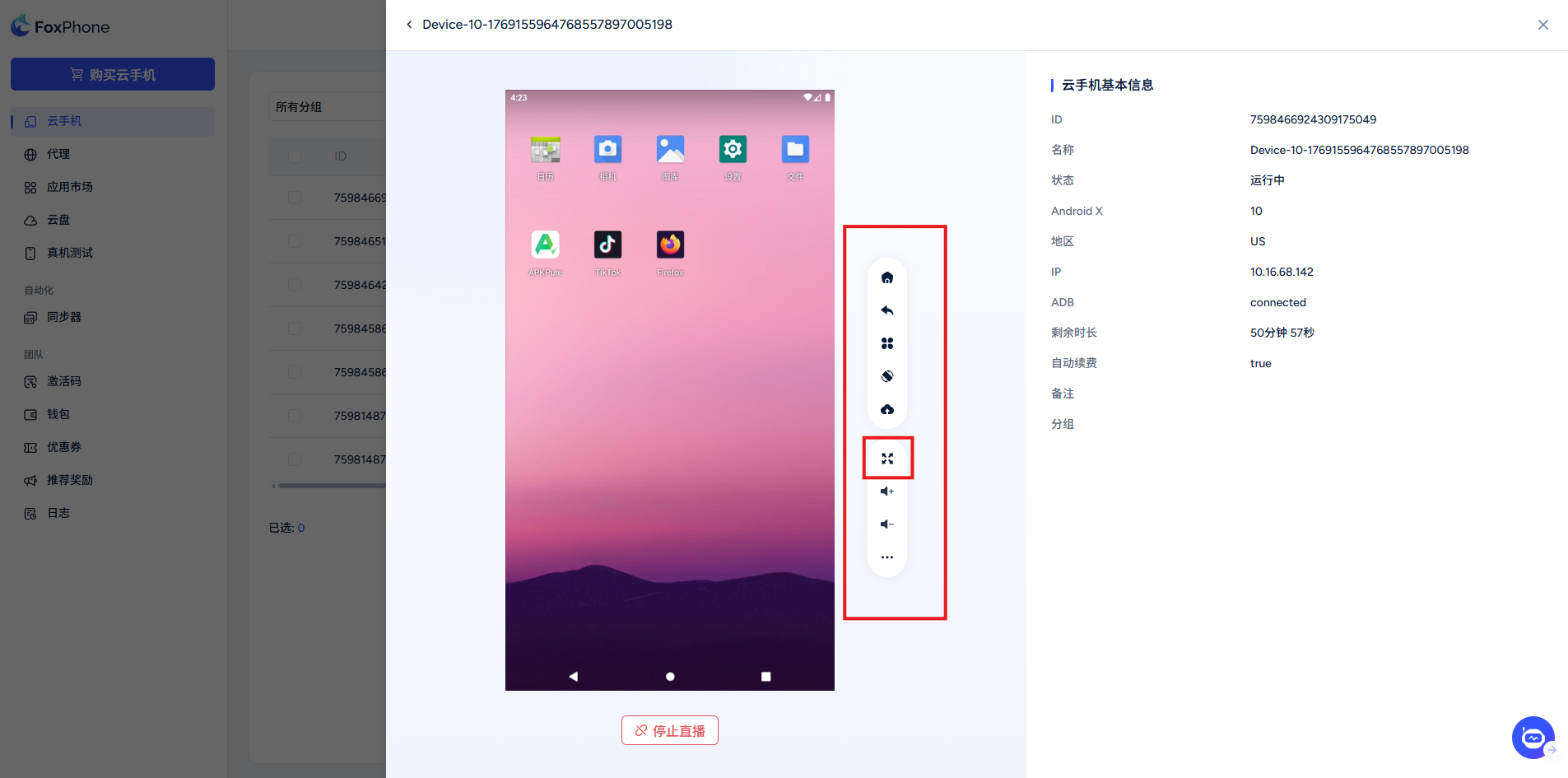
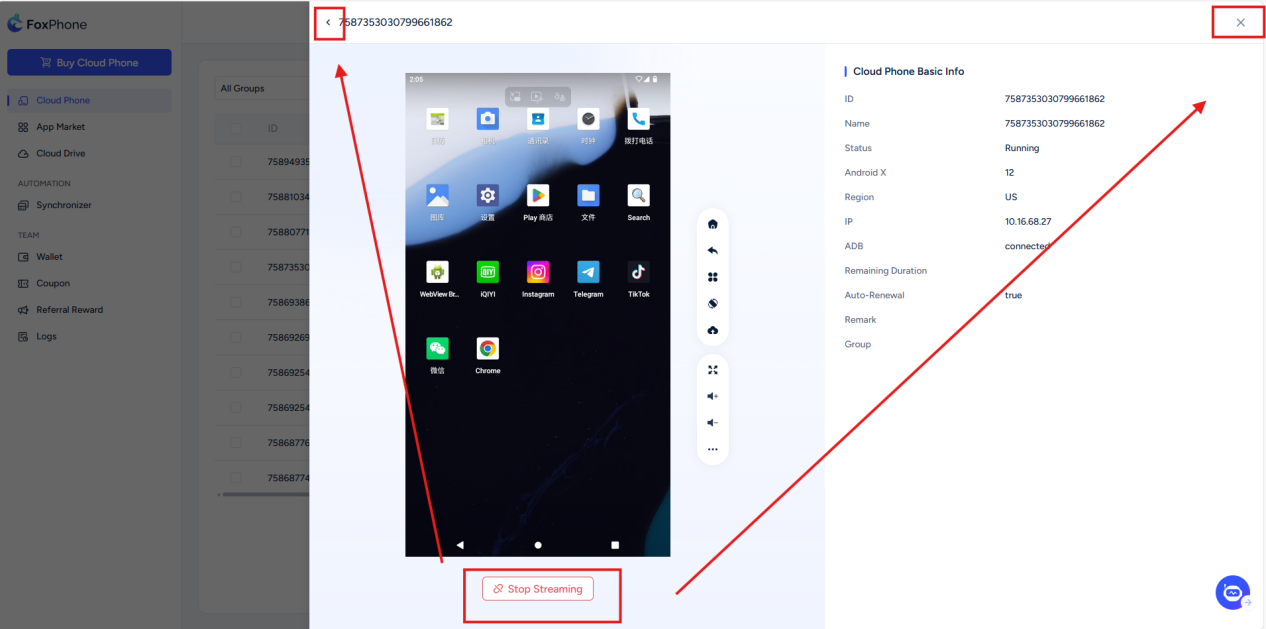
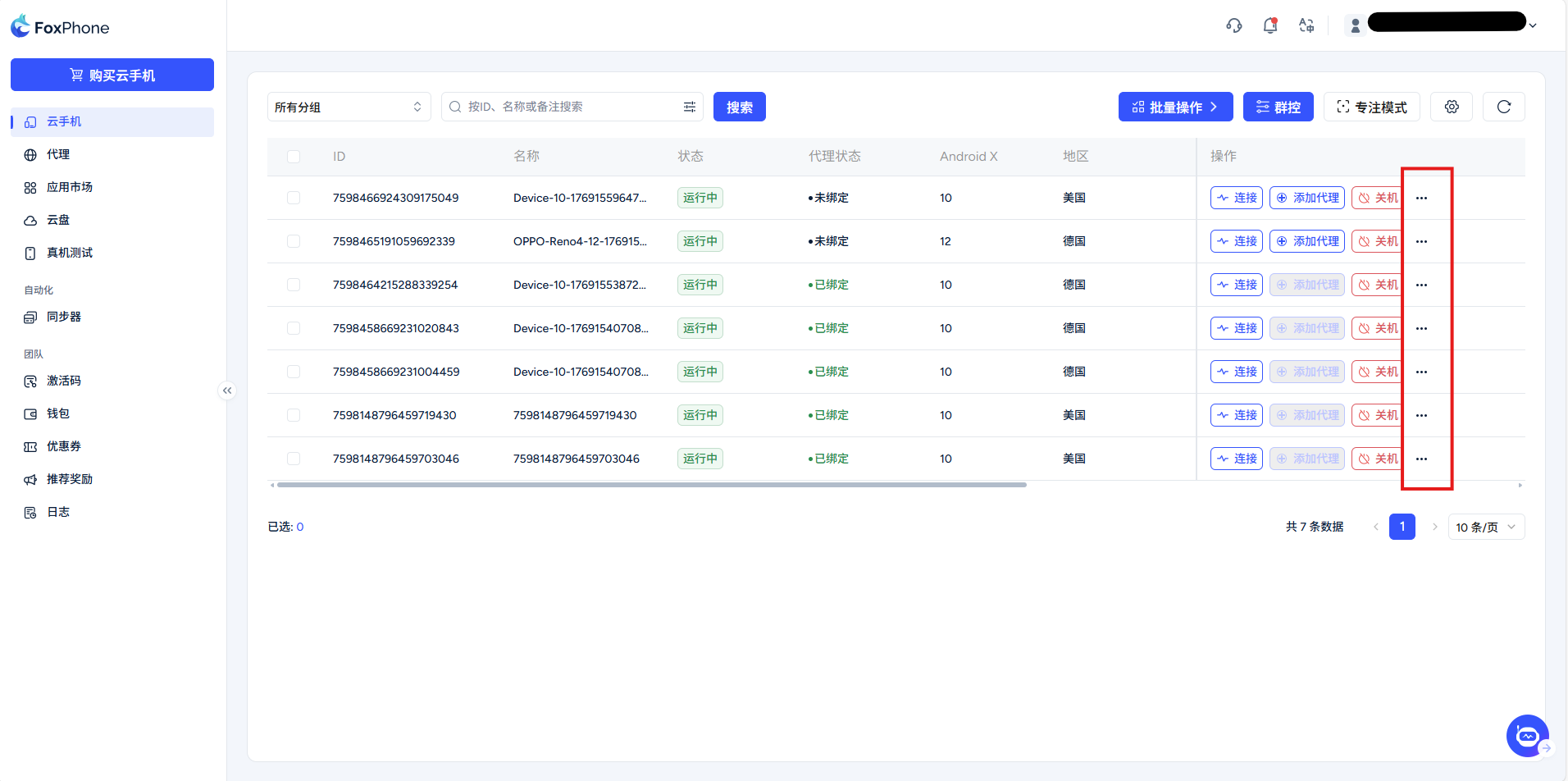
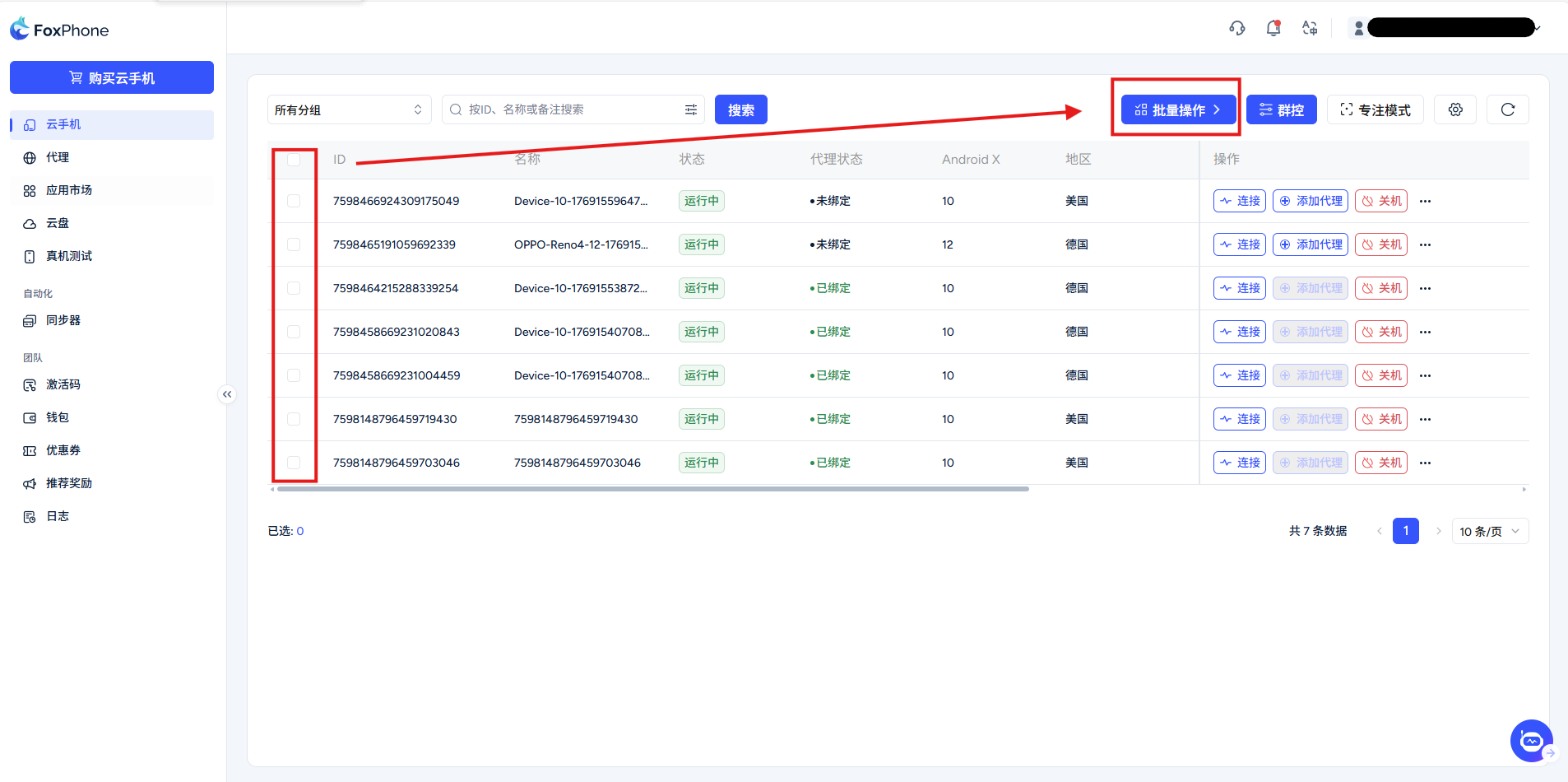
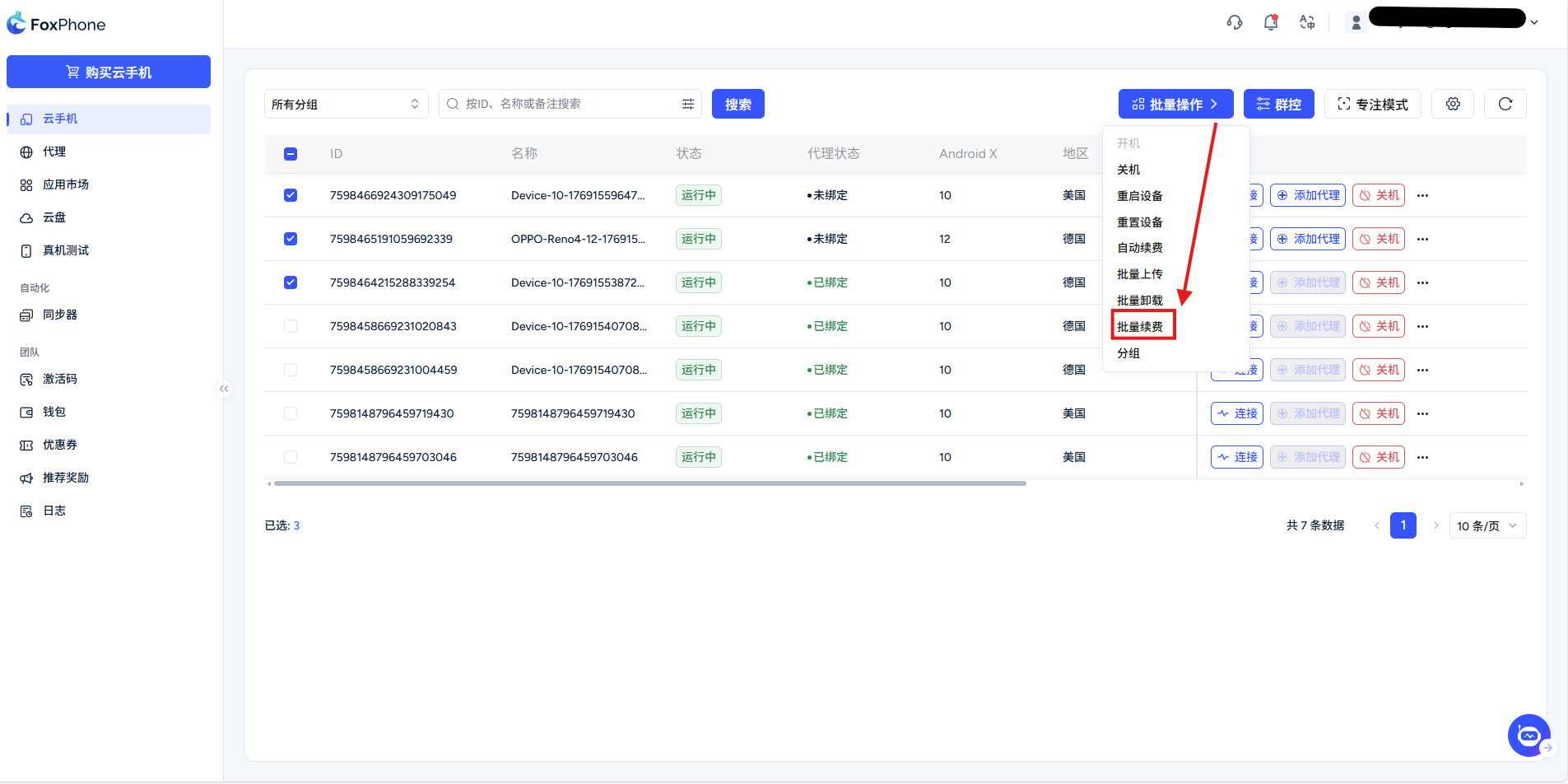
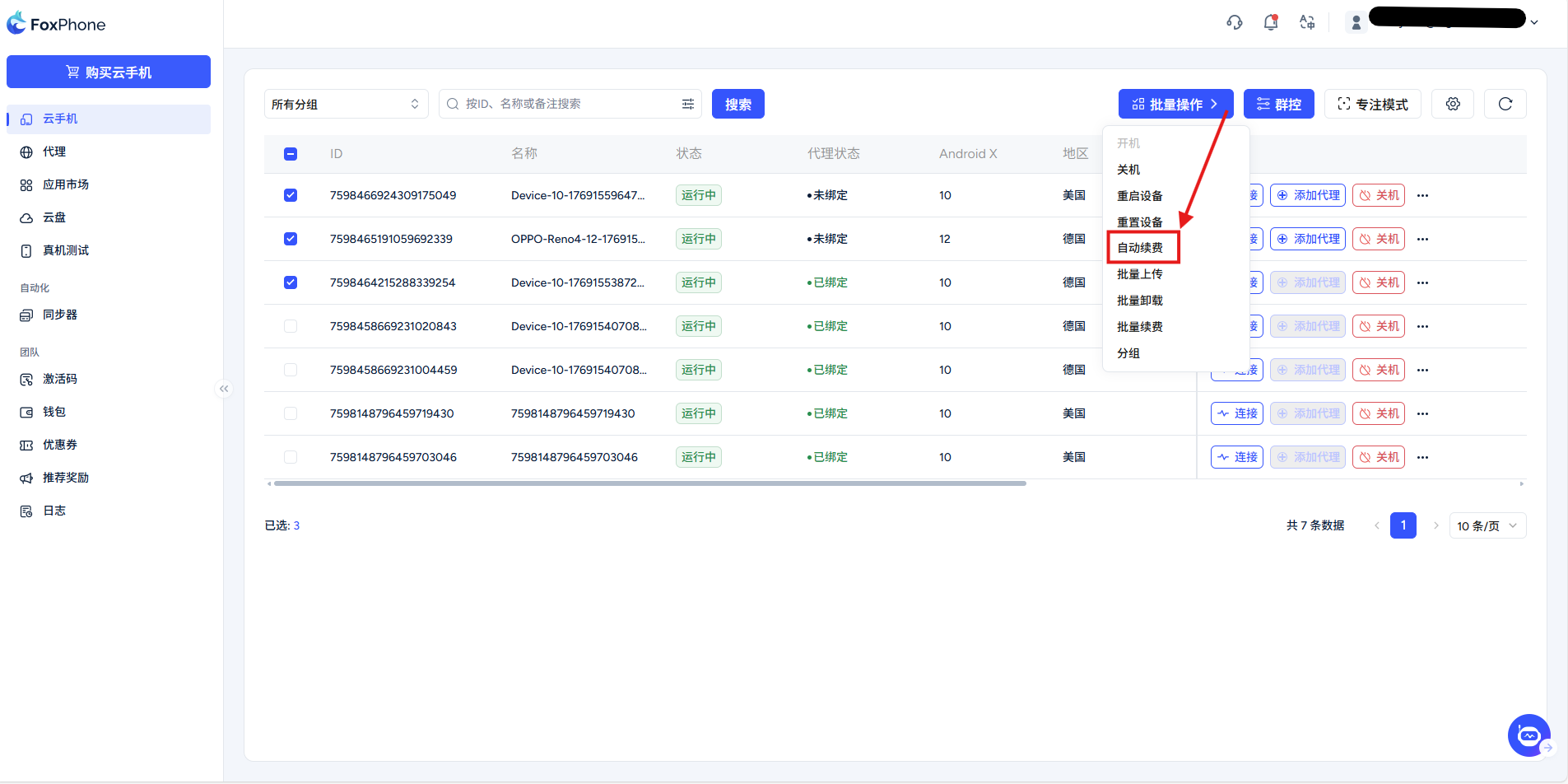
Check the console for current device status; screenshots illustrate the interface.
Create and use — 1
Create and use · 1
Create and use — 2
Create and use · 2
Create and use — 3
Create and use · 3
Create and use — 4
Create and use · 4
Create and use — 5
Create and use · 5
Create and use — 6
Create and use · 6
Create and use — 7
Create and use · 7
Create and use — 8
Create and use · 8
Create and use — 9
Create and use · 9
Create and use — 10
Create and use · 10
Create and use — 11
Create and use · 11
Create and use — 12
Create and use · 12
Create and use — 13
Create and use · 13
Create and use — 14
Create and use · 14
Create and use — 15
Create and use · 15
Create and use — 16
Create and use · 16
Create and use — 17
Create and use · 17
Create and use — 18
Create and use · 18
Create and use — 19
Create and use · 19

Related articles

Email contact
Cookie notification iconCookie Notice
This website uses cookies to improve the user experience. To learn more about our cookie policy or withdraw from it, please check our Privacy Policy and Cookie Policy.