


Run Twitch Mobile Game Streams 24/7 with FoxPhone: Setup Guide for Multi-Channel Streaming
 2026-03-02 10:01:30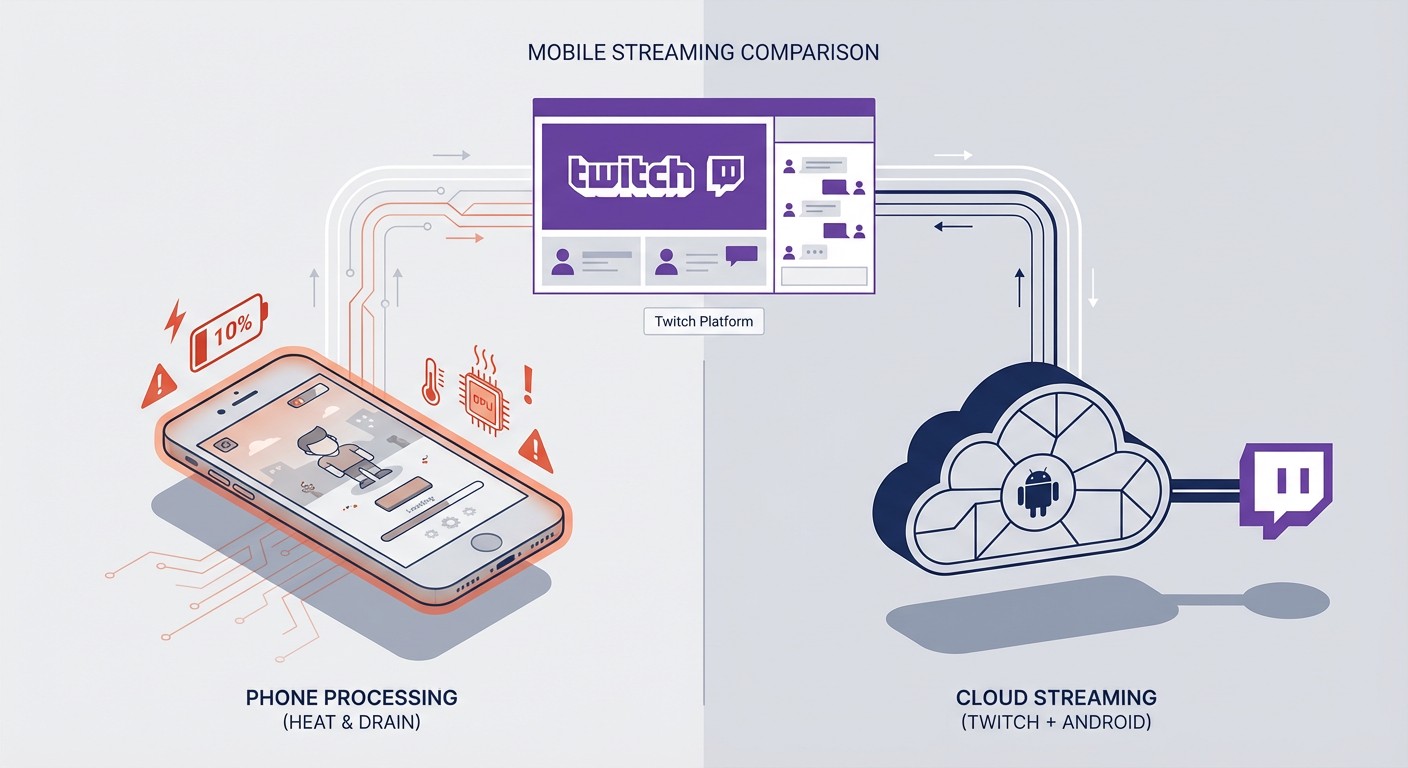
Run Twitch Mobile Game Streams 24/7 with FoxPhone: Setup Guide for Multi-Channel Streaming
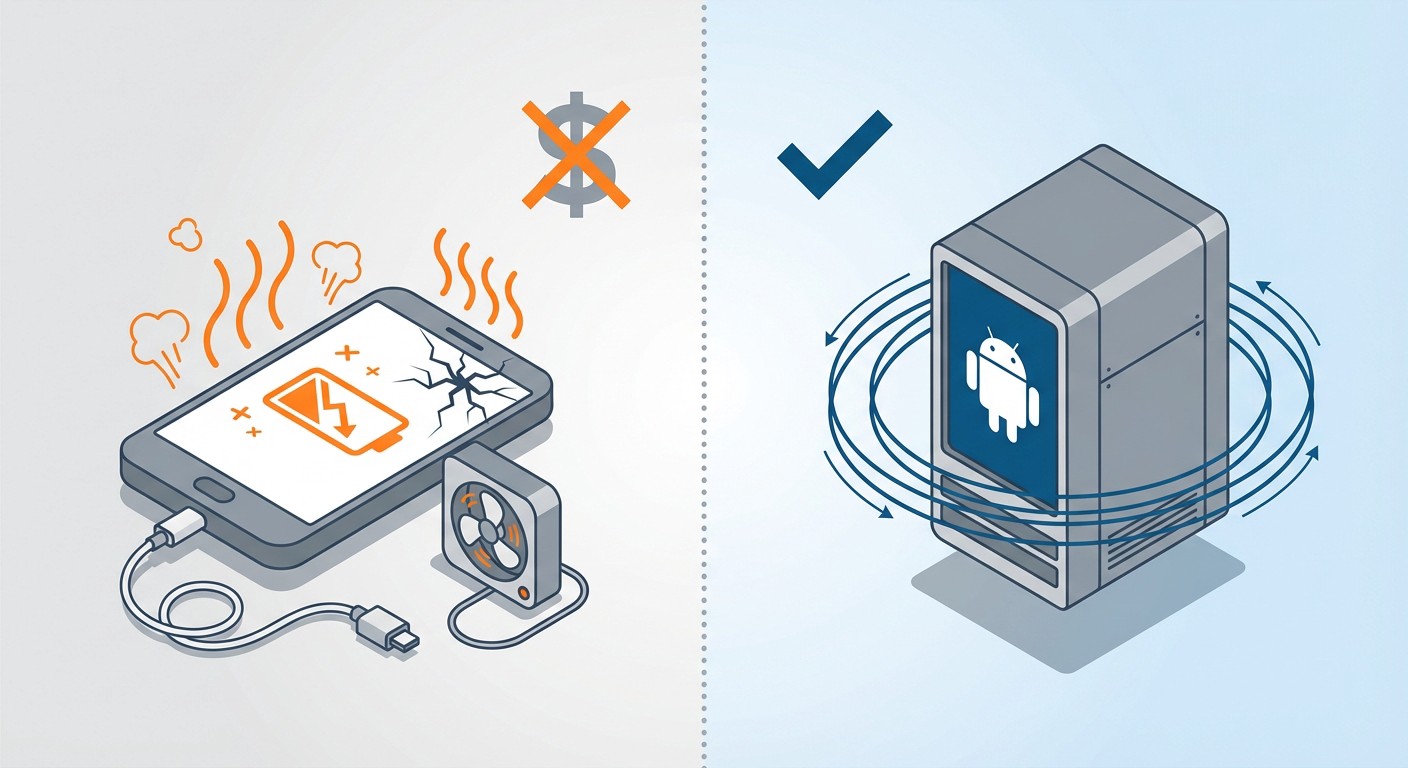
Streaming mobile games on Twitch sounds simple until you realize your phone needs to be plugged in constantly, overheating after just two hours while burning through battery cycles that cost $80+ to replace. If you're streaming PUBG Mobile, Genshin Impact, or Call of Duty Mobile for 6+ hours daily, you're looking at replacing your phone battery every 8-12 months—or worse, buying a dedicated streaming device.
FoxPhone changes this equation completely. Instead of destroying your personal phone, you run Twitch streams on cloud-based Android instances that operate 24/7 without physical hardware wear. No overheating. No battery degradation. No $1,200 phone turning into a hot brick.
Here's the reality: mobile game streaming on Twitch requires consistent device performance that regular smartphones can't sustain long-term. Let's break down why that happens and how FoxPhone solves it.
Why Mobile Game Streaming Destroys Regular Phones
Twitch's mobile streaming through apps like Streamlabs or the native Twitch Studio app pushes phones to their limits. Here's what actually happens:
Processing Load: Streaming PUBG Mobile at 1080p/60fps while encoding video uses 85-95% CPU consistently. Your phone's processor wasn't designed for this sustained load—gaming phones like the ROG Phone are exceptions, but they cost $1,000+.
Battery Heat Cycles: Lithium batteries degrade 20% capacity for every 100 full charge cycles at high temperatures (above 95°F/35°C). Streaming generates internal temps of 104-113°F (40-45°C). If you stream 6 hours daily while charging, you're completing a charge cycle every 1.5 days—that's 243 cycles yearly, cutting battery lifespan by nearly half.
Twitch's Bitrate Requirements: For smooth mobile gameplay, Twitch recommends 3,000-6,000 kbps bitrate. Lower-end phones struggle to maintain encoding at these rates, causing frame drops that viewers notice immediately.
A mid-range phone ($400) running Twitch streams 5 hours daily will need battery replacement ($70-90) within 10 months. That's $160 yearly before accounting for screen burn-in from static overlays or performance throttling from repeated thermal stress.
Traditional Solutions (and Their Problems)
Multiple Phones:
Buying a dedicated streaming phone seems logical—until you calculate costs. A decent Android device for streaming runs $300-500. Add a charging stand ($20), cooling pad ($30), and you're at $350+ per channel. Want to run three Twitch channels for different games? That's $1,050 plus electricity (more on this later).
Android Emulators:
BlueStacks or LDPlayer on PC work for some games, but Twitch detects emulator signatures. Games like PUBG Mobile and Call of Duty Mobile actively block emulator gameplay—they check GPU renderer strings and flag non-ARM architectures. Your stream gets labeled "emulated gameplay," which violates some games' ToS and turns off viewers expecting authentic mobile experiences.
Cloud Gaming Services:
Services like Shadow PC cost $30-40/month and still require emulation for mobile games. You're paying $360-480 yearly for the same detection issues.
This is where FoxPhone enters as the practical solution.
FoxPhone for Twitch Streaming body { font-family: Arial, sans-serif; line-height: 1.6; max-width: 800px; margin: 0 auto; padding: 20px; } h2 { color: #333; } strong { font-weight: bold; } ul { list-style-type: disc; padding-left: 20px; }
How FoxPhone Solves Mobile Streaming Problems
FoxPhone provides cloud-based Android instances running on real ARM architecture—not emulation. These are actual Android environments with separate device IDs, operating 24/7 on remote servers. Here's why this matters for Twitch streaming:
1. True ARM Architecture:
FoxPhone instances run native Android on ARM processors. When PUB
Advanced FoxPhone Streaming Techniques
Channel Switching:
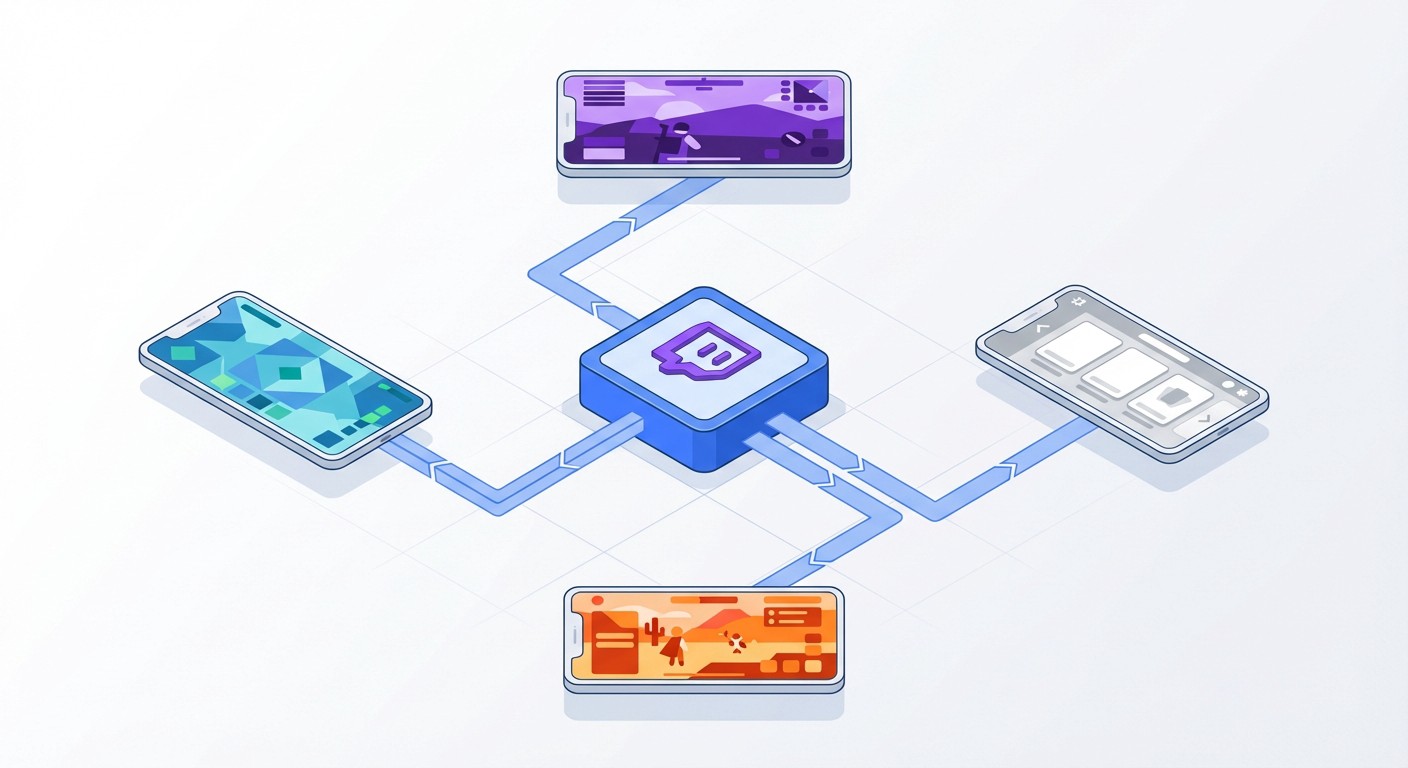
Use multiple FoxPhone instances to test different games without reconfiguring your main setup. Stream Genshin Impact on Instance 1 while Instance 2 runs PUBG Mobile scrims—switch your Twitch "Now Live" focus based on viewer count without shutting anything down.
Viewer Timezone Optimization:
Schedule one FoxPhone instance to stream during EU hours (early morning your time) and another for APAC audiences (late night). Twitch's algorithm rewards live presence—FoxPhone's 24/7 capability lets you cover multiple timezones without wrecking your sleep schedule.
VOD Processing:
After streams end, use FoxPhone's storage to trim and export highlights directly from the cloud instance. No need to download 6-hour VODs to your laptop—edit clips in the FoxPhone environment and upload to YouTube for cross-platform growth.
Device ID Separation:
If you play the same game casually on your personal phone, FoxPhone's separate device ID prevents platform confusion. Your personal Genshin Impact account stays on your iPhone while your streaming account runs on FoxPhone—no cross-contamination or accidental stream of your personal pulls.
What FoxPhone Can't Fix
Be realistic about limitations:
Latency-Critical Gameplay:
If you're streaming competitive PUBG Mobile tournaments where 20ms latency matters, your physical phone still has advantages. FoxPhone adds ~30-60ms cloud latency depending on server distance. For casual streams and most mobile games, this is unnoticeable, but pro-level players will feel the difference.
Ultra-High-End Graphics:
Games like Genshin Impact at max settings (60fps, all effects) require flagship phone specs. FoxPhone's standard instances match mid-to-high-end phones. If you need cutting-edge performance that rivals a $1,200 ROG Phone, you'll need FoxPhone's premium tiers—though those still cost less than buying the physical device.
Touch-Screen Interaction Streams:
Streams where you showcase specific touch controls or gestures look slightly different on cloud instances. Most viewers won't notice, but if your content focuses on demonstrating precise multi-finger techniques, mention you're using cloud infrastructure for transparency.
Game Updates:
When PUBG Mobile drops a 2GB update, you need to manually update your FoxPhone instance (or set auto-updates). Physical phones can update overnight automatically—with FoxPhone, you schedule the update or do it manually. Not a dealbreaker, but requires slight planning.
FAQ
Is FoxPhone safe for streaming games on Twitch?
Yes. FoxPhone provides legitimate Android instances with real device IDs—not emulators. Games like PUBG Mobile, Genshin Impact, and Call of Duty Mobile detect actual mobile hardware. However, always follow each game's ToS regarding cloud services. Most games don't explicitly prohibit cloud phones, but check specific game policies.
Can I stream from FoxPhone while using my regular phone?
Absolutely. FoxPhone instances are completely separate from your personal phone. You can stream PUBG Mobile on FoxPhone while scrolling Twitter on your iPhone. The separate device IDs mean platforms treat them as different devices.
How much does FoxPhone cost compared to buying a streaming phone?
FoxPhone subscriptions run $15-25/month for standard instances ($180-300/year). A dedicated streaming phone costs $400+ initially plus $80-100 yearly for battery replacements and performance degradation. FoxPhone saves $100-200 annually while eliminating hardware management entirely.
Conclusion: Is FoxPhone Worth It for Twitch Streaming?
If you're streaming mobile games on Twitch more than 3-4 hours daily, FoxPhone pays for itself within 6-8 months through saved battery replacements alone. The ability to run multiple streaming channels simultaneously makes it essential for content creators building themed Twitch accounts—something impossible with single phones unless you're spending $1,000+ on hardware.
FoxPhone's biggest advantage is eliminating the physical toll of streaming. Your $1,000 iPhone stays pristine for daily use while your cloud instances handle the grueling 24/7 workload. For serious mobile streamers, that separation between personal device and work device is priceless.
Start with one FoxPhone instance for your primary streaming game. Test the latency, viewer experience, and stream stability for a week. If it works (and for 90% of mobile games, it does), scale up to additional instances for multi-channel growth.
Try FoxPhone free for 3 days and run your first Twitch stream from a cloud instance—you'll immediately notice your personal phone battery lasting through the whole day again.

 How to Farm Limbus Company EXP Luxcavations 24/7 with FoxPhone: 3 Methods That Work
How to Farm Limbus Company EXP Luxcavations 24/7 with FoxPhone: 3 Methods That Work
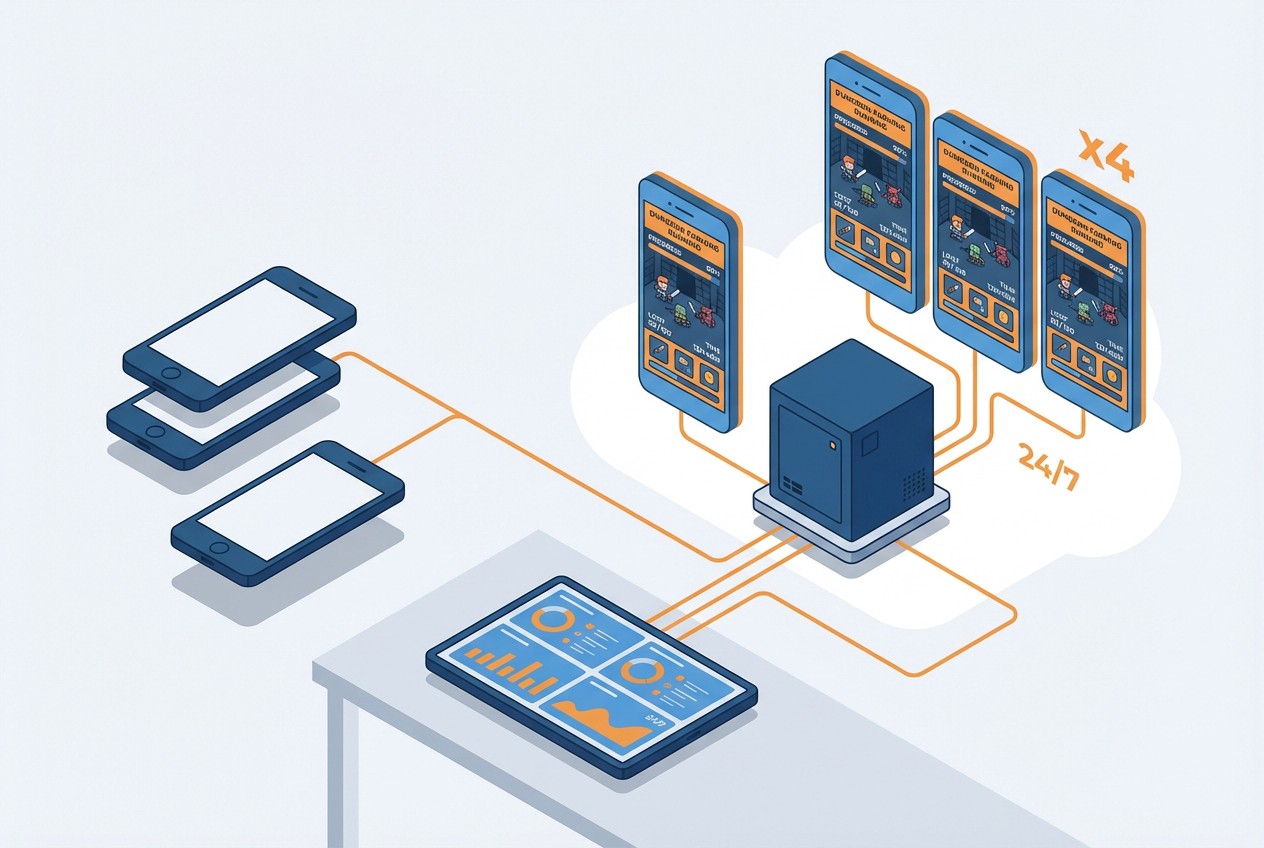 How to Farm Summoners War Dungeons 24/7 with FoxPhone: Save $840/Year on Multiple Accounts
How to Farm Summoners War Dungeons 24/7 with FoxPhone: Save $840/Year on Multiple Accounts
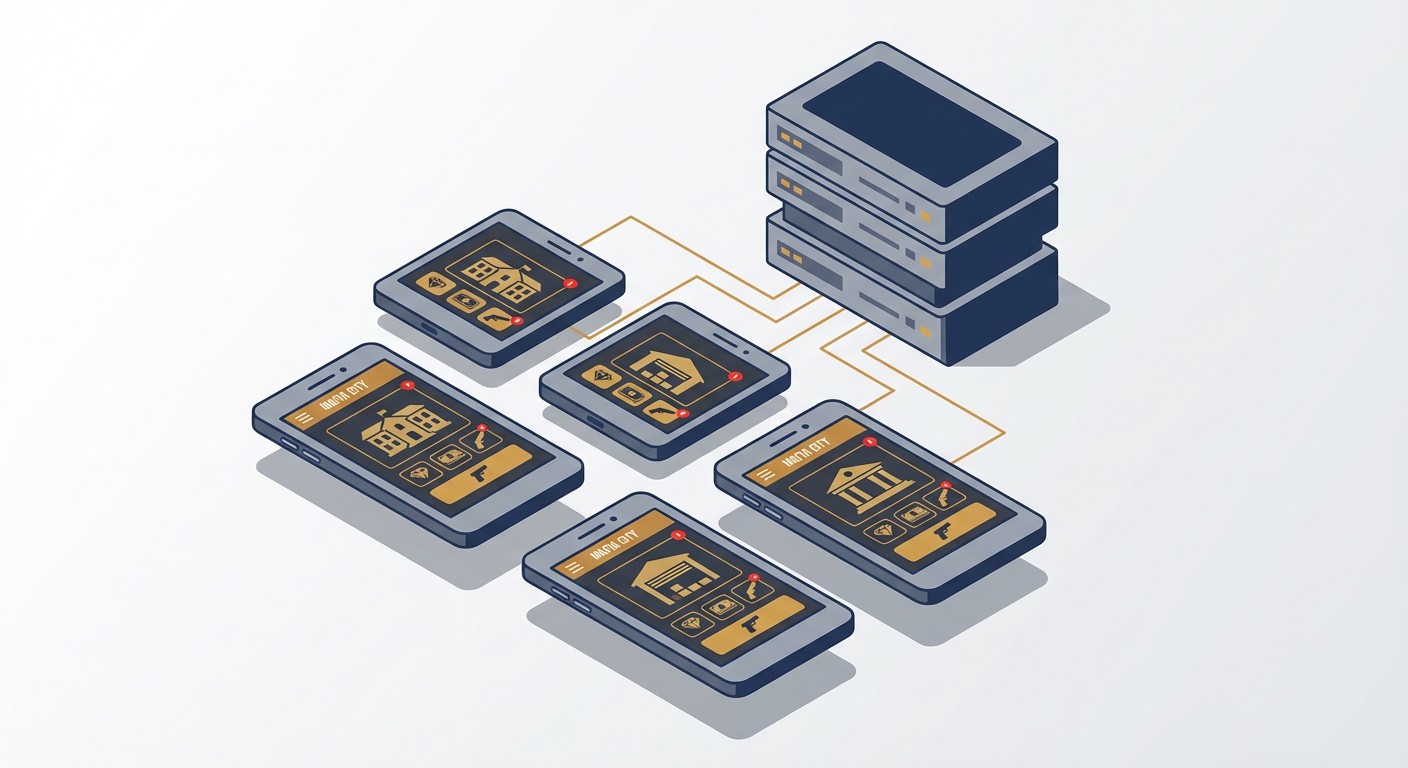 How to Automate Mafia City Turf Building with FoxPhone: 5 Accounts Without Burning Out Your Phone
How to Automate Mafia City Turf Building with FoxPhone: 5 Accounts Without Burning Out Your Phone


© 2026 Foxphone LLC. All rights reserved.


 Cookie Notice