


How to Sync Strava Activities 24/7 with FoxPhone: Save Battery and Never Miss a Workout
 2026-03-02 10:01:30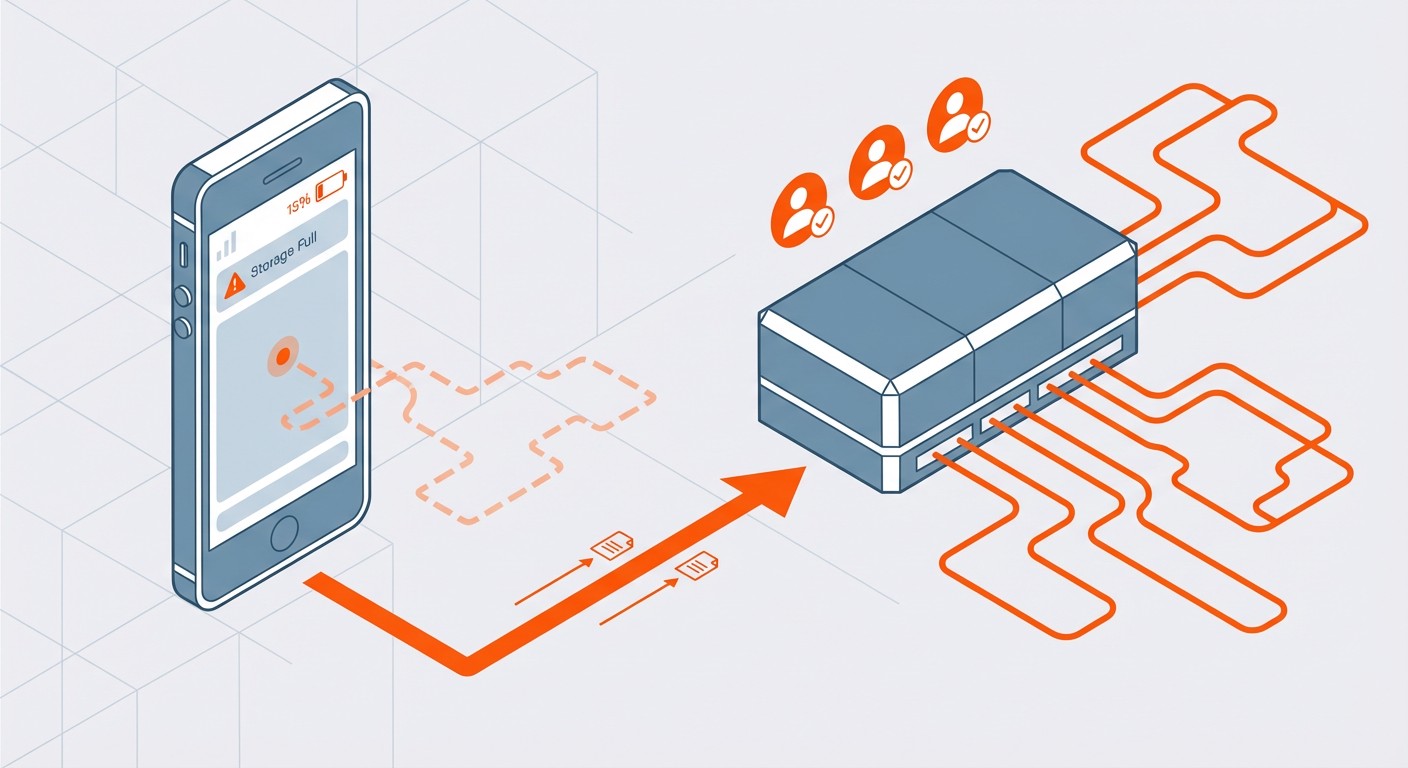
How to Sync Strava Activities 24/7 with FoxPhone: Save Battery and Never Miss a Workout
You've just finished an amazing 10-mile run. You check Strava to upload your activity, but your phone's been dead for the past hour because you were streaming music and using GPS simultaneously. The workout data is corrupted, incomplete, or worse—completely lost. For serious athletes and fitness enthusiasts who track multiple activities daily, keeping Strava running continuously on a regular phone means constant battery anxiety, storage issues, and interrupted syncs.
This becomes especially problematic if you're managing multiple Strava accounts—perhaps a personal profile and a coaching account where you monitor client activities. Running two instances of Strava on one phone isn't possible without complicated workarounds, and carrying multiple devices just for fitness tracking is impractical. FoxPhone offers a solution by letting you run Strava continuously on cloud-based Android instances without the battery drain, storage limitations, or device restrictions of physical phones.
Whether you're a cycling coach monitoring 15 athletes, a fitness influencer cross-posting activities, or someone who just wants their stats synced reliably, FoxPhone's always-on cloud instances handle the heavy lifting while your actual phone stays fresh for everything else.
Why Strava Drains Your Phone (and Your Patience)
Strava's real-time activity tracking uses GPS, accelerometer data, and constant internet connectivity to record workouts accurately. During a typical one-hour run, Strava can consume 15-20% of your phone's battery just from GPS polling alone. Add Bluetooth heart rate monitor connections, and you're looking at 25-30% battery drain for a single workout.
The app syncs data in real-time to Strava's servers, which means it's constantly using your cellular or WiFi connection. For athletes recording 2-3 activities daily, this creates a perpetual cycle of charging. Your phone's battery health degrades faster when it's repeatedly charged from low percentages—a typical smartphone battery loses about 20% capacity after 500 full charge cycles, which happens in roughly 18 months with heavy Strava use.
Storage is another silent killer. Strava caches route maps, activity photos, and segment data locally. A year of serious training can accumulate 5-8GB of app data. If you're also using the app's training plans or analyzing power meter data from cycling, that number jumps to 12GB+. Budget Android phones with 64GB total storage start showing "storage full" warnings after just six months of regular Strava use.
Then there's the multi-account problem. Coaches, personal trainers, and cycling team managers often need to monitor multiple Strava profiles simultaneously—their own activities plus client accounts. Strava's mobile app only allows one logged-in account at a time. Logging out and back in repeatedly breaks the seamless tracking experience and risks losing unsaved activity data during the switch.
The Traditional Workarounds (and Why They Fall Short)
Some athletes try using dedicated GPS watches like Garmin or Wahoo devices, which do save phone battery. But these watches cost $300-$600, and you're still dependent on syncing to your phone eventually to get data into Strava. The watches themselves need charging every 5-7 days with heavy use, and they don't solve the multi-account management issue.
Running Strava on an old phone as a dedicated fitness device seems clever until you calculate the costs. An old phone still consumes 3-5 watts while running Strava continuously. At $0.15 per kWh (US average electricity rate), that's about $0.01 per hour or $7.30 per month just in electricity. The old phone's battery will degrade within 8-12 months of 24/7 use, and you'll need to replace it or deal with a swollen battery safety hazard. For managing multiple accounts, you'd need multiple old phones—quickly becoming expensive and impractical.
Android emulators like BlueStacks don't work well for Strava because the app detects the absence of real GPS hardware and accelerometer sensors. Strava's activity recording features become unreliable or completely disabled on emulators. You can view your feed and browse activities, but you can't authentically record or test the core tracking features.
This is where FoxPhone changes the equation completely.
How FoxPhone Solves Strava's Infrastructure Problems
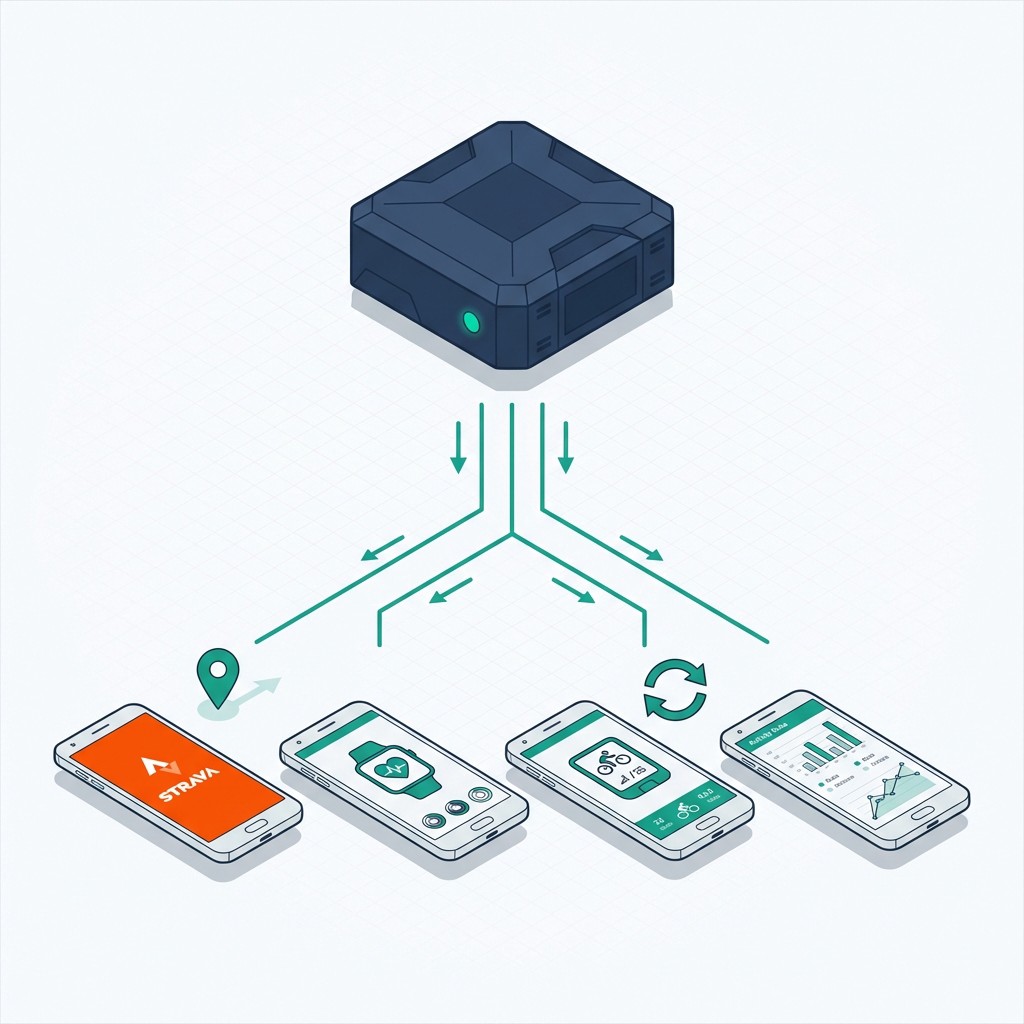
FoxPhone runs full Android instances on cloud servers with real ARM architecture—the same processor type used in physical smartphones. This means Strava operates exactly as it would on a regular device, with full access to simulated GPS data and sensor inputs when needed. But instead of draining your physical phone's battery, everything runs on FoxPhone's cloud infrastructure that's powered 24/7.
The key advantage for Strava users is continuous synchronization. Your FoxPhone instance can stay logged into Strava permanently, ensuring all your connected devices (smartwatches, bike computers, heart rate monitors via Bluetooth sync) automatically upload activities the moment they're completed. You never have to think about whether your phone is charged or if the app is running in the background.
For coaches and multi-account managers, FoxPhone's ability to run separate instances with unique device IDs means you can operate 5, 10, or 15 different Strava accounts simultaneously. Each FoxPhone instance appears as a completely separate Android device to Strava's servers, so there's no violation of terms of service—you're simply running the app on multiple legitimate devices, just like having multiple phones.
FoxPhone's cloud storage means you're not limited by your physical phone's 64GB or 128GB capacity. Strava's cached data, route maps, and activity history can accumulate indefinitely without slowing down your actual device. Your personal phone stays light and responsive while FoxPhone handles the data-heavy fitness tracking infrastructure.
The cost efficiency is remarkable. A single FoxPhone instance runs for approximately $10-15 per month depending on your plan. Compare this to buying a $400 phone dedicated to Strava, or running multiple old phones at $7+ monthly in electricity each, and FoxPhone pays for itself within 2-3 months while offering far more flexibility.
Setting Up Strava on FoxPhone
Getting Strava running on FoxPhone takes about 10 minutes and requires no technical expertise beyond normal app installation. Here's the exact process:
- Step 1: Log into your FoxPhone dashboard and create a new cloud phone instance. Select an Android 11 or newer version for full Strava compatibility. Name it something identifiable like "Strava-Main" if you're planning multiple accounts.
- Step 2: Once your FoxPhone instance boots (takes about 30-45 seconds), open the Google Play Store within the FoxPhone interface. Sign in with the Google account associated with your Strava profile, then search for and install the Strava app exactly as you would on a physical phone.
- Step 3: Launch Strava and log in with your credentials. If you use Strava with connected devices like a Garmin watch or Wahoo bike computer, you'll need to configure cloud sync settings. Go to Strava Settings > Applications, Services, and Devices, then authorize the connected services you use.
- Step 4: Configure Strava's notification settings within FoxPhone to ensure you receive activity upload confirmations and kudos notifications. FoxPhone supports full Android notification systems, so you'll get real-time alerts just like on a physical device. You can forward these to your actual phone if desired.
- Step 5: For multi-account management, return to the FoxPhone dashboard and create additional instances. Each instance gets a separate device ID, so you can log into different Strava accounts without any conflicts. Name them clearly—"Strava-Coaching", "Strava-Client-John", etc.
- Step 6: Set up activity monitoring on FoxPhone by keeping the Strava app open in the background. FoxPhone's always-on operation means the app never goes to sleep or gets killed by aggressive battery management systems. Your Strava feed stays continuously refreshed, and any connected device uploads are processed immediately.
## Real-World Cost Comparison: Regular Phone vs FoxPhone
Let's calculate the actual savings for a cycling coach managing 8 client Strava accounts plus their own personal profile.
Traditional Approach (Multiple Phones):
- 9 used Android phones at $80 each: $720 upfront
- Electricity for 9 phones at $7/month each: $63/month
- Phone replacements every 18 months due to battery degradation: $720 ÷ 18 = $40/month
- Total monthly cost: $103
FoxPhone Approach:
- 9 FoxPhone instances at $12/month each: $108/month
- No upfront hardware costs: $0
- No replacement costs: $0
- Total monthly cost: $108
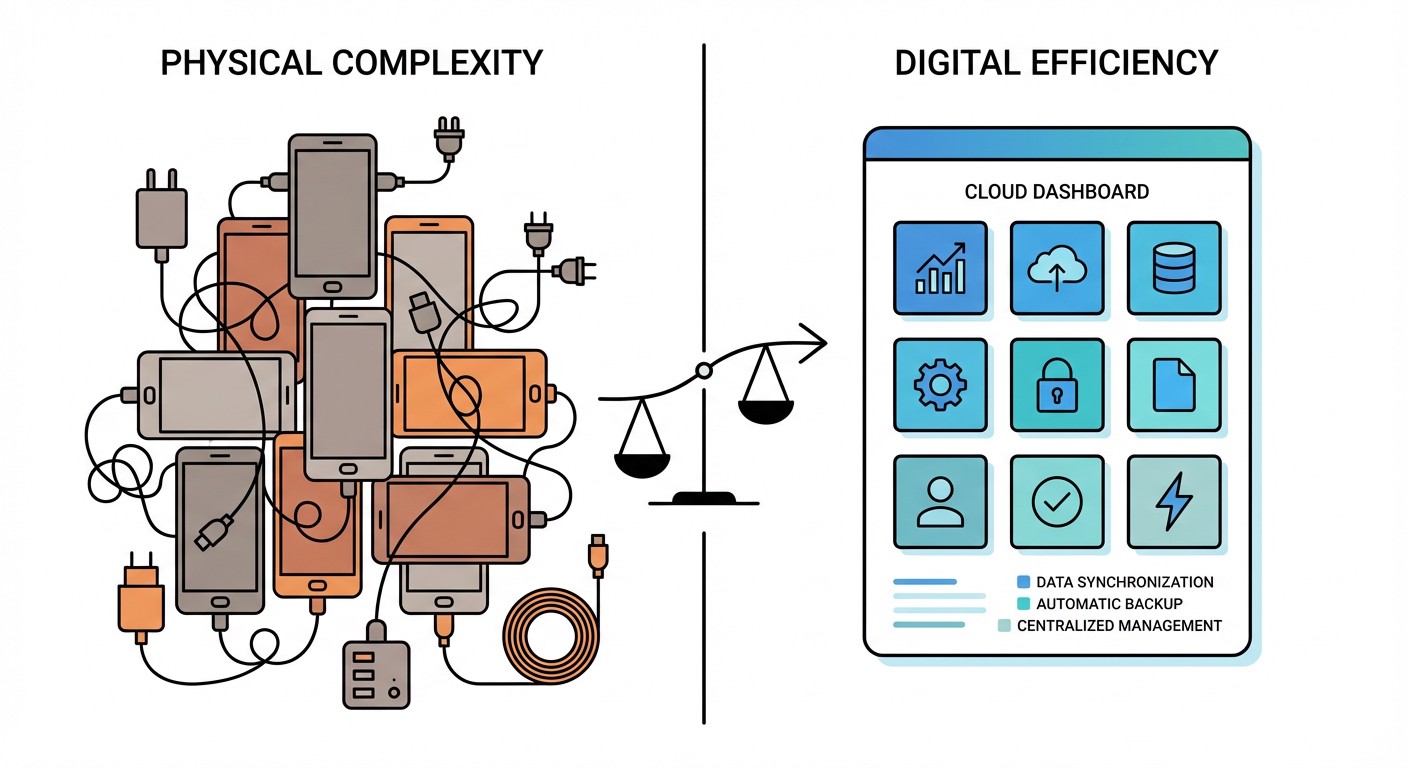
At first glance, these seem comparable. But factor in the hidden costs: the traditional approach requires physical space for 9 phones, 9 charging cables, 9 power outlets, and the hassle of managing 9 separate devices physically. When one phone's battery swells or hardware fails, you're looking at immediate replacement costs and setup time.
With FoxPhone, if an instance has any issues, you simply restart it from the dashboard—no hardware to replace, no cables to manage, no physical clutter. You also gain the ability to access all 9 Strava accounts from anywhere via FoxPhone's web interface, rather than needing physical access to 9 phones.
For individual athletes who just want to keep one Strava account syncing without battery drain, a single FoxPhone instance at $12/month versus running a dedicated old phone at $7/month plus the $80 upfront cost means FoxPhone breaks even in 3 months and becomes cheaper long-term.
## Advanced FoxPhone + Strava Strategies
Beyond basic activity syncing, FoxPhone enables sophisticated Strava management techniques that physical phones make impractical.
Segment Hunting Automation: Serious Strava users hunt for KOMs (King of the Mountain) or compete on local segments. You can use FoxPhone to keep Strava open continuously, monitoring segment leaderboards and getting immediate notifications when someone beats your time. Set up multiple FoxPhone instances for different geographic regions if you travel frequently and want to track segments across various locations. Training Plan Compliance: If you're following a structured training plan through Strava or a coaching platform that integrates with it, FoxPhone ensures your completed activities sync immediately and update your training calendar in real-time. No more manual uploads or delayed sync causing confusion about whether you've hit your weekly volume targets. Privacy Separation: Many athletes use Strava socially but want to keep certain training activities private (testing new routes, pre-race course recon). You can run a public Strava account on your regular phone for social rides, and a private account on FoxPhone for serious training data you don't want competitors analyzing. FoxPhone's separate device ID means Strava treats them as completely independent accounts. Backup and Redundancy: Athletes who've lost months of training data due to corrupted files or account issues know the heartbreak of missing workout logs. By keeping a FoxPhone instance permanently logged into Strava, you have a continuous backup of your activity feed, kudos, comments, and route history accessible even if your phone dies or gets lost.
## What FoxPhone Can't Fix for Strava Users
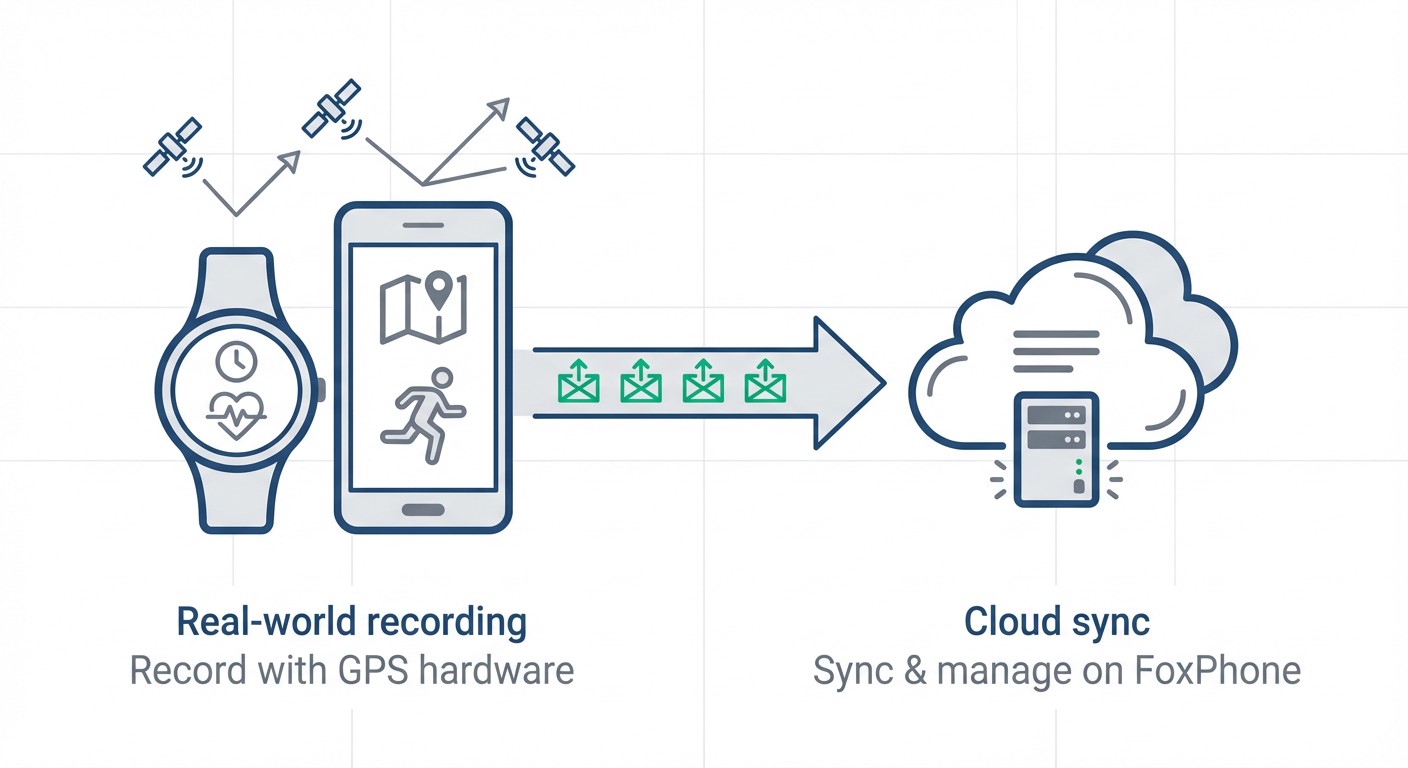
FoxPhone is not a substitute for actually recording activities with real GPS hardware. You can't use FoxPhone to fake workouts or generate GPS tracks—it's purely for syncing, monitoring, and managing accounts. You still need your physical phone, smartwatch, or bike computer to actually track the run or ride with authentic location data.
Strava's mobile app has certain features that work better with native phone hardware, particularly the camera integration for post-ride photos and the gyroscope-based features for analyzing running form. While FoxPhone's instances support camera functionality, uploading photos from your actual workout environment is more convenient from your physical phone immediately after finishing.
Live tracking features where friends and family follow your activity in real-time work best from your physical phone since that's the device actually moving with you. FoxPhone is ideal for the backend sync and management, but real-time location sharing during an activity should still happen from your mobile device.
Bluetooth pairing with sensors can be complex on cloud instances. While technically possible, connecting your heart rate monitor or power meter directly to FoxPhone is less reliable than pairing with your physical phone or GPS watch first, then letting that device sync to Strava on FoxPhone afterward.
## FAQ
Can FoxPhone run Strava's subscription features like Route Builder and training analysis?
Yes, FoxPhone runs the full Strava app with complete access to Strava Summit/Subscription features if your account has them. The Route Builder, training log analysis, and segment comparisons all work exactly as they would on a physical phone. Since FoxPhone provides unlimited storage, you can save extensive route libraries and training plan archives without worrying about local storage limits.
Will using FoxPhone affect my Strava segment times or achievements?
No. FoxPhone doesn't interfere with how your activities are recorded or processed. Your segment times, PRs, and KOMs are based on the GPS data uploaded from your actual recording device (phone, watch, or bike computer). FoxPhone simply keeps Strava running continuously to ensure immediate sync and account monitoring—it doesn't modify your workout data in any way.
How many Strava accounts can I manage simultaneously with FoxPhone?
FoxPhone supports as many instances as your subscription plan allows. Most users manage 5-15 Strava accounts comfortably (personal, coaching clients, family members). Each instance gets a separate device ID, so Strava sees them as legitimate individual devices. For cycling teams or coaching businesses managing 20+ athletes, FoxPhone's scalability makes it practical to monitor everyone's training volume and compliance from one dashboard.
## Keep Your Training Data Flowing Without the Battery Anxiety
Strava shouldn't force you to choose between comprehensive fitness tracking and having enough battery to make it through your day. FoxPhone's cloud-based approach separates the data-heavy infrastructure from your physical device, giving you the best of both worlds: complete activity tracking without the compromises.
For $12 monthly, a single FoxPhone instance handles everything your old dedicated fitness phone did, but with better reliability, zero hardware maintenance, and access from anywhere. If you're managing multiple athletes or accounts, the cost scales far more efficiently than buying and maintaining multiple physical devices.
The setup takes less time than charging your phone from dead to full, and you'll immediately notice the difference—your phone battery lasting all day, no more storage warnings, and Strava activities syncing the moment they're recorded.
Try FoxPhone free for 7 days and see how much simpler your fitness tracking becomes when you're not fighting against your phone's limitations. Your training data is too important to risk on a dying battery or corrupted sync.

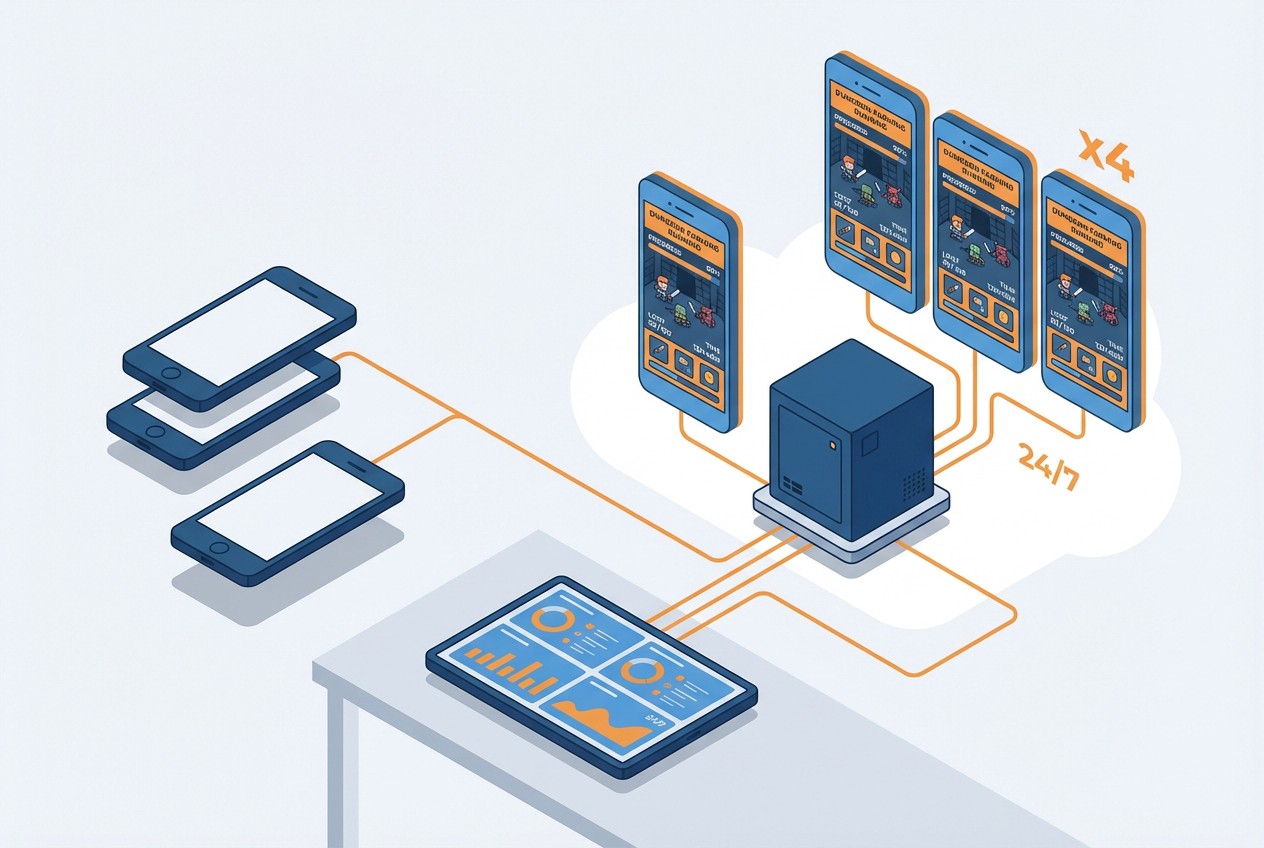 How to Farm Summoners War Dungeons 24/7 with FoxPhone: Save $840/Year on Multiple Accounts
How to Farm Summoners War Dungeons 24/7 with FoxPhone: Save $840/Year on Multiple Accounts
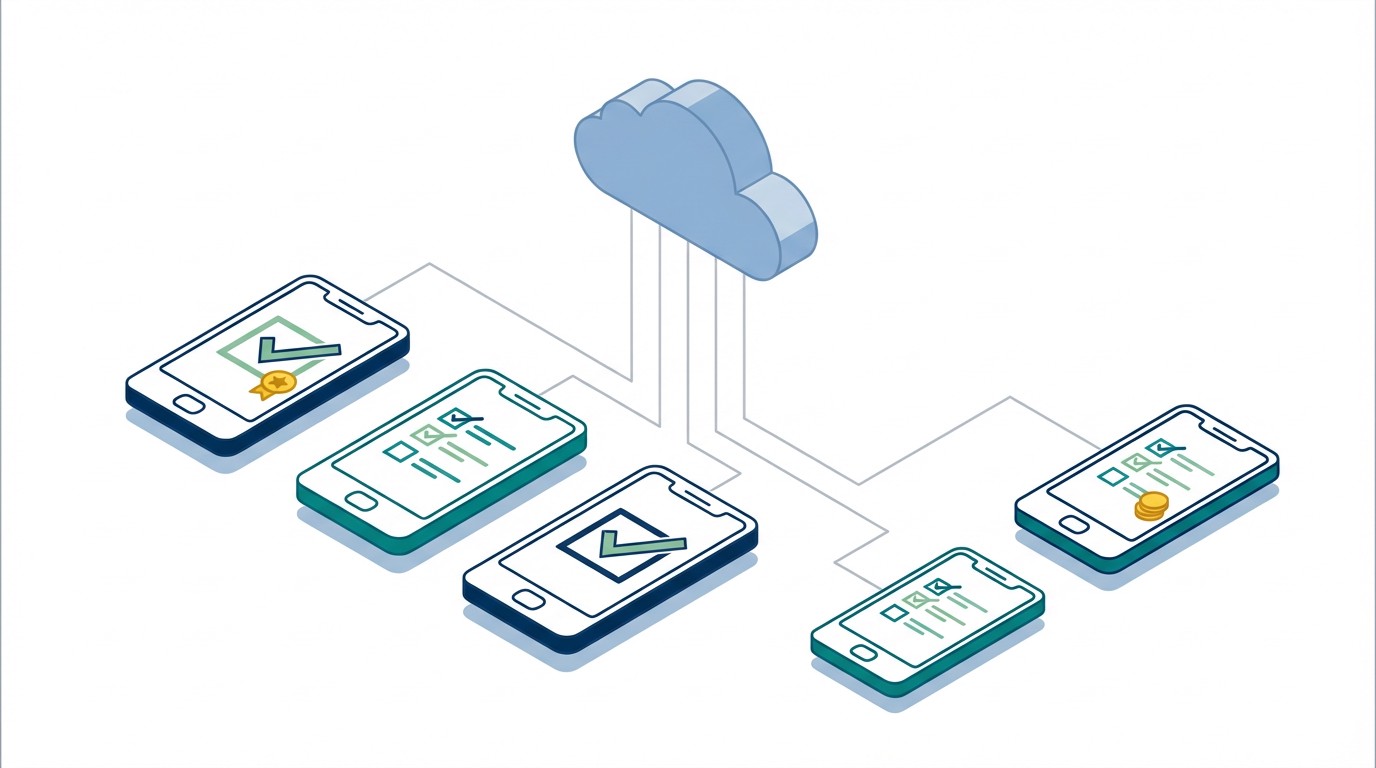 How to Collect Google Opinion Rewards Surveys 24/7 with FoxPhone: 4 Methods That Actually Work
How to Collect Google Opinion Rewards Surveys 24/7 with FoxPhone: 4 Methods That Actually Work
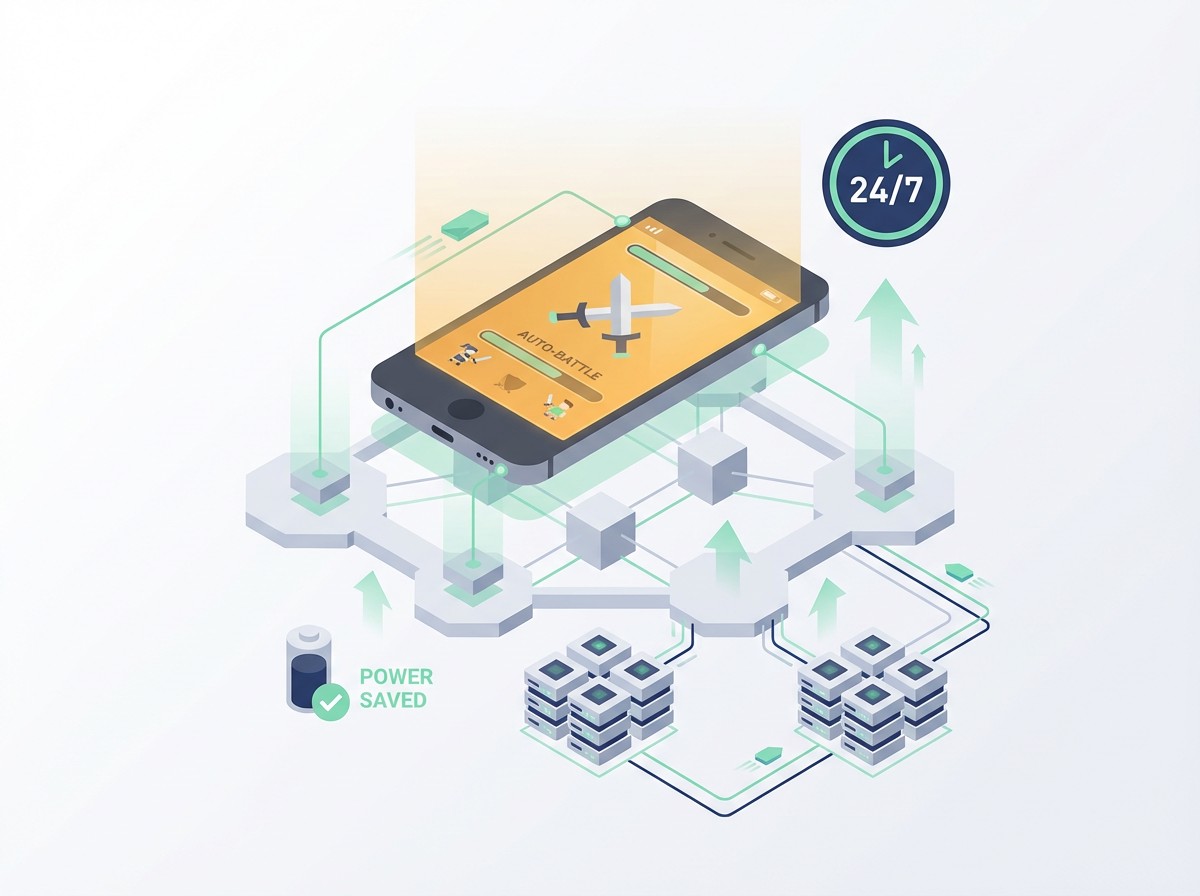 How to Farm Limbus Company EXP Luxcavations 24/7 with FoxPhone: 3 Methods That Work
How to Farm Limbus Company EXP Luxcavations 24/7 with FoxPhone: 3 Methods That Work


© 2026 Foxphone LLC. All rights reserved.


 Cookie Notice