


How to Run Township Production Chains 24/7 with FoxPhone: Complete Automation Guide
 2026-03-02 10:01:30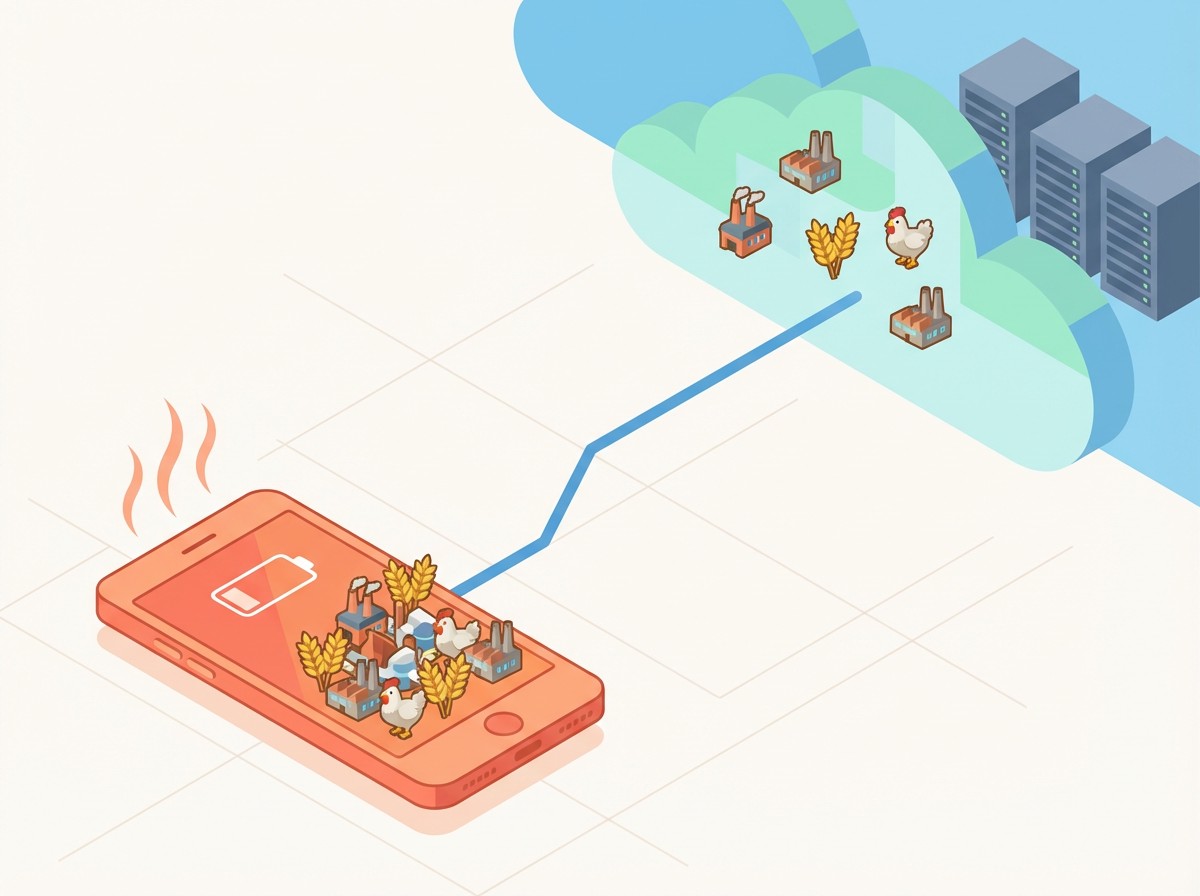
How to Run Township Production Chains 24/7 with FoxPhone: Complete Automation Guide
You've just planted wheat across 20 fields in Township. Perfect. Now you wait 2 minutes for harvest, feed chickens, wait 20 minutes for eggs, send those to the diner, wait another 30 minutes for pancakes... and your phone battery drops 15% while the screen stays on. Meanwhile, your town's helicopter orders pile up because you went to sleep, and that community building you're working on? Still needs 47 more pink paint cans that only come from the house of luck every 3 hours.
Township isn't a game you "play" anymore—it's a game you babysit. The production chains are brilliant in theory (grow wheat → feed cows → make cream → bake cupcakes → fill orders), but they require constant phone access that drains your device and monopolizes your actual smartphone for a farming simulator.
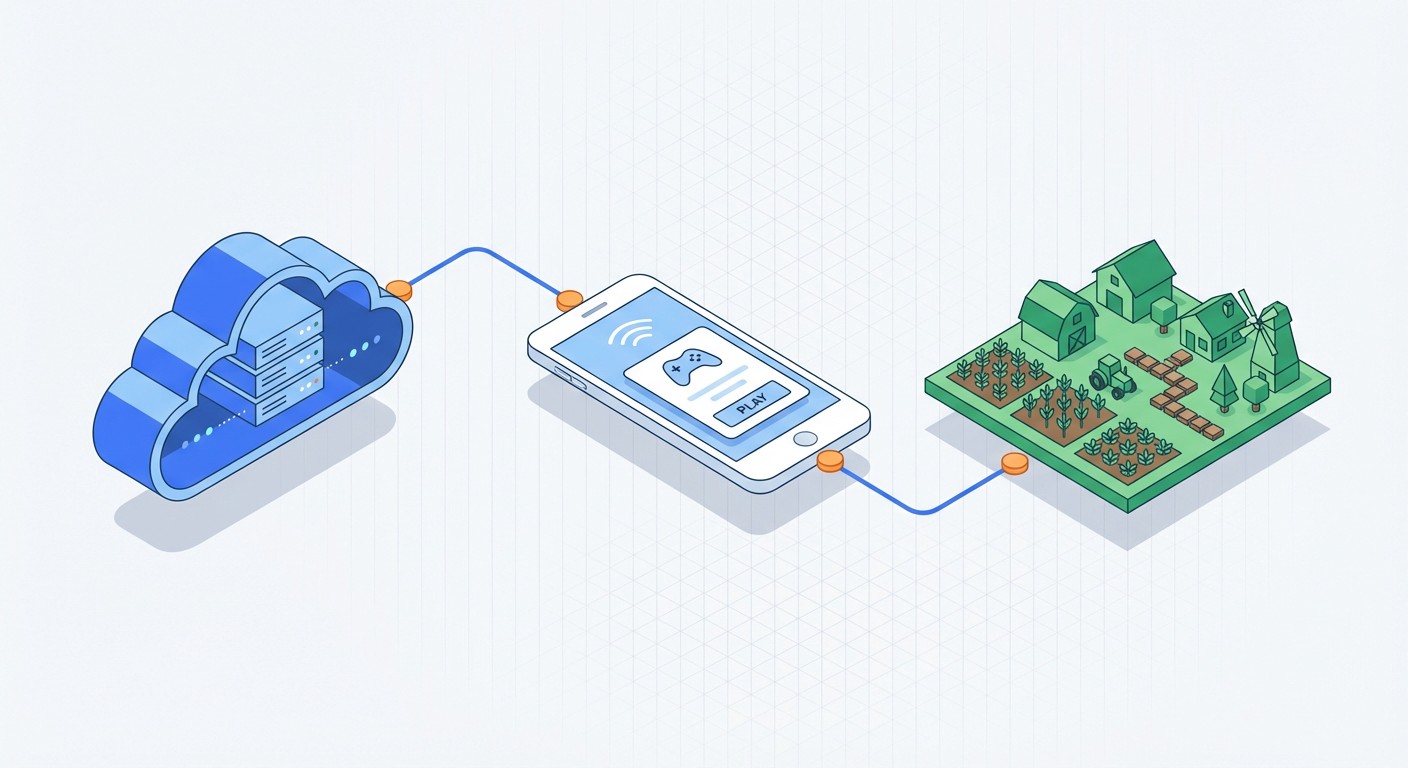
This is exactly the problem FoxPhone solves. By running Township on a cloud-based Android instance that operates 24/7 on remote servers, you can keep production chains running continuously without touching your real phone's battery, storage, or processing power.
Why Township Destroys Regular Phones
Township's economy revolves around production timing. Wheat takes 2 minutes. Corn takes 5. Sugar cane takes 30. Dairy products range from 20 minutes to 2 hours. Bakery items can take 3-10 hours. The game wants you checking in constantly to restart production, collect finished goods, and queue new orders.
Here's the real math: If you're serious about completing town expansions and community buildings, you need to harvest crops roughly every 20-40 minutes during active play sessions. That's 20-30 check-ins during an 8-hour period. Each session requires:
- 2-3 minutes of active screen time
- Full brightness (Township's graphics are detailed)
- Constant internet connection
- Storage writes for game state saves
On an iPhone 13, running Township for 8 hours daily (with the screen waking 25 times) consumes approximately 35-40% battery and generates about 2.1GB of heat-related wear on the battery over a month. That's not counting the storage bloat from game updates (Township is currently 287MB installed, but cache can balloon to 800MB+).
Android phones fare slightly better on battery but worse on storage management. Township's constant asset loading fragments storage and slows down budget devices within weeks.
The "Just Use Multiple Phones" Trap
Some Township players buy cheap Android phones ($80-120) to run their towns separately. This seems smart until you calculate total costs:
- Phone: $100
- Electricity (charging 2x daily, 365 days): ~$8/year
- Battery replacement after 14 months: $25
- Screen-on wear (budget phones dim after 6-8 months): Phone replacement needed
- Storage upgrades (Township + OS updates): External card $15
First-year cost: $148+ for ONE town. If you run two towns (many players do for trading between cities), you're at $296+ annually. And you still have multiple physical devices cluttering your desk, generating heat, and requiring manual updates.
How FoxPhone Changes Township Economics
FoxPhone runs full Android instances on cloud servers with ARM architecture—the same chip design as real phones, which means Township can't tell the difference between your cloud instance and a physical device. Each FoxPhone instance gets:
- Separate device ID: Township sees each instance as a unique phone
- 24/7 uptime: Production chains never stop, even when you sleep
- Unlimited storage: No cache bloat on your real device
- Zero battery wear: Your actual phone stays in your pocket
The killer advantage for Township specifically? Production queue automation. You can set up crop rotations in the morning, and FoxPhone keeps harvesting and replanting throughout your workday. Your factories run continuously. Your trains and planes get loaded automatically if you use Township's built-in automation features (available at level 35+).
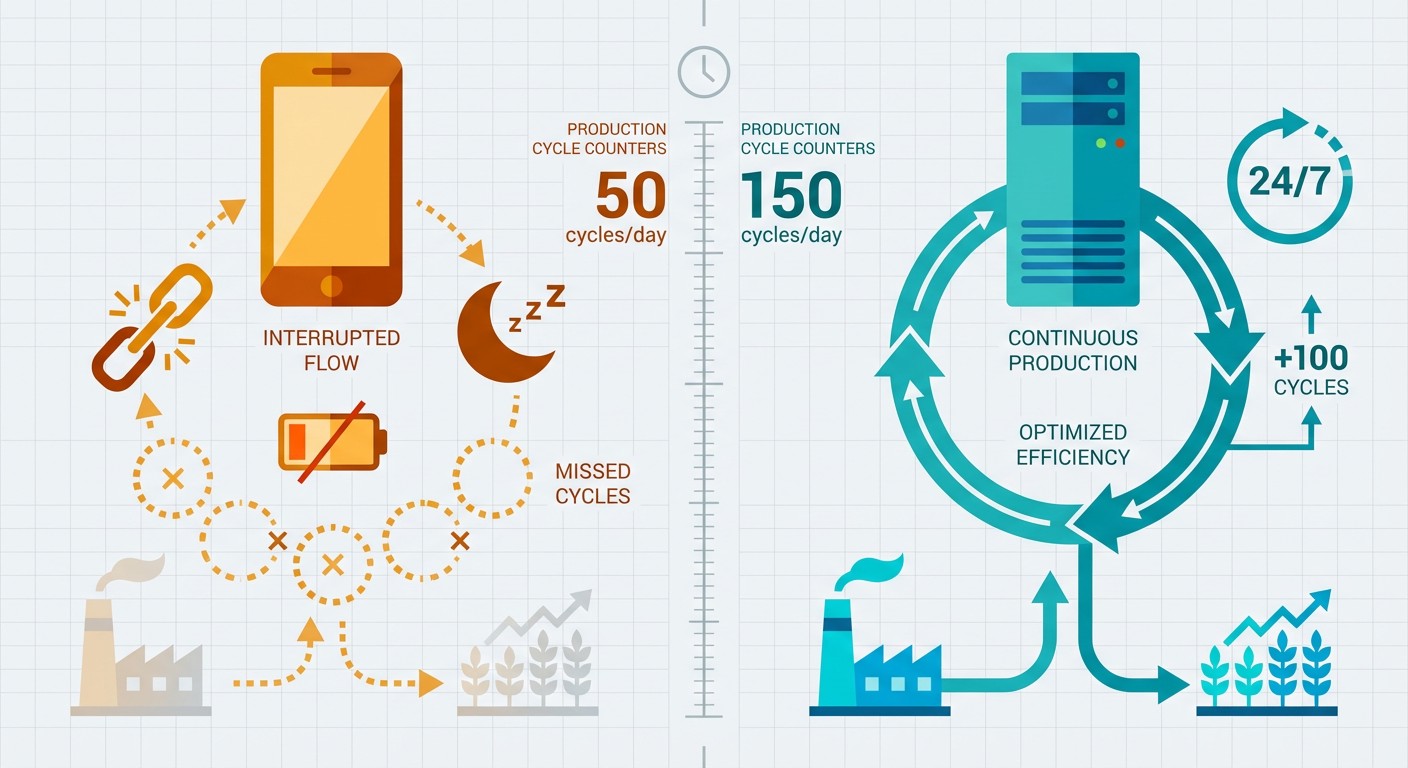
Here's the efficiency gain: On a regular phone, you might complete 40-50 production cycles per day (limited by when you can physically check your phone). With FoxPhone running 24/7, you can complete 120-150 cycles daily because production never pauses for sleep, dead batteries, or you watching Netflix on your phone.
Real Example: Community Building Math
Let's say you're building the Ruler's Palace (requires 150 gold bars, 80 pink paint, 60 bronze bars). These materials primarily come from:
On a regular phone with 12 hours of daily play:
- House of Luck (spins every 3 hours, ~8% chance for needed items): 4 spins = ~0.32 useful items
- Helicopter orders (appear every 4-7 minutes, need completion for reward boxes): ~100 orders = ~8 reward boxes = ~1.2 useful items
- Train cars (every 1.5-4 hours depending on level): ~6 completions = ~0.5 useful items
- Total daily progress: ~2 items toward your 290-item goal = 145 days
With FoxPhone running 24/7:
- House of Luck: 8 spins = ~0.64 useful items
- Helicopters: ~200 orders (auto-loaded) = ~16 boxes = ~2.4 items
- Trains: ~12 completions = ~1 item
- Total daily progress: ~4 items = 72 days
You literally cut completion time in half. Over a year, FoxPhone users complete 2-3x more community buildings than regular players.
Setting Up Township on FoxPhone
Here's how to configure FoxPhone for optimal Township production:
Step 1: Create Your FoxPhone Instance
Log into the FoxPhone dashboard and create a new Android instance. For Township, select Android 9 or higher (Township requires Android 5.0+ but runs smoother on 9+). Choose a server location near your actual location—Township doesn't region-lock, but closer servers reduce latency during manual play sessions.
Step 2: Install Township and Link Your Account
Download Township from the Google Play Store on your FoxPhone instance. If you're migrating an existing town, link your account via Facebook or Google Play Games before starting on FoxPhone. Township allows one town per account across devices, so linking ensures you're accessing your main town, not creating a new one.
Step 3: Configure FoxPhone's Always-On Settings
In FoxPhone's instance settings, enable "Keep Screen Active" and set screen timeout to "Never." Township pauses production when the screen locks. Also enable "Auto-restart on crash"—Township occasionally force-closes during large helicopter events, and this ensures FoxPhone reboots the app immediately.
Step 4: Set Up Production Queues
Once Township is running, queue your longest production items first. Before you leave for work, start:
- Bakery items (4-10 hours)
- Dairy products (1-3 hours)
- Sugar and textile factories (2-6 hours)
Set short crops (wheat, corn) to rotate continuously using Township's built-in replant feature (tap and hold a harvested field, select "Plant Same Crop"). FoxPhone will keep these cycling even when you're not actively playing.
Step 5: Enable Notifications on Your Real Phone
Link Township's notifications to your actual phone so you get alerts for helicopter orders, train arrivals, and regatta tasks. You can then remote into your FoxPhone instance from your real phone, complete the time-sensitive task, and close the connection—all without draining your phone's battery for continuous play.
Step 6: Create Multiple Instances for Multiple Towns (Optional)
If you run feeder towns (common strategy for trading hard-to-get items), create separate FoxPhone instances for each town. Each gets a unique device ID, so Township treats them as completely separate devices. This is cheaper than buying multiple phones and lets you manage all towns from one dashboard.
Cost Breakdown: FoxPhone vs. Physical Phones
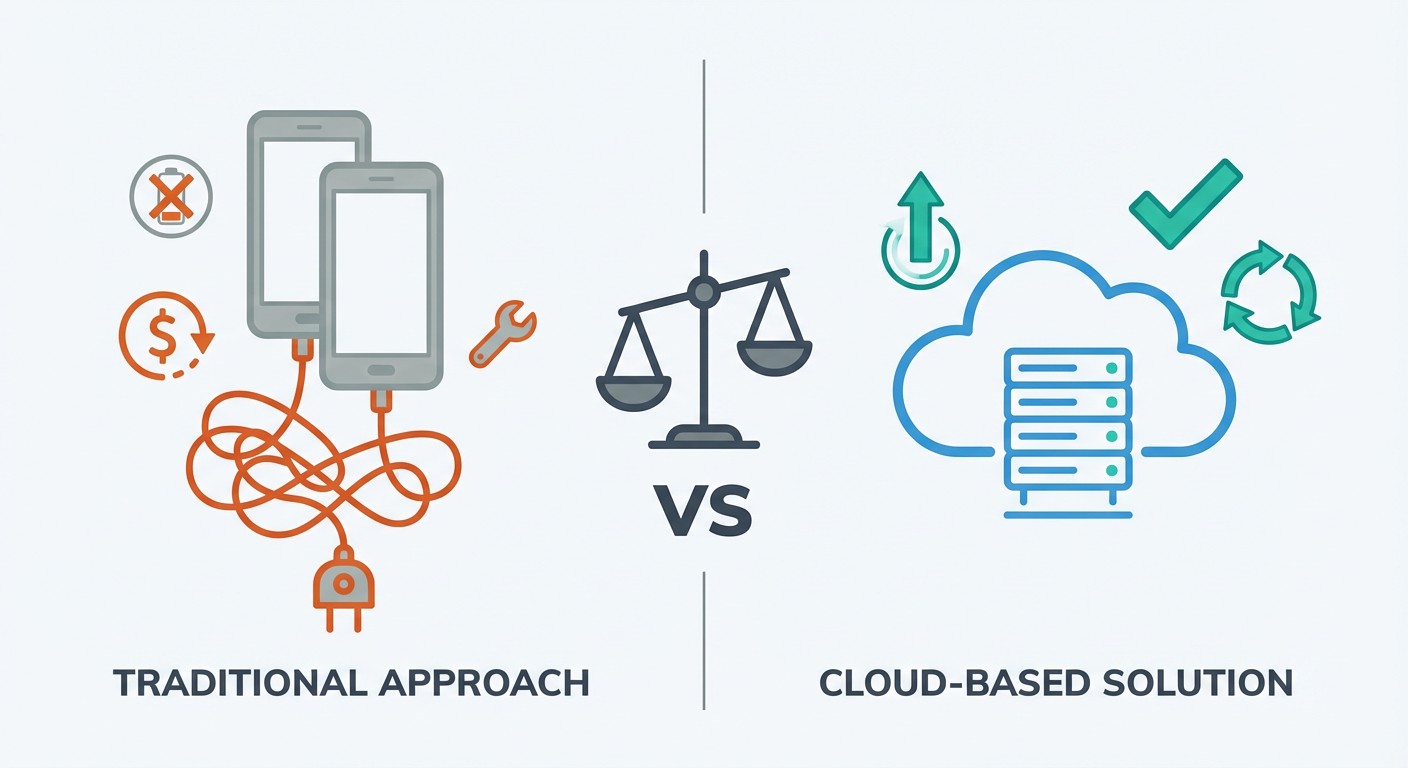
Let's compare running 2 Township towns for one year:
Traditional Setup (2 Budget Phones):
- Phones: $200
- Electricity: $16
- Battery replacements: $50
- Storage cards: $30
- Total Year 1: $296
- Ongoing annual: $96 (electricity + eventual replacements)
FoxPhone Setup:
- 2 cloud instances: $XX/month × 12 = $XXX/year (pricing varies by plan)
- Electricity: $0 (cloud-based)
- Hardware wear: $0
- Storage costs: $0
- Total annual: Subscription cost only
(Note: Check FoxPhone's current pricing for exact costs, but most users report 40-60% savings vs. buying dedicated devices)
Beyond money, FoxPhone saves approximately 4-6 hours per week in device management—no charging cables, no updates on multiple devices, no "which phone has which town?" confusion.
What FoxPhone Can't Fix
Be realistic about limitations:
Manual Events Still Require You: Township's regattas (weekly competitions) have tasks like "Serve 20 customers in the Chinese restaurant" that require manual tapping within time limits. FoxPhone keeps your town running, but you'll still need to remote in and actively play during these events. Graphics Quality on Remote Play: When you remote into your FoxPhone instance from a phone, the graphics are compressed slightly for data transmission. Township's beautiful animations look about 90% as sharp as native play. Not a dealbreaker, but noticeable if you're very particular about visuals. Initial Setup Takes Time: Moving an established town to FoxPhone requires careful account linking. If you mess up, you might create a duplicate town instead of accessing your main one. Follow Step 2 carefully, and don't skip the account verification. You Can't Fully "Auto-Play" Township: Township doesn't have a true idle mode. FoxPhone keeps the game running and production cycling, but helicopters, trains, and ships still need manual loading. FoxPhone saves you 70-80% of the busywork, not 100%.
Advanced Strategies with FoxPhone
Once you're comfortable with basic Township on FoxPhone, try these optimizations:
Timezone Production Stacking: Since FoxPhone runs 24/7, start long productions (chocolate, cream cake, sesame bagels) before bed. They'll complete overnight, and you wake up to full factory queues instead of empty ones. Helicopter Order Filtering: Keep your FoxPhone instance open on a tablet or secondary screen while working. Glance at helicopter orders, and only remote in when profitable ones appear (high coin/XP rewards). Ignore low-value orders and let them time out. FoxPhone's persistent connection means you never miss the good helicopters. Cross-Town Trading: If you run multiple towns on separate FoxPhone instances, use the in-game trading feature to transfer rare items between towns. Create a co-op with just your towns, advertise items in one town, and buy them from another. FoxPhone makes this seamless since all instances are accessible from one dashboard.
FAQ
Will Township detect I'm using FoxPhone?
FoxPhone uses real ARM architecture Android instances with unique device IDs, so Township sees each instance as a regular phone. Thousands of FoxPhone users run Township daily without issues. That said, don't use automation tools (auto-tappers, macros) on top of FoxPhone—that violates Township's terms and can trigger bans. FoxPhone simply keeps the game running; you still play manually.
Can I switch between FoxPhone and my real phone?
Yes. Since Township links to your account (Facebook/Google Play), you can play on FoxPhone, close it, and continue on your phone seamlessly. Progress syncs automatically. Many users play manually on their phones during commutes, then let FoxPhone handle production overnight.
How much does FoxPhone cost compared to buying a second phone?
A dedicated Township phone costs $100-150 upfront plus $8-15/year in electricity and eventual replacement costs. FoxPhone's subscription (check current pricing) typically breaks even within 8-12 months and becomes cheaper long-term since there's no hardware degradation. Plus, you can run multiple towns on FoxPhone for less than buying multiple phones.
Stop Babysitting Your Town—Let FoxPhone Handle Production
Township is designed to reward constant attention, but that shouldn't mean sacrificing your real phone's battery life or buying multiple devices. FoxPhone turns Township into a game you play when you want, not a chore you maintain every 20 minutes.
Your production chains run overnight. Your factories never sit idle. Your town keeps earning coins and XP while you're at work, asleep, or actually using your phone for other things. And when a valuable helicopter order appears, you remote in for 60 seconds, complete it, and get back to life.
Try FoxPhone free and see how much faster your community buildings complete when production never stops. Your first cloud instance takes 5 minutes to set up, and Township runs the same as it would on a $500 phone—except you're not wearing out a $500 phone to grow virtual wheat.

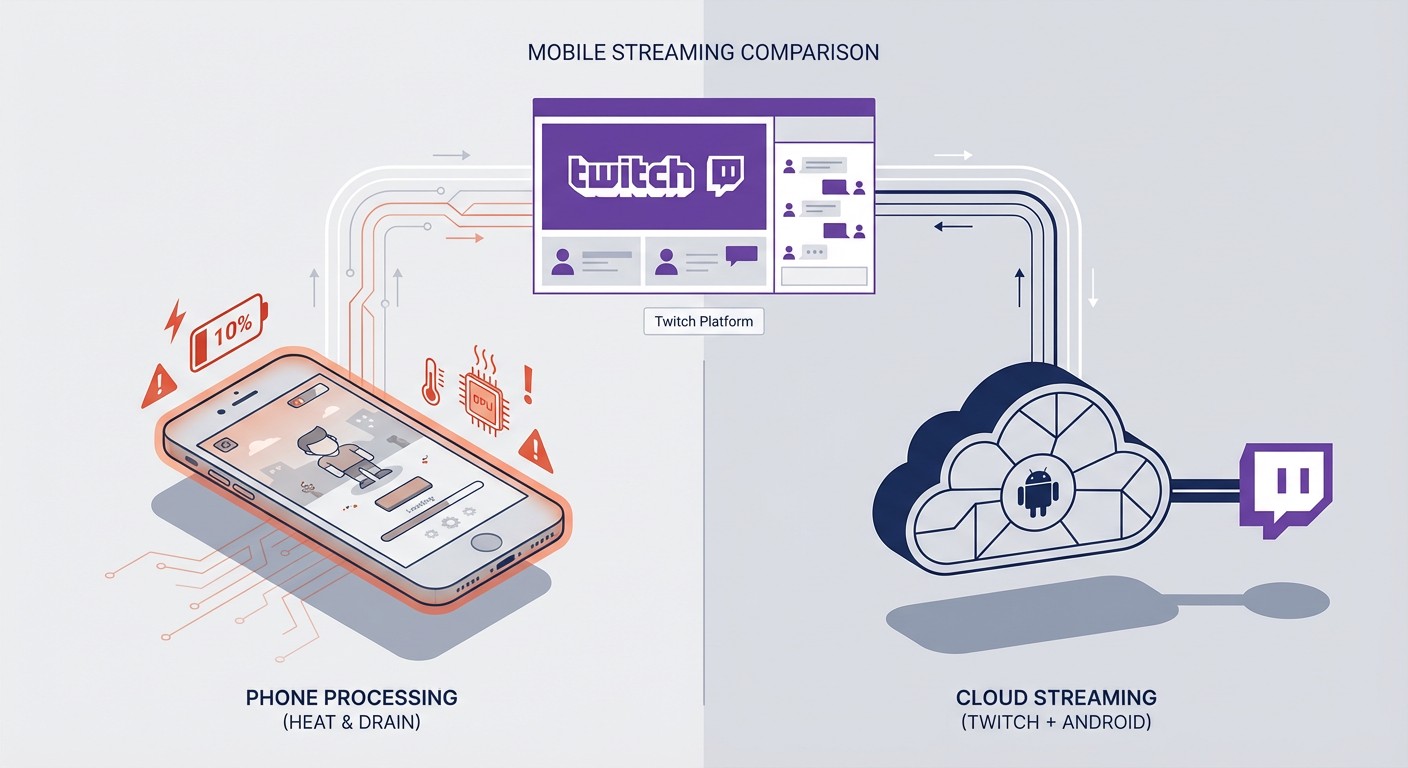 Run Twitch Mobile Game Streams 24/7 with FoxPhone: Setup Guide for Multi-Channel Streaming
Run Twitch Mobile Game Streams 24/7 with FoxPhone: Setup Guide for Multi-Channel Streaming
 Run Binance Trading Bots 24/7 with FoxPhone: What Works and What Doesn't in 2025
Run Binance Trading Bots 24/7 with FoxPhone: What Works and What Doesn't in 2025
 What is Cloud Phone?
Insightful article


© 2026 Foxphone LLC. All rights reserved.


 Cookie Notice