


How to Progress 5+ AFK Arena Accounts Simultaneously with FoxPhone: The Idle Gamer's Blueprint
 2026-03-02 10:01:30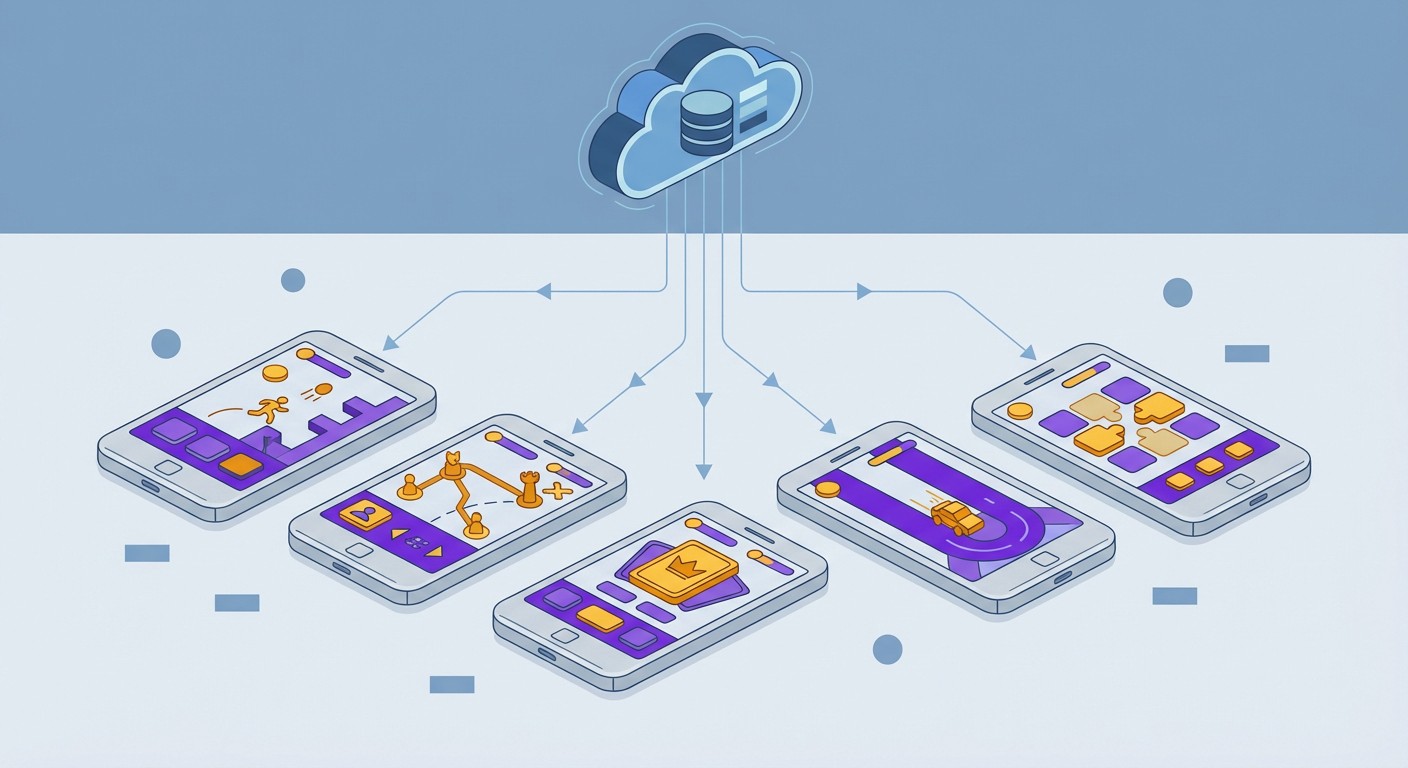
How to Progress 5+ AFK Arena Accounts Simultaneously with FoxPhone: The Idle Gamer's Blueprint
You're staring at your phone at 3 AM again. Your main AFK Arena account just hit the idle rewards cap four hours ago, and you've missed out on thousands of gold and hero experience. Your two alt accounts? Also maxed out, waiting for you to manually collect and push the next stage. You set alarms, but you sleep through them. You try to check during work, but your boss is getting suspicious.
Here's the thing about AFK Arena: despite the name "AFK," the game punishes you for actually being away from keyboard. Idle rewards cap at 12 hours, meaning you need to login at least twice daily or lose resources. If you're running multiple accounts for different hero compositions or extra gacha pulls, you're trapped in a cycle of constant phone checking. This is exactly where FoxPhone changes everything.
FoxPhone is a cloud-based Android phone service that runs 24/7 on remote servers. Instead of keeping your physical phone awake or buying five cheap devices for your alt accounts, FoxPhone lets you run multiple AFK Arena instances simultaneously on separate cloud phones—each with its own device ID, always online, never draining your actual phone's battery.
Why AFK Arena Eats Your Time (Even Though It's "Idle")
AFK Arena's core mechanic sounds player-friendly: your heroes fight automatically even when you're offline, and you collect rewards when you return. But the reality is more demanding:
Idle rewards cap at 12 hours. After that, no more resources accumulate until you manually collect. Miss a collection, and you're losing approximately 100-150 hero experience per hour at mid-game (Chapter 20+), plus gold, dust, and equipment.
Daily quests reset every 24 hours. Lab runs, arena attempts, guild hunts—all require active participation. Skip a day, and you miss diamonds (premium currency), which directly impacts your summon rate.
Events run on tight schedules. Seasonal events like Abyssal Expedition or Hunting Fields have limited-time missions that require logins every 6-8 hours to maximize rewards.
Most dedicated players run 2-4 alt accounts to increase their chances at specific hero pulls or test different team compositions. But each account demands the same attention. That's 4-8 logins per day across all accounts. Your phone battery? Dead by noon. Your screen-on time? Embarrassing if anyone checks.
The "Traditional" Multi-Account Solutions (And Why They Fail)
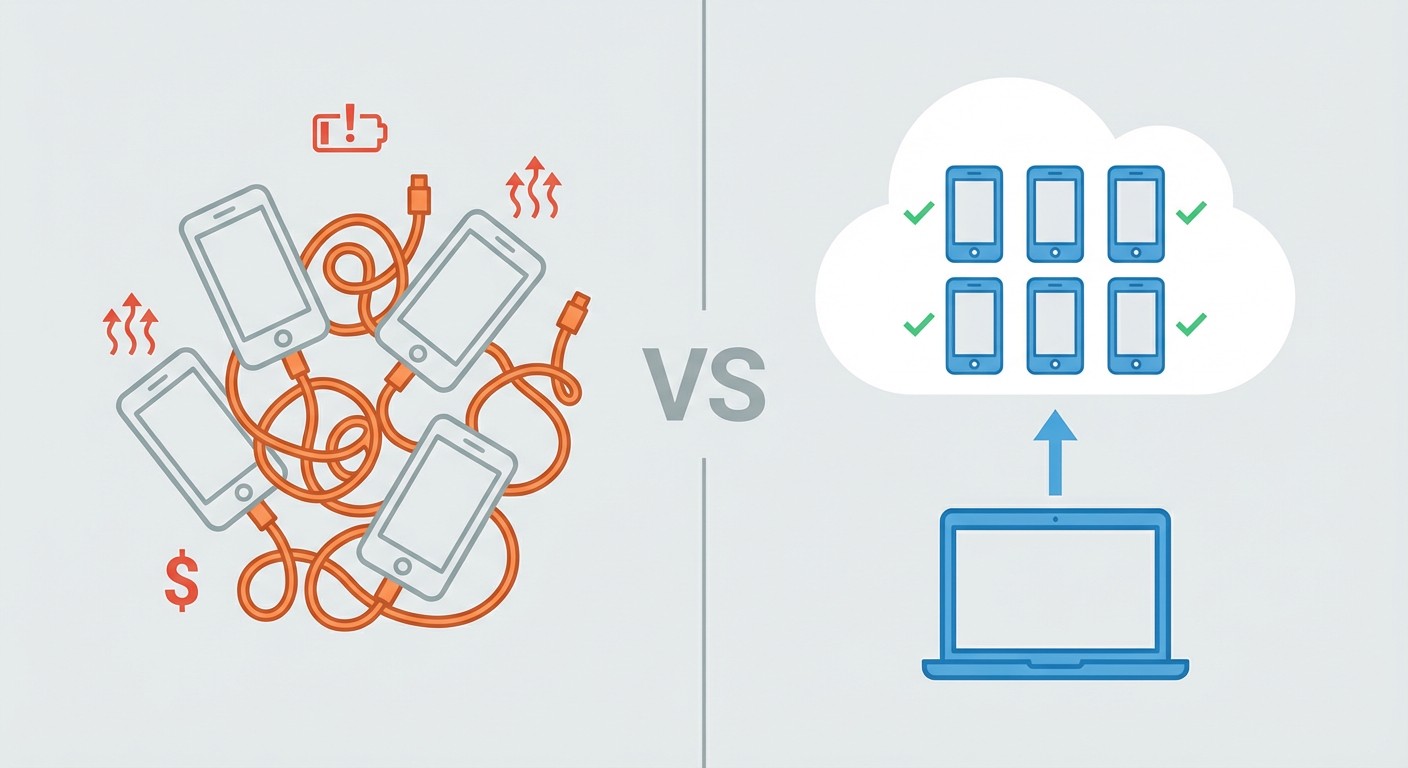
Buying multiple budget phones is the first thing players try. Five $50 used Android phones seems reasonable, right? Until you factor in:
- $250 upfront cost
- 5 charging cables and outlets
- Each phone drawing 5-10W while active = ~$3-5/month in electricity per phone
- Battery degradation after 6-12 months of constant use
- Storage space for five phones
- Managing five different device updates and potential hardware failures
Android emulators on PC seem smarter. BlueStacks, LDPlayer, NoxPlayer—all can run AFK Arena. But:
- AFK Arena's anti-cheat detects common emulator signatures through GPU rendering patterns
- Your PC needs to stay on 24/7 (100-300W = $10-30/month electricity)
- Emulator RAM usage: 2-4GB per instance, meaning 5 accounts need 16GB+ system RAM
- Emulators crash more frequently than native Android devices, losing progress
Keeping your main phone running 24/7 works until:
- Battery swells after 2-3 months of constant charging (lithium-ion batteries aren't designed for permanent trickle charging)
- You can't actually use your phone for calls, messages, or other apps
- Screen burn-in from static UI elements
This is where FoxPhone's architecture solves problems those methods can't.
How FoxPhone Handles AFK Arena's Multi-Account Demands
FoxPhone runs actual ARM-based Android instances on cloud servers, not emulated x86 systems. This means:
Each FoxPhone instance appears as a genuine Android device to AFK Arena's servers. You get unique device IDs, different hardware fingerprints, and separate Google Play Services authentication. AFK Arena can't tell you're running on cloud infrastructure because, from the app's perspective, you're using a regular Android phone.
24/7 uptime without your involvement. FoxPhone instances don't sleep, don't need charging, and don't shut down when you close your laptop. Your AFK Arena accounts keep running. Idle rewards never hit the 12-hour cap because you can set up simple auto-clickers (within FoxPhone's tools) to collect rewards every 10 hours automatically.
True multi-instance management. Want to run 5 AFK Arena accounts? Open 5 FoxPhone instances through the dashboard. Each operates independently with its own storage, preventing data conflicts. You can monitor all five screens simultaneously from one computer or phone.
Storage isn't your problem anymore. AFK Arena takes about 2-3GB installed. On a regular phone, that's permanent space consumption. FoxPhone's cloud storage means each instance gets dedicated space that doesn't impact your physical device.
Your actual phone stays free. This is the part players undervalue until they experience it: your real phone is completely available for normal use. Texts, calls, TikTok, whatever—while your AFK Arena accounts progress in the background on FoxPhone.
Setting Up AFK Arena on FoxPhone for Multiple Accounts
Here's the actual process, broken down:
Step 1: Create your FoxPhone instances
Log into the FoxPhone dashboard and create however many instances you need (most players run 3-5). Select Android 9 or higher—AFK Arena requires Android 5.0+ but runs smoother on newer versions. Name each instance clearly: "AFK_Main," "AFK_Alt1," etc. This takes about 2 minutes per instance.
Step 2: Install AFK Arena on each FoxPhone
Open each FoxPhone instance through your browser or FoxPhone app. Access the Google Play Store on each cloud phone and install AFK Arena normally. Use different Google accounts for each instance if you want to keep accounts completely separate (recommended for ban risk management).
Step 3: Configure each account
Launch AFK Arena on each FoxPhone instance and either create new accounts or bind existing ones. Use the in-game account binding (Facebook, Google, or Apple ID) so you can recover accounts if needed. Complete the tutorial on new accounts—this takes about 15 minutes per fresh account.
Step 4: Set up reward collection automation
Within FoxPhone's interface, you can use basic automation tools. Create a simple tap script that:
- Opens AFK Arena (if closed)
- Taps the "Ranhorn" chest icon (idle rewards)
- Collects all resources
- Returns to main screen
Schedule this to run every 10-11 hours on each instance. This ensures you never hit the 12-hour idle cap.
Step 5: Configure daily activity reminders
Use FoxPhone's notification system to alert you when daily quests are available. You'll still need to manually complete lab runs and arena fights (AFK Arena's anti-cheat watches for automated combat), but FoxPhone keeps the instances ready for you to jump in whenever you have 10 minutes.
Step 6: Manage storage and updates
Enable auto-updates in the Play Store on each FoxPhone instance so AFK Arena patches don't cause downtime. Monitor storage through the FoxPhone dashboard—if an instance approaches capacity, the dashboard will alert you.
Real Cost Analysis: Regular Phones vs FoxPhone for 5 AFK Arena Accounts
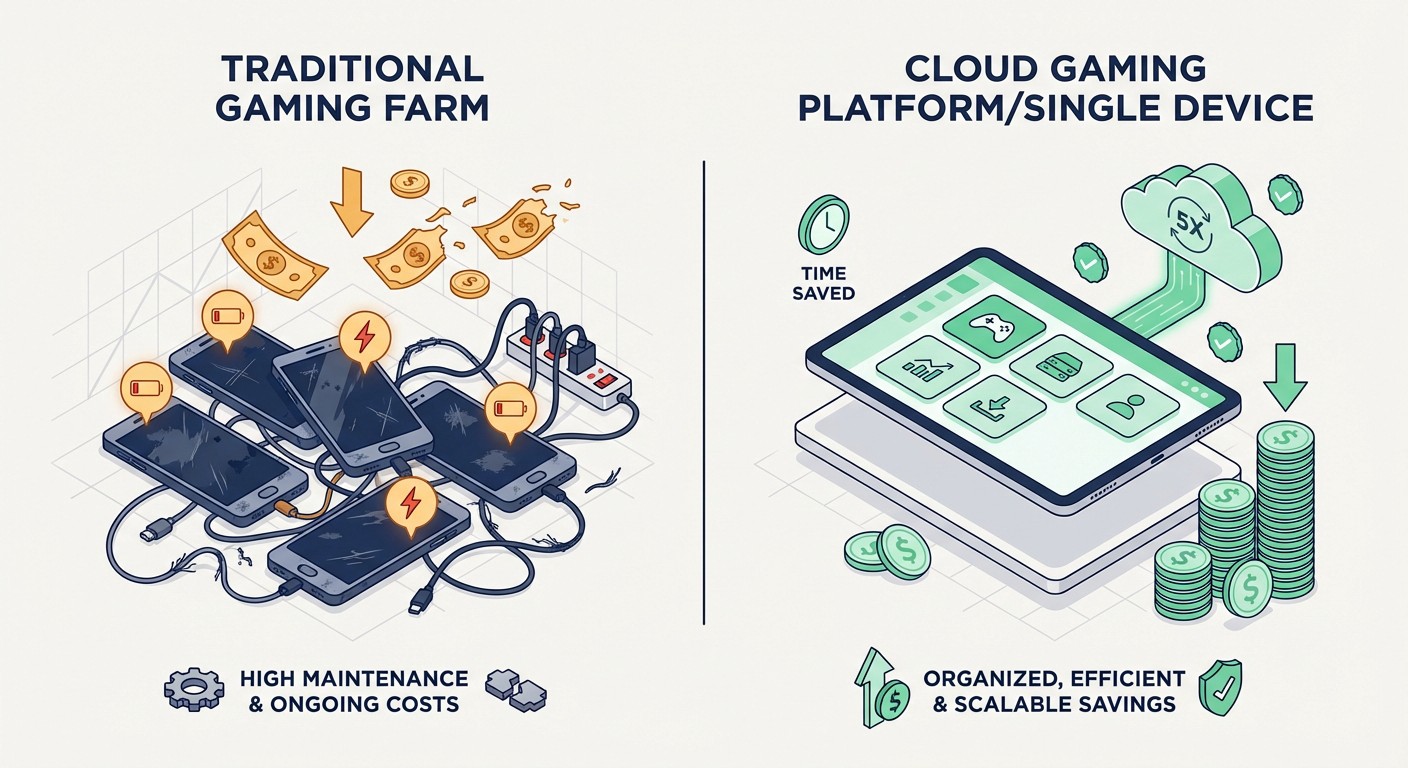
Let's calculate the actual economics:
Five Budget Phones Method:
- Initial cost: $50 × 5 = $250
- Electricity (5W per phone, $0.12/kWh, 24/7): $0.60 × 5 = $3/month
- Battery replacements (every 10 months): $15 × 5 = $75/year = $6.25/month
Total first year: $250 + $111 = $361
Monthly average: ~$30
PC Emulator Method (5 instances):
- PC electricity (150W average, $0.12/kWh, 24/7): ~$13/month
- Requires gaming PC ($800+ if purchasing new)
- RAM upgrade for 5 instances (16GB kit): $50 one-time
Monthly cost: $13 (excluding hardware amortization)
FoxPhone Method:
- FoxPhone basic plan (pricing varies by provider): approximately $10-15/instance/month for 24/7 uptime
- 5 instances: $50-75/month
But consider: Zero hardware investment, zero electricity costs at home, zero maintenance, no battery degradation
Here's where FoxPhone wins financially: If you only run accounts for 6-12 months (typical for most mobile game players who eventually move on), FoxPhone's total cost is $300-900 versus the budget phone's $361+ first-year cost plus depreciation. More importantly, you avoid the hassle entirely—FoxPhone takes 30 minutes to set up versus hours of phone purchasing, configuring, and troubleshooting.
Time saved: Collecting idle rewards manually 2× daily across 5 accounts = ~15 minutes total per day. Over a month, that's 7.5 hours. FoxPhone automation reduces this to maybe 30 minutes weekly for daily quest completion = 2 hours monthly. You save 5.5 hours every month.
What FoxPhone Can't Fix (AFK Arena Limitations)
Let's be honest about what doesn't work:
Combat automation is detectable. AFK Arena's anti-cheat specifically watches for automated battle decisions. You can auto-run stages the game allows (like repeating cleared stages), but trying to script your way through new campaign chapters will trigger flags. FoxPhone can keep your accounts online, but you still need to manually push progression stages.
Event coordination still needs your input. Abyssal Expedition requires real-time coordination with guild members. FoxPhone keeps you logged in and ready, but you can't fully automate the strategic decisions. You'll still need to actively play during events—FoxPhone just means you're not glued to your physical phone.
Latency for real-time content. Arena battles and some boss fights have real-time elements. FoxPhone adds 20-50ms latency depending on your connection. For most AFK Arena content this is irrelevant (the game isn't twitch-based), but if you're pushing top-100 arena rankings, you might notice delayed inputs. For 99% of players, this doesn't matter.
You still need separate accounts. FoxPhone gives you separate devices, but you need legitimate separate AFK Arena accounts (different emails, different bindings). FoxPhone isn't creating fake accounts—it's giving you the infrastructure to manage multiple real accounts efficiently.
Advanced Multi-Account Strategies with FoxPhone
Once your basic setup runs smoothly, FoxPhone enables strategies impossible with regular phones:
Staggered progression. Keep one account 2-3 chapters behind your main. When your main hits a difficulty wall, you'll know exactly which heroes to prioritize on your alt because you just cleared that content. FoxPhone lets you quickly switch between instances to compare team compositions.
Event specialization. Run different accounts focused on different event types. One account pushes campaign, another focuses on faction towers, a third maximizes Lab coin farming. FoxPhone's dashboard lets you see all three progressing simultaneously.
Gacha reroll efficiency. New accounts get free summons. Instead of rerolling on one device, create 10 FoxPhone instances, complete tutorials simultaneously (using FoxPhone's multi-instance control), and reroll until you get ideal starting heroes. This turns a 6-hour process into 45 minutes.
Resource comparison testing. Wondering if investing in a specific hero is worth it? Level them on an alt account (running on FoxPhone) and test in campaign stages before committing resources on your main. Your alt progresses 24/7 while you decide.
FAQ
Does FoxPhone work with AFK Arena's account security?
Yes. FoxPhone instances appear as standard Android devices to AFK Arena's servers. Each instance has a unique device ID, so binding your account to a FoxPhone works identically to binding it to a Samsung Galaxy or Google Pixel. Use two-factor authentication through Google or Facebook for additional security. AFK Arena doesn't prohibit cloud gaming services, and FoxPhone's ARM architecture means there's no emulator signature to detect.
How much does running 5 AFK Arena accounts on FoxPhone actually cost?
Pricing depends on FoxPhone's plan structure, but expect $10-15 per instance for 24/7 always-on cloud phones. Five instances = $50-75 monthly. Compare this to keeping five physical phones running (electricity + battery wear = $6-10/month) plus the $250+ initial hardware investment. FoxPhone becomes cheaper within 3-5 months, and you never deal with hardware failures or storage issues.
Can I use my main phone to control FoxPhone instances remotely?
Absolutely. FoxPhone's mobile app and web dashboard let you access all your cloud instances from any device. You can be on your iPhone checking your Android AFK Arena accounts running on FoxPhone. This is perfect for collecting idle rewards during lunch breaks or completing daily quests while commuting—your actual phone just becomes a window into your always-running FoxPhone instances.
Stop Babysitting Your AFK Arena Accounts
AFK Arena demands consistency that regular phones can't sustainably provide without destroying your battery, cluttering your space with multiple devices, or forcing you to leave a PC running 24/7. FoxPhone solves this by giving you actual Android cloud phones—not emulators, not questionable workarounds—running your accounts continuously without your physical involvement.
The math is straightforward: FoxPhone costs less than multiple budget phones after a few months, saves 5+ hours monthly through automation, and eliminates the hardware headaches entirely. More importantly, it frees your actual phone to be a phone again, not an AFK Arena farming device.
Start with one or two FoxPhone instances for your main and primary alt. Test the idle collection automation. Check your progress after 48 hours of true hands-off operation. Once you see your accounts progressing without constant babysitting, you'll understand why competitive AFK Arena players are switching to FoxPhone for their multi-account management.
Try FoxPhone free for your first instance and see your idle rewards actually accumulate without the 12-hour cap punishing your sleep schedule.

 How to Run Township Production Chains 24/7 with FoxPhone: Complete Automation Guide
How to Run Township Production Chains 24/7 with FoxPhone: Complete Automation Guide
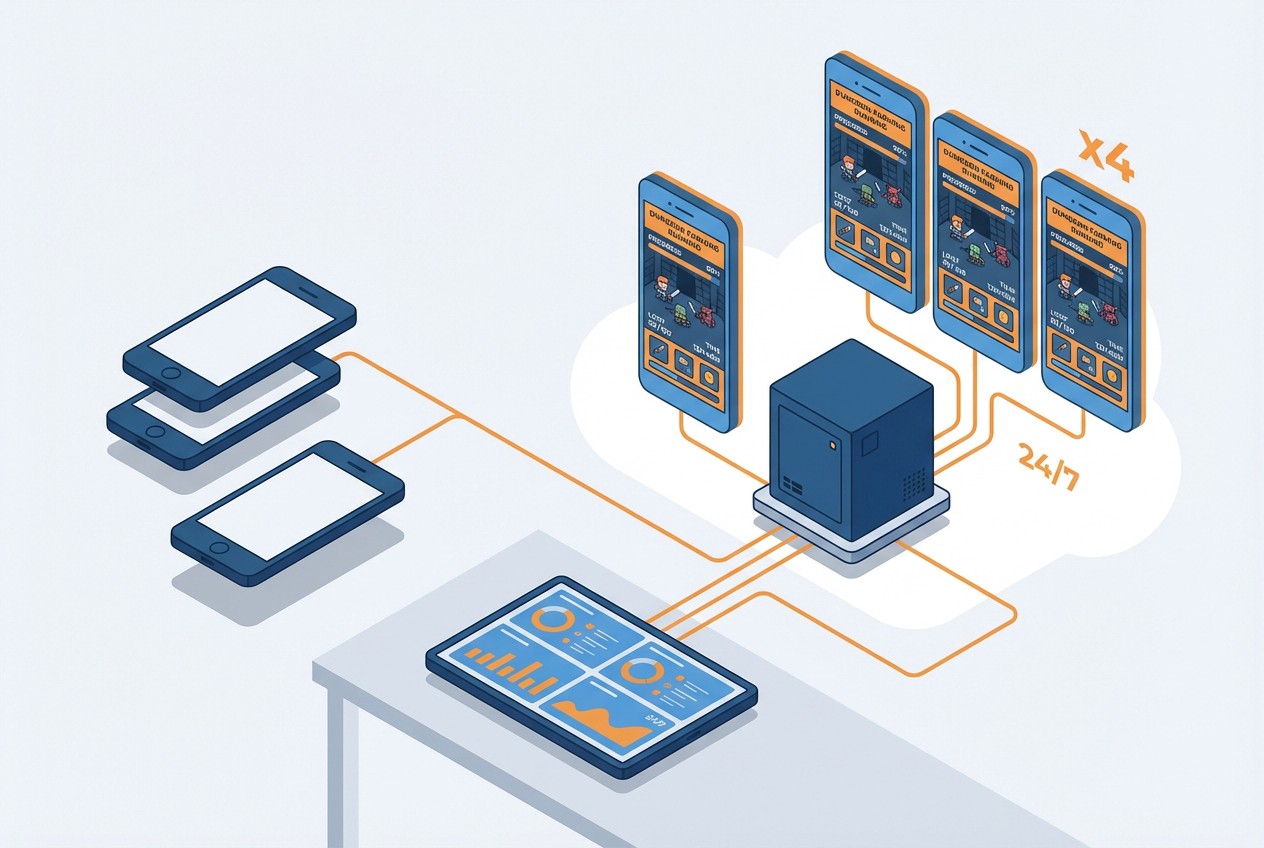 How to Farm Summoners War Dungeons 24/7 with FoxPhone: Save $840/Year on Multiple Accounts
How to Farm Summoners War Dungeons 24/7 with FoxPhone: Save $840/Year on Multiple Accounts
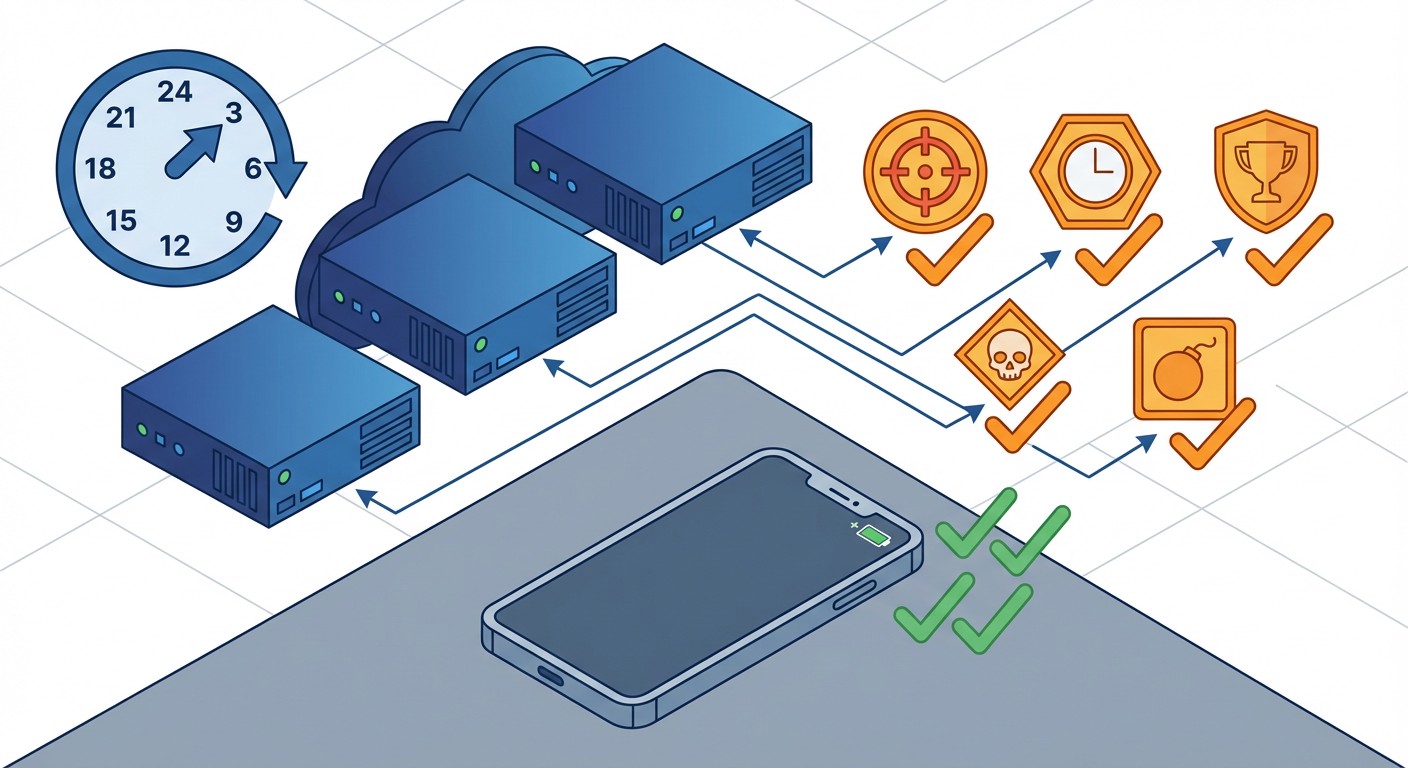 How to Complete Free Fire Missions 24/7 with FoxPhone: 3 Methods That Actually Work
How to Complete Free Fire Missions 24/7 with FoxPhone: 3 Methods That Actually Work


© 2026 Foxphone LLC. All rights reserved.


 Cookie Notice