


How to Monitor Z Day Base Building 24/7 with FoxPhone: Save $180/Year on Battery Costs
 2026-03-02 10:01:30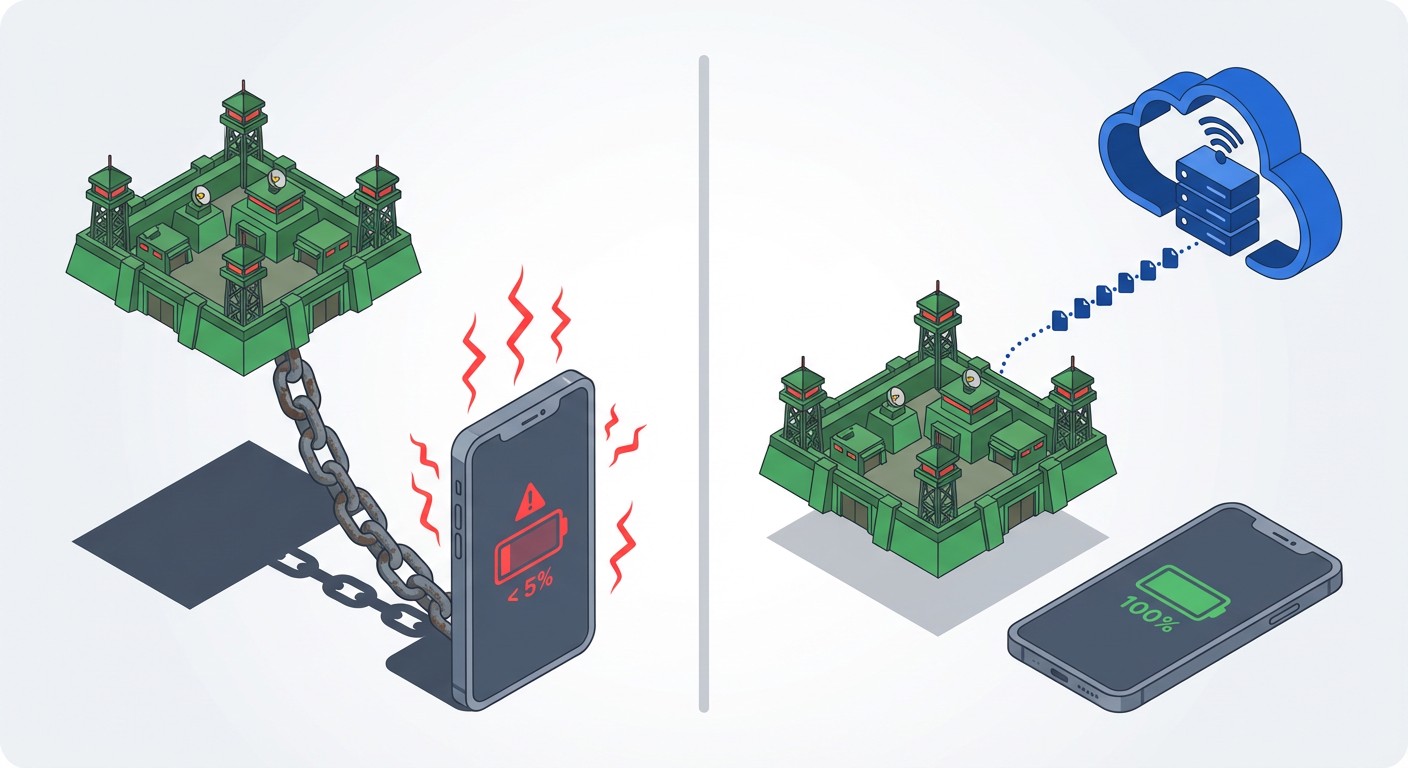
How to Monitor Z Day Base Building 24/7 with FoxPhone: Save $180/Year on Battery Costs
You're three hours into sleep when your alliance officer sends the message: "Enemy rally incoming, 6 minutes." By the time you wake up and check your phone, your Z Day base is burning, your resources are gone, and weeks of troop training have been wiped out.
This is the brutal reality of Z Day: Hearts of Heroes. It's a survival strategy game that doesn't pause when you do. Enemy players scan for offline bases, resource nodes deplete while you're at work, and alliance events start at 3 AM regardless of your time zone. The game punishes you for having a normal sleep schedule.
Running Z Day on your main phone means choosing between a dead battery by noon or missing critical defense windows. FoxPhone solves this by moving your Z Day account to a cloud-based Android instance that runs 24/7 on remote servers—letting you monitor your base, collect resources, and respond to threats without touching your actual phone.
Why Z Day Destroys Regular Phones
Z Day: Hearts of Heroes operates on persistent timers that don't care about your device status. Troop training takes 8-12 hours for high-tier units. Building upgrades run for 24-72 hours. Resource production happens in real-time, with your farms generating food every few seconds and your gas refineries filling storage tanks continuously.
The game's core loop demands constant attention. If you're offline when:
- Enemy scouts detect your full resource storage, you become a raid target within minutes
- Alliance help requests expire, your building timers stay delayed by hours
- Horde attacks spawn near your base, you miss rare material drops worth days of grinding
- Territory events start, your alliance loses strategic advantages
Keeping Z Day running on your regular phone creates immediate problems. The game consumes 8-12% battery per hour with the screen off, draining a full charge in 8-10 hours. That's fine for a gaming session, but catastrophic for 24/7 base monitoring. Your phone heats up during rallies (when 50+ players coordinate attacks), degrading battery health by an estimated 15-20% every six months of continuous use.
The battery replacement math is brutal: A new iPhone battery costs $89, Android flagships run $70-100. If Z Day cuts your battery lifespan in half, you're looking at $180/year in replacement costs—not counting the wear on your charging port or the overheating risk to other components.
Why Emulators Get You Flagged
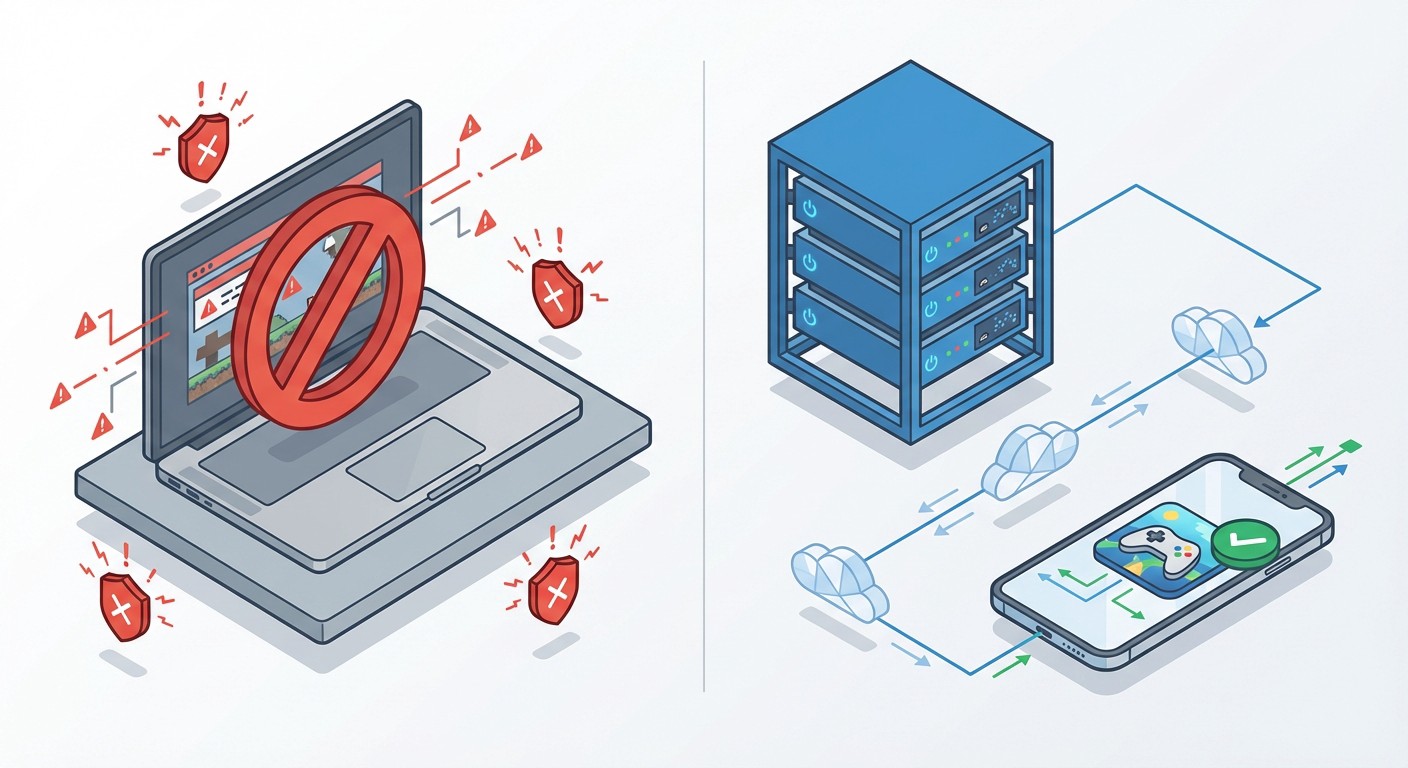
Z Day players often turn to Android emulators like BlueStacks or LDPlayer to avoid phone battery drain. The problem? Z Day's anti-cheat system actively scans for emulator signatures.
Emulators run on x86 architecture (Intel/AMD processors) and use GPU virtualization that creates detectable patterns. Z Day's servers check:
- Device fingerprints - Emulators report generic model names like "Android SDK built for x86"
- Performance metrics - Perfectly consistent frame timing that real phones never achieve
- Sensor data - Missing gyroscope, accelerometer, or GPS readings
Getting flagged doesn't always mean an instant ban, but it triggers manual review flags. Your account gets shadowbanned from alliance events or silently excluded from leaderboard rankings. Some players report login throttling—forced to wait 10-15 seconds between sessions.
This Is Where FoxPhone Changes Everything
FoxPhone runs real Android instances on ARM-based server hardware—the same processor architecture as actual smartphones. When you connect to Z Day through a FoxPhone cloud instance, the game's servers see legitimate device signatures, proper sensor data, and natural performance variations.
Here's what makes FoxPhone different from emulators:
Real Device IDs: Each FoxPhone instance generates unique Android device identifiers that match physical phones. Z Day's servers can't distinguish between a FoxPhone cloud instance and a Samsung Galaxy sitting on your desk.
ARM Architecture: FoxPhone uses ARM processors instead of x86 emulation, eliminating the GPU signature mismatches that flag emulator users.
24/7 Uptime: Your Z Day base keeps running even when you close the FoxPhone app on your real phone. The cloud instance operates independently on remote servers, checking resource timers and monitoring alliance chat continuously.
Multi-Instance Capability: FoxPhone lets you run 2-5 Z Day accounts simultaneously on separate cloud instances. Each account gets its own device ID, so there's no detection risk from logging multiple accounts on one device.
The practical impact: Your Z Day base stays online 24/7 without draining your phone battery, overheating your device, or triggering emulator detection systems. You check in through the FoxPhone app when convenient, make strategic decisions, and let the cloud instance handle the waiting.
Setting Up Z Day on FoxPhone
Getting Z Day running on FoxPhone takes about 10 minutes. Here's the step-by-step process:
Step 1: Create a FoxPhone cloud instance through the dashboard. Select an Android 9.0 or newer image—Z Day requires Android 7.0 minimum, but newer versions provide better stability. Choose a server location close to your physical location to minimize latency (important for timed rallies).
Step 2: Launch your FoxPhone instance and open the Google Play Store. Sign in with a Google account (create a separate one for your Z Day account if you're running multiple instances). Download "Z Day: Hearts of Heroes" like you would on a regular phone.
Step 3: Open Z Day and either create a new account or log into your existing one. If transferring an existing account, use the in-game settings to bind it to your Google Play or Facebook account first, then log in on your FoxPhone instance. The game allows device transfers without penalties.
Step 4: Configure Z Day's notification settings. Enable push notifications for "Base Attacked," "Alliance Help," and "Territory Events." FoxPhone forwards these notifications to your real phone, so you'll get alerts even when you're not actively viewing the cloud instance.
Step 5: In FoxPhone's instance settings, enable "Keep Screen Awake" for your Z Day instance. This prevents Android's sleep mode from pausing background processes. Z Day's resource production continues even when the screen is off, but alliance chat monitoring requires the app to stay active.
Step 6: Set up your base automation. Queue troop training for 8-12 hours, start building upgrades, and send out resource gatherers. With FoxPhone running 24/7, you don't need to wake up to restart timers—they complete automatically and you collect results when convenient.
The FoxPhone dashboard lets you check your instance status from any device. If you're at work and see a "Base Attacked" notification, open the FoxPhone app on your phone, view your cloud instance, and launch a counterattack—all without Z Day ever running on your actual phone hardware.
Real-World Cost Comparison
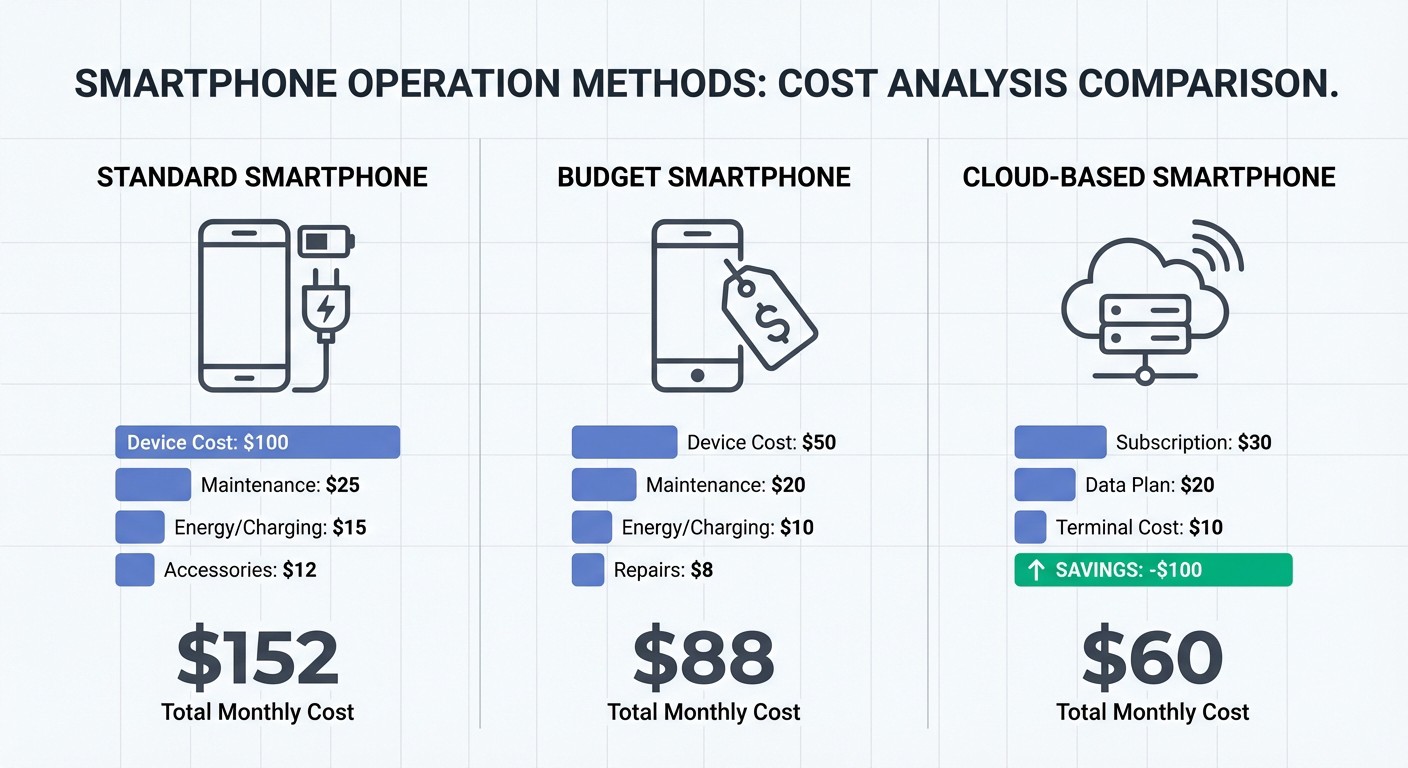
Let's calculate what running Z Day 24/7 actually costs with different methods:
Regular Phone (24/7 operation):
- Battery replacement every 12 months instead of 24: $89/year
- Electricity cost (15W average draw, 24/7): $13.14/year at $0.10/kWh
- Device lifespan reduction (thermal wear): ~$50/year depreciation
- Total: $152.14/year
Dedicated Budget Phone ($150 Android):
- Upfront cost amortized over 2 years: $75/year
- Electricity: $13.14/year
- Total: $88.14/year
FoxPhone Cloud Instance:
- Service cost (mid-tier plan): $60/year
- No battery replacement needed: $0
- No electricity cost (runs on server): $0
- No device depreciation: $0
- Total: $60/year
FoxPhone saves approximately $28-92/year compared to alternatives, but the real value is convenience. You're not managing a second phone, dealing with battery swaps, or explaining to family why you have a device plugged in 24/7 just for a mobile game.
The multi-instance advantage amplifies these savings. If you run three Z Day accounts (common for serious players managing farming alts), FoxPhone lets you operate all three on separate cloud instances for less than the cost of two battery replacements.
Managing Multiple Z Day Accounts with FoxPhone
Experienced Z Day players run 2-4 accounts: one main base for alliance wars, plus farming alts that gather resources and feed the primary account. Normally this requires multiple phones or risky account-switching on one device.
FoxPhone's multi-instance system lets you run each Z Day account on its own cloud instance with separate device IDs. This eliminates the detection risk of logging multiple accounts from the same device fingerprint.
Here's a typical setup:
- Instance 1: Main account for alliance wars and territory control
- Instance 2: Farming alt #1 focused on food/gas production
- Instance 3: Farming alt #2 stationed at strategic resource nodes
Each instance runs independently. Your farming alts collect resources on auto-timers while your main account participates in rallies. You switch between instances through the FoxPhone dashboard without logging out or changing devices.
The alliance coordination benefits are significant. During territory wars, you can position multiple accounts at different map locations, providing real-time intelligence to alliance officers. One FoxPhone user reported managing four scout accounts across enemy territory during a weekend event—something impossible with a single phone due to travel time and cooldown timers.
What FoxPhone Can't Fix
FoxPhone solves the hardware and uptime problems, but it doesn't eliminate Z Day's core gameplay limitations:
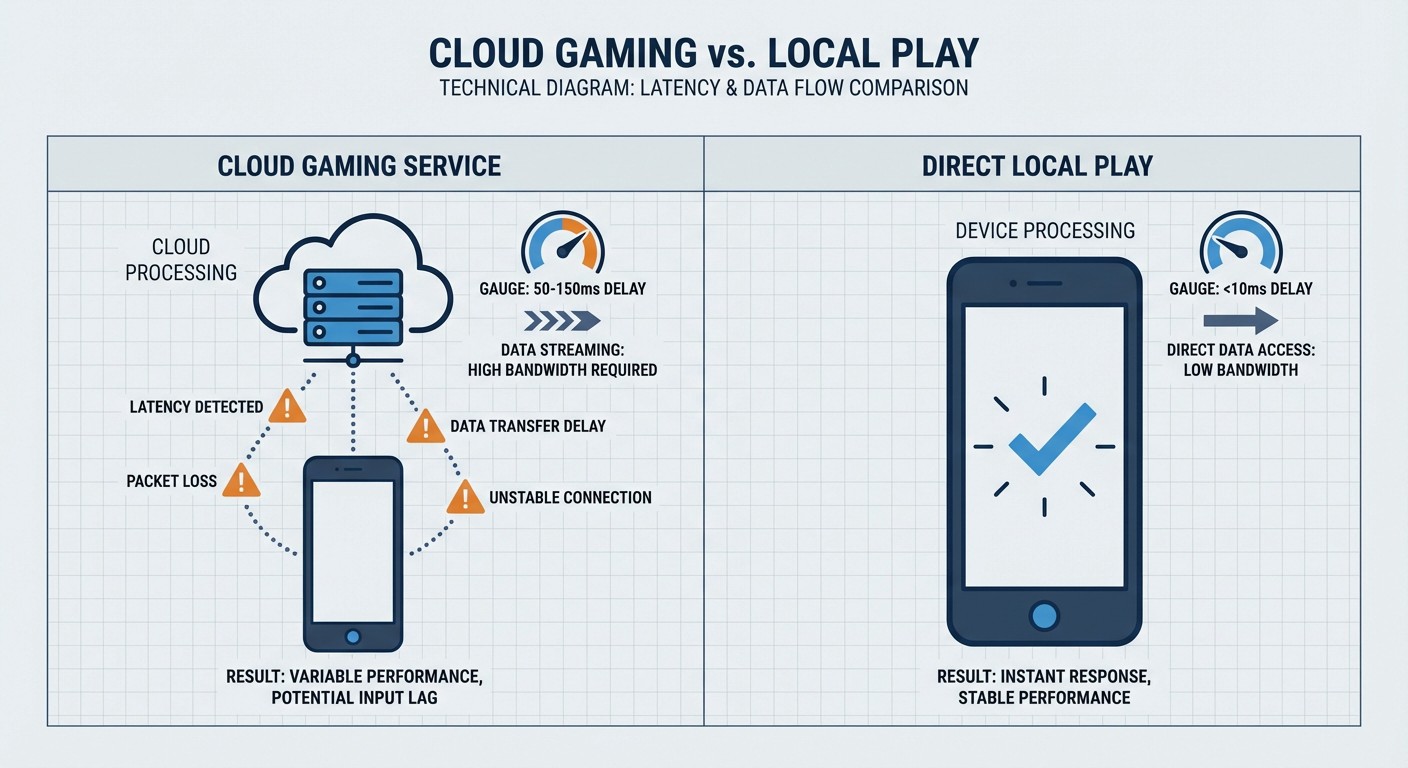
Latency in Real-Time Combat: If you're controlling troops during an active rally, you'll notice 50-150ms input delay compared to running Z Day locally. This doesn't matter for base management or resource gathering, but competitive PvP timing suffers. For critical alliance battles, you might want to control your main account from your actual phone while letting FoxPhone manage farming alts. Graphics Quality Trade-offs: FoxPhone instances run at medium-low graphics settings to optimize server performance. Z Day's base-building interface looks fine, but battle animations appear less detailed than on flagship phones. If you care about visual fidelity during horde attacks, this might disappoint you. Data Usage: Viewing your FoxPhone instance streams video from the cloud server to your device. Checking your Z Day base for 10 minutes uses 100-200MB of data. If you're on a limited mobile data plan, frequent check-ins can consume 2-4GB monthly. Wi-Fi usage avoids this issue. Manual Actions Still Required: FoxPhone keeps your game running, but you still need to manually start new building queues, redistribute troops, or adjust strategies. It's not automation—it's persistent uptime. If you're expecting Z Day to play itself, you'll be disappointed.
The game's core time investment doesn't change. You still need to log in 3-5 times daily to collect finished timers, respond to alliance requests, and adapt to enemy movements. FoxPhone just ensures you're never offline when those moments happen.
Advanced FoxPhone Strategies for Z Day
Once you've got basic 24/7 operation running, these FoxPhone-specific tactics improve efficiency:
Time Zone Coverage: Run one FoxPhone instance logged into your main account during your sleep hours, but keep the screen open on the map view. If enemy rallies appear near your base, FoxPhone's notification forwarding wakes you for critical threats while ignoring minor scout attempts. Configure in-game notification filters to only alert on rallies with 10+ participants. Resource Transfer Coordination: Set up farming alts on FoxPhone instances positioned at different server locations (if you play on multiple Z Day servers). The separate device IDs let you transfer resources between servers through alliance gifts without triggering multi-account flags. Alliance Event Scheduling: Use FoxPhone's persistent uptime to position your account at territory event spawn points 2-3 hours before start times. Your cloud instance holds the position while you're commuting or in meetings, guaranteeing participation without disrupting your real-world schedule. Offline Trading: Some Z Day players coordinate resource trades through alliance markets. By keeping your FoxPhone instance online with the market screen open, you can complete trades the moment alliance members post offers—crucial for limited-quantity deals that disappear in minutes.
FAQ
Is it against Z Day's terms of service to use FoxPhone?
FoxPhone runs the official Z Day app on real Android instances with legitimate device IDs. You're not modifying game files, injecting code, or using automation tools. From the game's perspective, you're playing on a regular Android phone that happens to stay online 24/7. However, running multiple accounts and coordinating resource transfers between them may violate Z Day's multi-accounting policies depending on how you use them—that's a gameplay rule issue, not a FoxPhone technical problem.
How much does FoxPhone cost compared to buying a second phone?
FoxPhone's mid-tier plan runs approximately $5/month ($60/year) for a single instance. A budget Android phone suitable for 24/7 Z Day operation costs $100-150 upfront. FoxPhone breaks even after 17-25 months, but eliminates battery replacement costs, electricity bills, and the hassle of managing physical hardware. If you need multiple instances for farming alts, FoxPhone's cost advantage becomes significant—three cloud instances ($15/month total) cost less than two battery replacements annually.
Can I switch between my phone and FoxPhone during the same gaming session?
Yes, but not simultaneously. Z Day allows only one active login per account. If you're viewing your base on a FoxPhone cloud instance and then open Z Day on your regular phone, the cloud session disconnects. This works well for checking notifications on your phone while commuting, then switching back to FoxPhone when you're at a computer. The transition takes 5-10 seconds for the game to recognize the device change.
Stop Babysitting Your Z Day Base
Z Day: Hearts of Heroes punishes players who sleep, work, or otherwise live normal lives. The game's persistent timers and real-time threats demand 24/7 monitoring that no regular phone can sustain without destroying its battery and overheating its hardware.
FoxPhone moves that burden to cloud instances that run continuously on remote servers. Your base stays online, your troops keep training, and your resource collectors work through the night—all without touching your actual phone's battery or storage. The separate device IDs eliminate emulator detection risks, while multi-instance support lets you manage farming alts without juggling multiple devices.
The cost savings are measurable: $60/year for FoxPhone versus $150+ for battery replacements and electricity on a dedicated phone. But the real value is peace of mind. You're not waking up to burned bases, missing alliance events, or explaining to coworkers why your phone is always dead by lunch.
Try FoxPhone free for 7 days and see how Z Day feels when your base actually stays defended overnight. Set up your cloud instance, queue your troop training, and go to sleep knowing your defenses are monitored 24/7—without sacrificing your phone's battery life or your own sleep schedule.

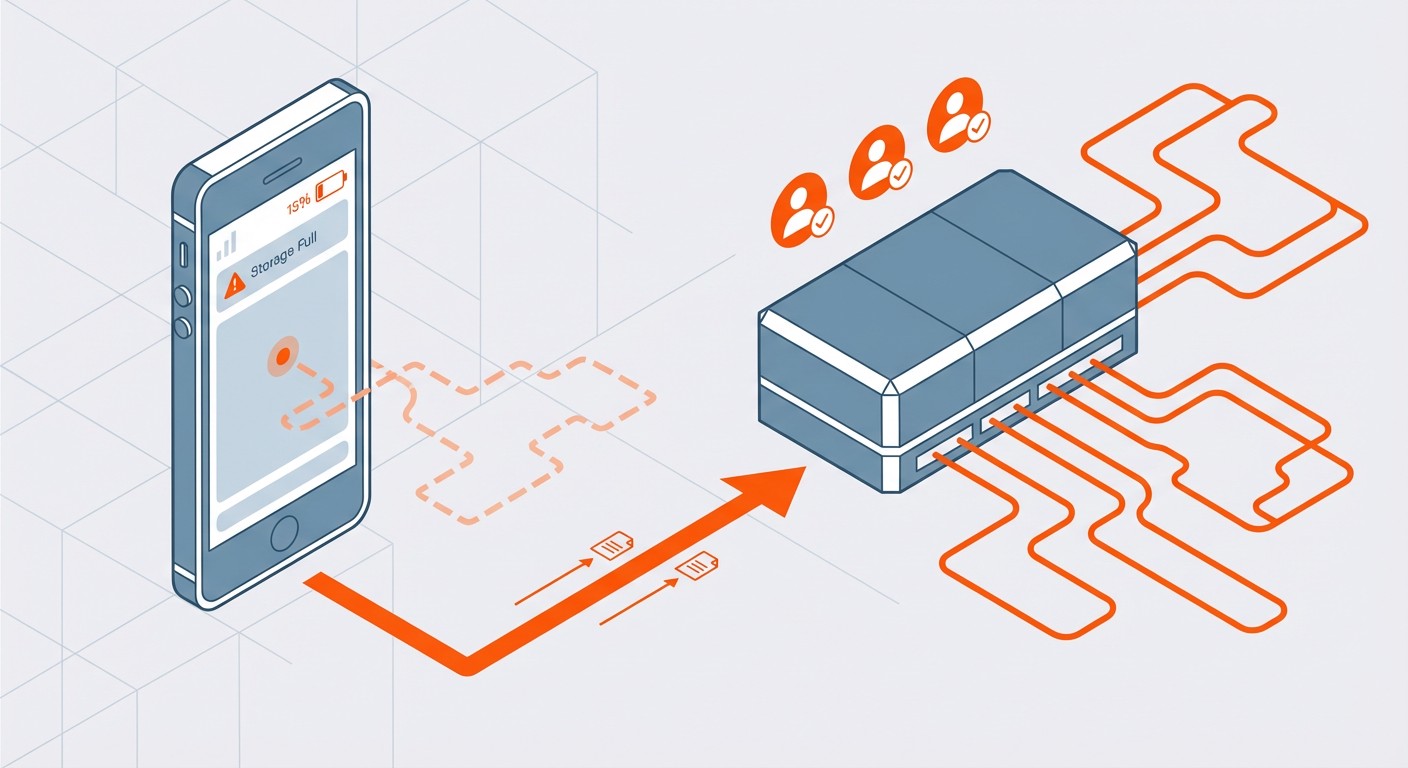 How to Sync Strava Activities 24/7 with FoxPhone: Save Battery and Never Miss a Workout
How to Sync Strava Activities 24/7 with FoxPhone: Save Battery and Never Miss a Workout
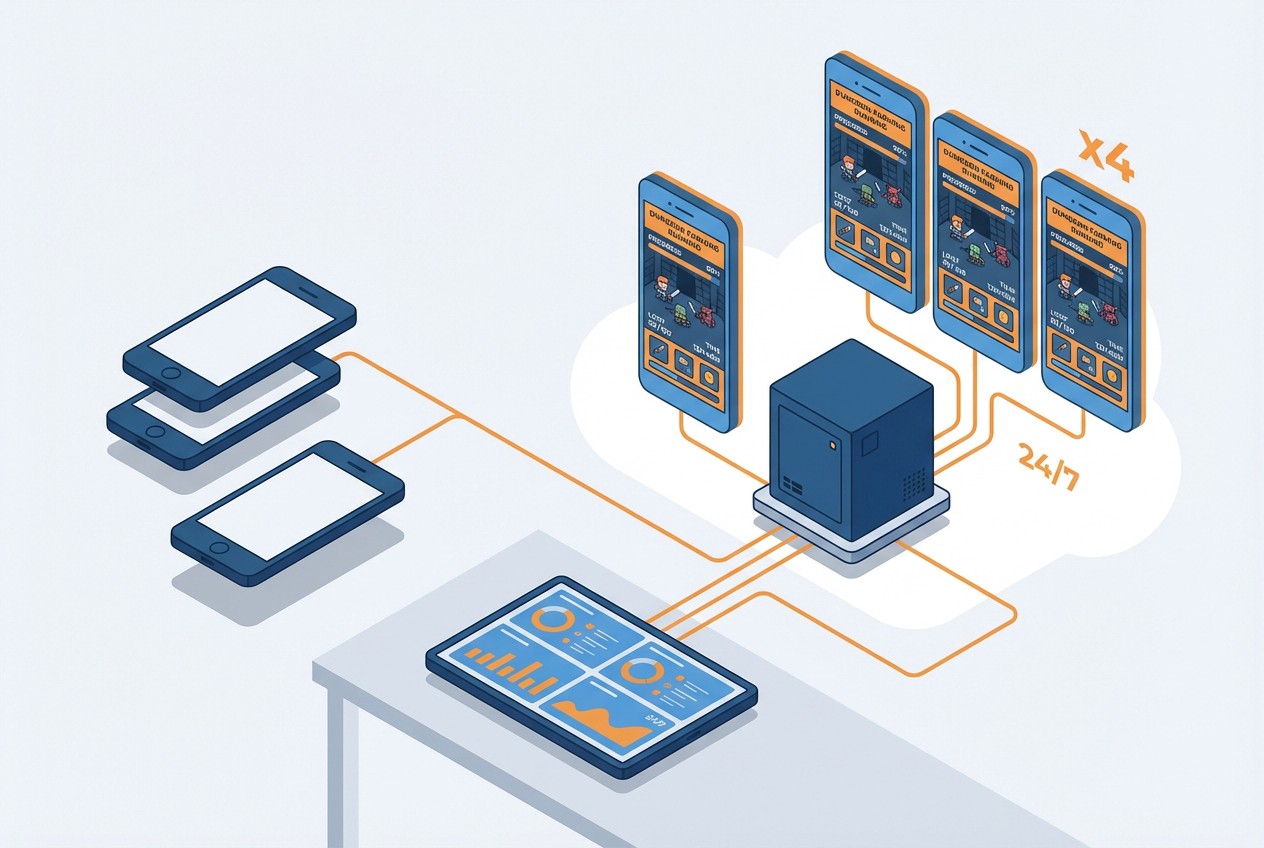 How to Farm Summoners War Dungeons 24/7 with FoxPhone: Save $840/Year on Multiple Accounts
How to Farm Summoners War Dungeons 24/7 with FoxPhone: Save $840/Year on Multiple Accounts
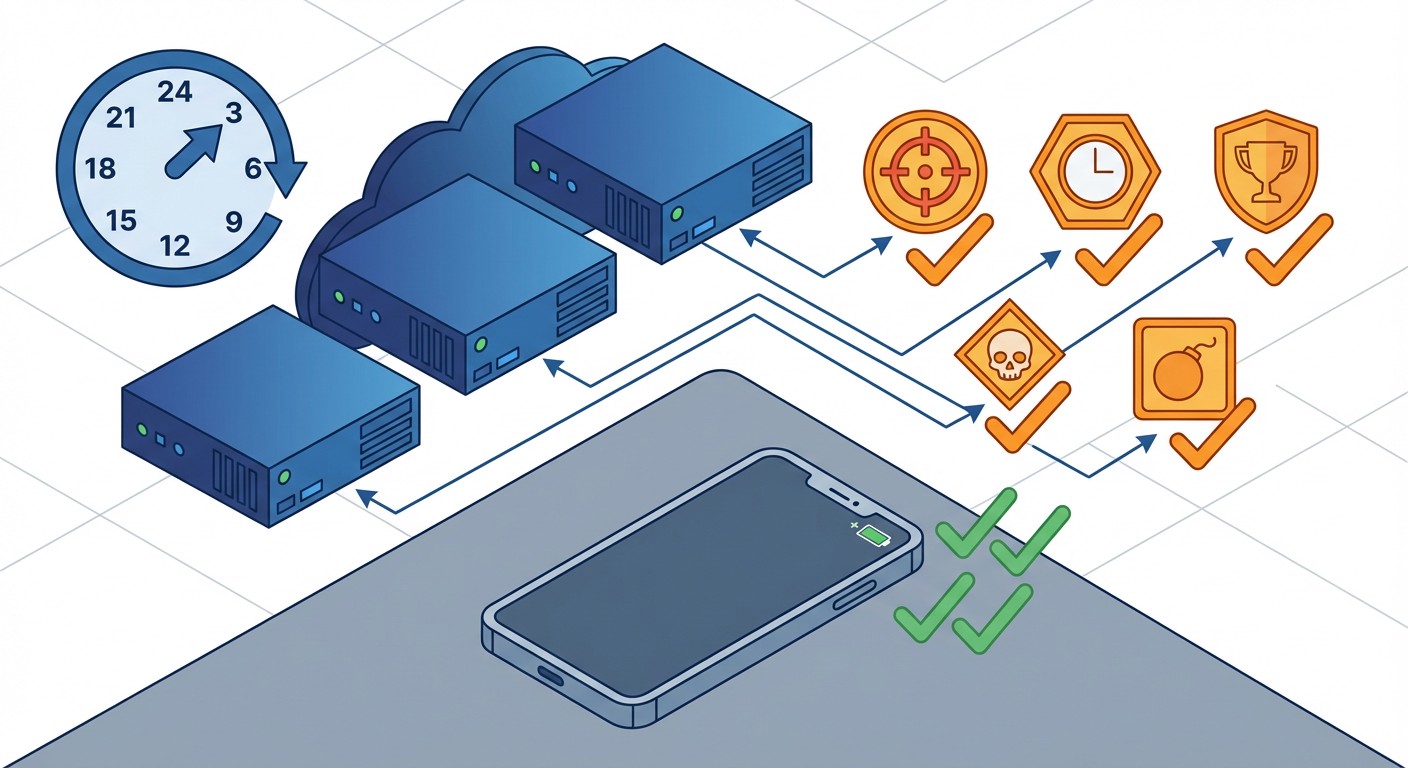 How to Complete Free Fire Missions 24/7 with FoxPhone: 3 Methods That Actually Work
How to Complete Free Fire Missions 24/7 with FoxPhone: 3 Methods That Actually Work


© 2026 Foxphone LLC. All rights reserved.


 Cookie Notice