


How to Maximize IPRoyal Pawns Earnings with FoxPhone: Run Multiple Instances 24/7
 2026-03-02 10:01:30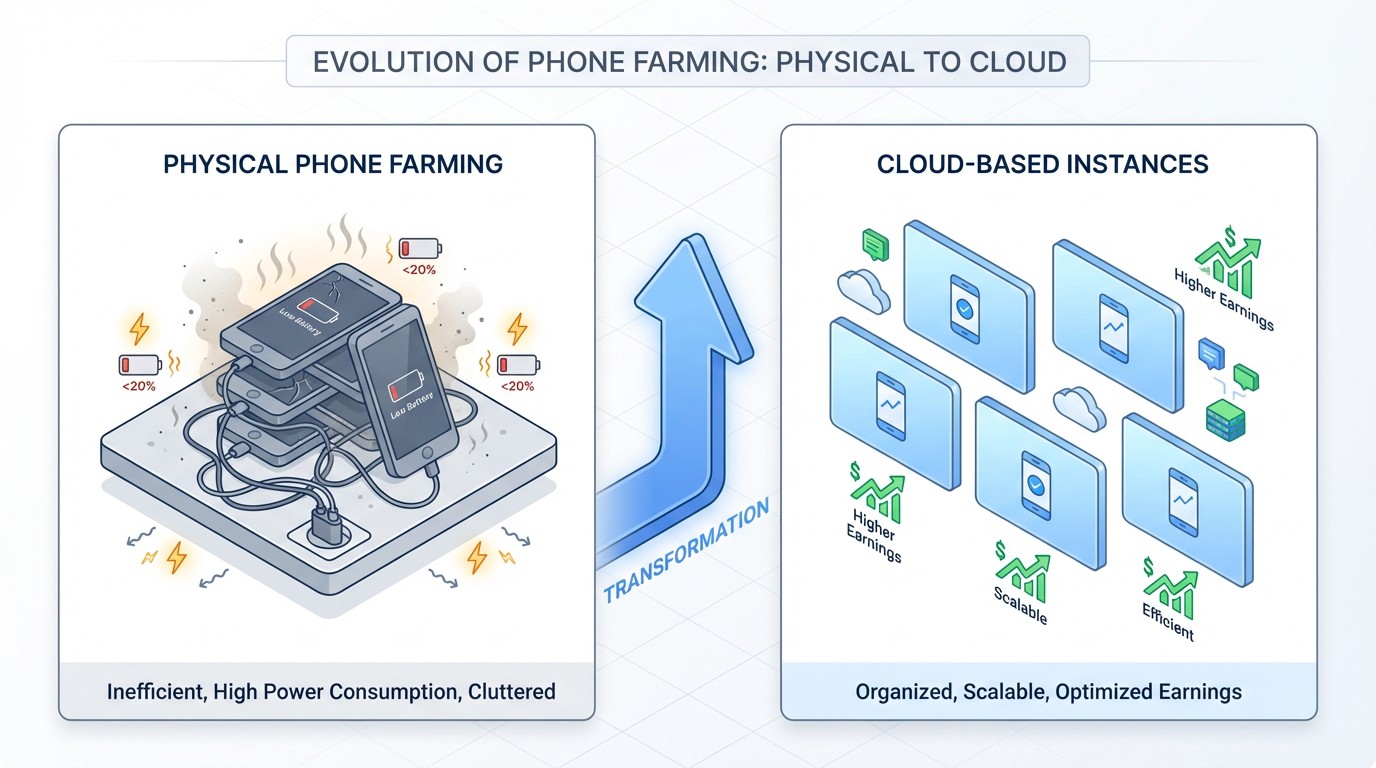
How to Maximize IPRoyal Pawns Earnings with FoxPhone: Run Multiple Instances 24/7
If you've been trying to earn passive income with IPRoyal Pawns, you've probably hit the same frustrating wall: your phone needs to stay on constantly to actually make money. The app only generates earnings when it's actively running and connected, which means your personal Android phone is tied up all day, draining battery and racking up electricity costs. And the earnings? They're disappointingly slow on a single device.
The math is brutal. IPRoyal Pawns pays roughly $0.20 per GB of bandwidth shared, and most residential connections share about 5-15GB monthly per device. That's $1-3 per month on one phone that's running 24/7. When you factor in electricity costs and battery degradation, you might actually be losing money. FoxPhone changes this equation completely by letting you run multiple instances around the clock without any hardware wear on your end.
Here's the reality: serious IPRoyal Pawns users run 5-10 devices simultaneously to make meaningful income. But buying that many old Android phones, keeping them charged, and managing the electricity costs makes the whole operation barely worth it. FoxPhone's cloud infrastructure solves every single one of these problems while giving you separate device IDs for each instance.
Why IPRoyal Pawns Earnings Are So Low on Regular Phones
IPRoyal Pawns works by routing internet traffic through your device's connection. The app needs constant connectivity to receive traffic requests from IPRoyal's network. When your screen turns off or the app gets backgrounded on a regular Android phone, Android's battery optimization often throttles the connection or kills the app entirely.
Even if you disable battery optimization, running IPRoyal Pawns 24/7 creates real costs. A typical Android phone draws about 2-5 watts while running idle apps with screen off. That's roughly 1.5-3.6 kWh per month. At $0.15/kWh (average US rate), you're paying $0.23-0.54 monthly in electricity per device. Your battery also degrades—most phone batteries lose noticeable capacity after 300-500 full charge cycles, and keeping a phone plugged in constantly accelerates this wear.
IPRoyal Pawns also limits earnings per IP address, but allows multiple devices per network. This is where the separate device IDs from FoxPhone become crucial. Each cloud instance appears as a completely different Android device, letting you multiply your earning potential from the same home internet connection.
The other problem? Most people want to actually use their phone. Having IPRoyal Pawns running constantly means your device is always warm, battery life is shot, and you can't take it anywhere without interrupting your earning streak. That's not passive income—that's phone babysitting.
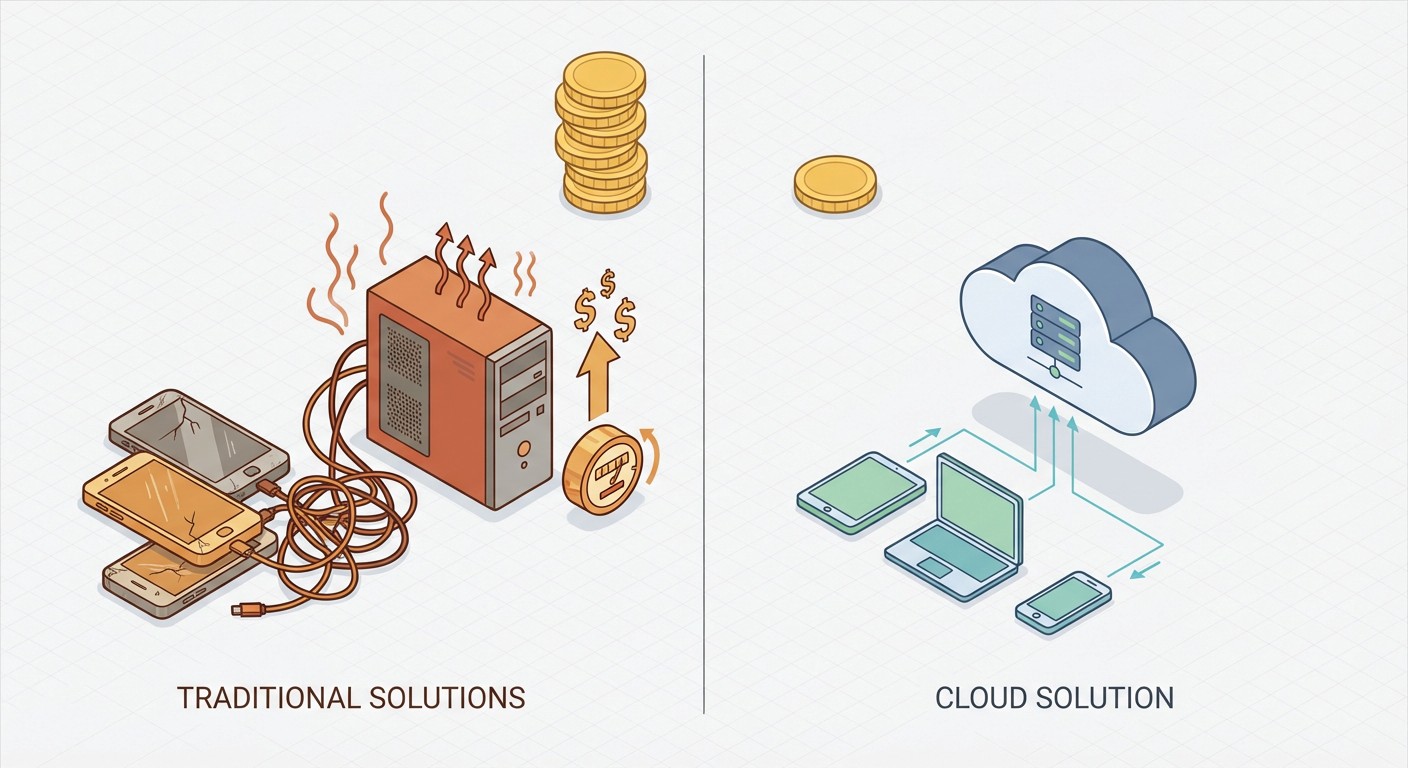
Traditional Solutions (And Why They're Expensive)
Some users buy cheap used Android phones specifically for IPRoyal Pawns. A $50 used Samsung or Motorola seems reasonable until you need 5-10 of them to generate $15-30 monthly. That's $250-500 upfront, plus the hassle of managing physical devices, charging cables everywhere, and the heat generated by multiple phones running simultaneously.
Others try Android emulators like BlueStacks on PC. IPRoyal Pawns technically works on emulators, but you're now running a full computer 24/7 instead of a phone. Desktop PCs draw 50-100+ watts idle, costing $5-11 monthly in electricity. The bandwidth sharing is the same as one phone, so you've just made your operation more expensive, not more profitable.
The emulator approach also creates technical problems. You need to configure network bridging correctly so each emulator instance appears as a separate device. Most consumer routers struggle with more than 3-4 emulator instances on the same machine. And you still have a computer running constantly, generating heat and noise.
This is exactly why FoxPhone exists. Each cloud instance runs on server-grade infrastructure that's designed for 24/7 operation. You're not paying to cool your apartment because 10 phones are running, and you're not replacing degraded batteries every year. The infrastructure costs are distributed across all FoxPhone users, making it dramatically cheaper than any DIY solution.
How FoxPhone Solves the IPRoyal Pawns Earning Problem
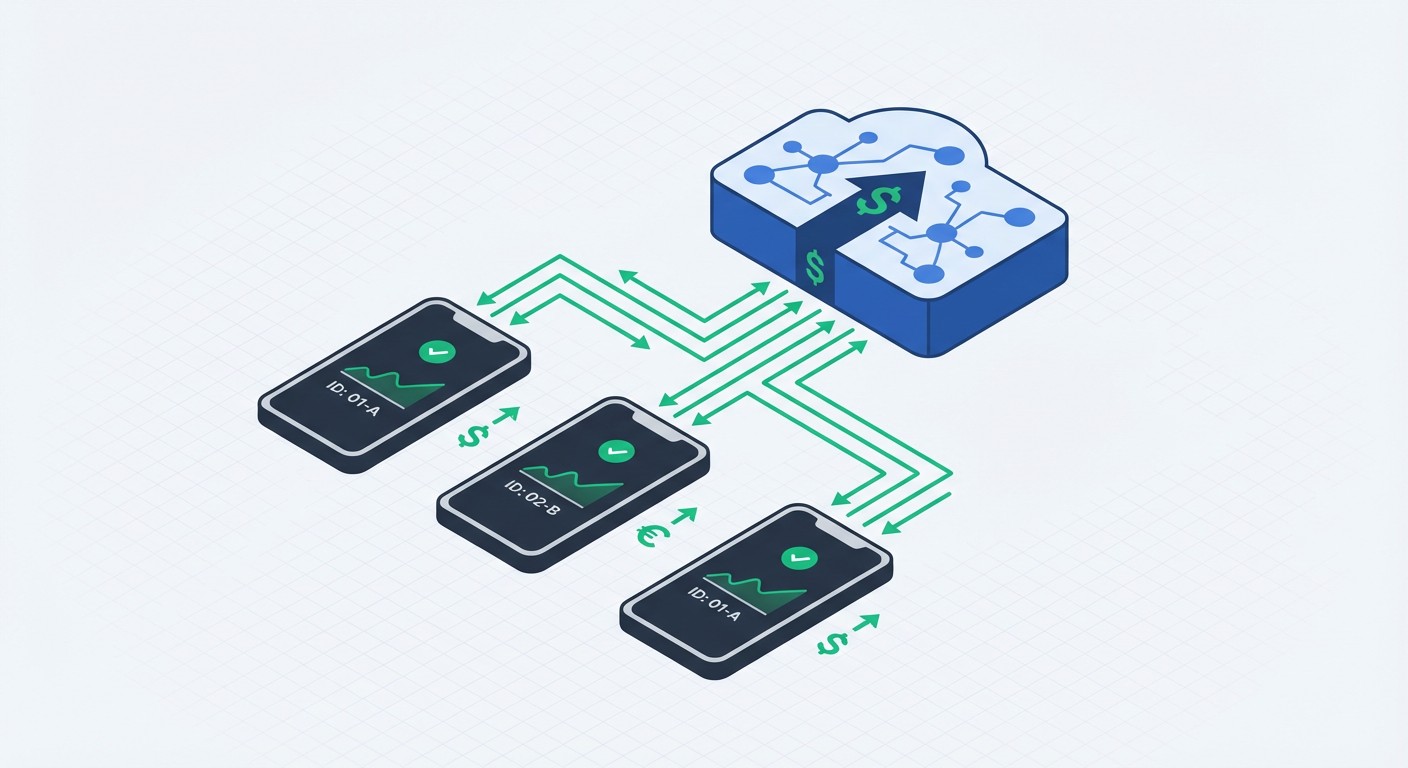
FoxPhone's cloud Android instances are perfect for IPRoyal Pawns because they run continuously without any physical device on your end. When you create a FoxPhone instance, you get a full Android environment with its own device ID, running on remote servers with guaranteed uptime. The bandwidth sharing happens from FoxPhone's infrastructure, while you monitor everything from your regular phone or computer.
Here's what makes FoxPhone specifically better for IPRoyal Pawns: each instance has separate device IDs and hardware fingerprints. IPRoyal Pawns tracks devices individually, so running the app on 5 different FoxPhone instances is identical to having 5 physical phones—except you're not managing any hardware. The app can't tell the difference because FoxPhone uses real ARM architecture, not emulation.
The 24/7 operation means you never miss potential traffic. IPRoyal Pawns earnings depend on traffic availability, which fluctuates throughout the day. By running continuously on FoxPhone, you capture traffic during peak demand hours in different time zones. Users typically report 20-30% higher monthly earnings compared to phones that only run during waking hours.
FoxPhone's unlimited cloud storage also helps with the IPRoyal Pawns app logs and data management. The app generates small log files over time, and on regular phones with limited storage, you'd eventually need to clear these. On FoxPhone, storage constraints never interrupt operation.
The cost structure is the real game-changer. FoxPhone's pricing starts around $9-15 monthly per instance (depending on your plan and number of instances). If each instance generates $2-4 monthly from IPRoyal Pawns, you need 3-5 instances to break even—and anything beyond that is pure profit. Compare this to buying 5 used phones for $250, paying electricity for all of them, and dealing with hardware failures.
Setting Up IPRoyal Pawns on FoxPhone for Maximum Earnings
- Step 1: Create your first FoxPhone instance from the dashboard. Choose a standard configuration—IPRoyal Pawns doesn't require high performance, so the basic instance tier works perfectly. Name it something like "Pawns-1" so you can track multiple instances later.
- Step 2: Install IPRoyal Pawns from the Google Play Store on your FoxPhone instance. Log in with your IPRoyal account credentials. If you're running multiple instances, you'll use the same account across all of them—IPRoyal allows multiple devices per account and actually encourages it for higher earnings.
- Step 3: Configure the IPRoyal Pawns settings to ensure continuous operation. Disable any bandwidth limits within the app if you have them set. FoxPhone instances have stable connections, so letting the app use maximum available bandwidth will maximize your earnings potential.
- Step 4: In your FoxPhone dashboard, disable sleep mode and screen timeout for this instance. This ensures the IPRoyal Pawns app never gets throttled by Android's power management. FoxPhone's interface makes this a one-click setting under "Power Management" or "Display Settings."
- Step 5: Test the connection by checking your IPRoyal Pawns dashboard (the web version) to verify traffic is flowing. You should see your new FoxPhone device appear with a separate device ID within 10-15 minutes. The earnings counter will start incrementing as traffic gets routed through your instance.
- Step 6: Repeat steps 1-5 for additional FoxPhone instances. Most users find that 5-8 instances provides the sweet spot where total IPRoyal Pawns earnings significantly exceed FoxPhone subscription costs. Beyond 10 instances, diminishing returns kick in unless you're on a very high-bandwidth connection.
FoxPhone Pro Tip: Set up a notification system using FoxPhone's monitoring features. If any instance goes offline or the IPRoyal Pawns app crashes, you'll get alerted immediately. This maximizes your uptime and prevents earnings gaps.
Real Cost Comparison: FoxPhone vs Physical Phones
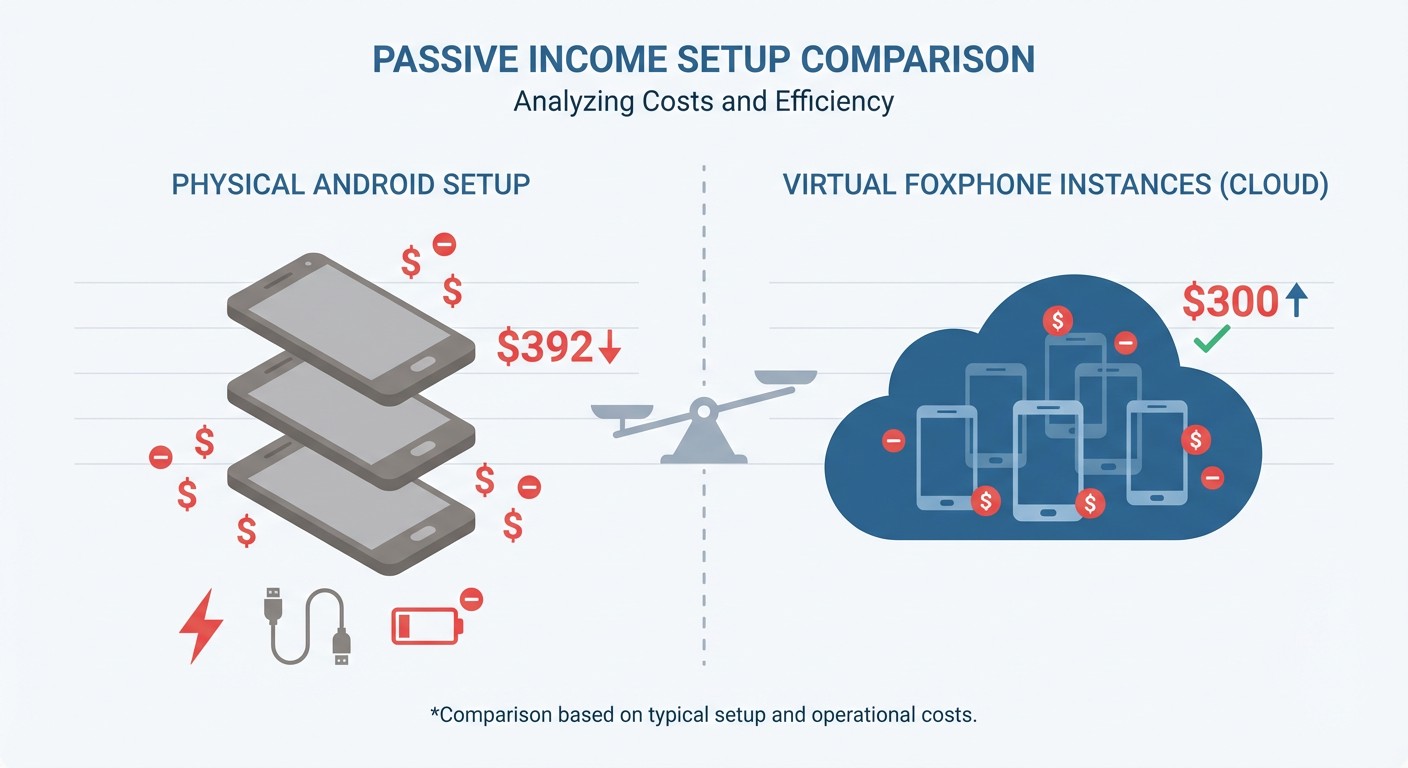
Let's run the actual numbers for a 6-month period with 5 instances of IPRoyal Pawns:
Physical Phone Setup:
- 5 used Android phones: $250 upfront
- Electricity (5 phones × $0.40/month): $12/month
- USB cables and charging blocks: $30 one-time
- Battery replacements (1-2 phones): $40 over 6 months
- Total 6-month cost: $250 + $30 + $72 + $40 = $392
Expected earnings: 5 devices × $2.50/month × 6 months = $75
Net result: -$317 (you lose money)
FoxPhone Setup:
- 5 FoxPhone instances: ~$50/month (bulk pricing)
- No hardware costs
- No electricity costs on your end
- No maintenance or replacements
- Total 6-month cost: $300
Expected earnings: 5 devices × $3.00/month × 6 months = $90 (higher due to 24/7 uptime)
Net result: -$210 (still negative, but better)
The honest reality? IPRoyal Pawns alone doesn't generate enough to cover FoxPhone costs unless you run 10+ instances or have exceptional bandwidth availability. Where FoxPhone shines is running IPRoyal Pawns alongside other earning apps like Honeygain, surveys, or game farming. The same FoxPhone instance can run multiple passive income apps simultaneously, spreading the infrastructure cost across several revenue streams.
One FoxPhone user shared that they run IPRoyal Pawns, Honeygain, and automated survey apps on the same instance, generating combined earnings of $8-12 monthly per instance. Now the math works: 5 instances generating $10 each monthly = $50, covering most of the FoxPhone cost, with additional instances creating actual profit.
What FoxPhone Can't Fix for IPRoyal Pawns
FoxPhone can't increase the fundamental earning rate of IPRoyal Pawns. The app pays based on bandwidth shared, and that's determined by traffic demand on IPRoyal's network, not your setup. If there's low traffic demand, all the FoxPhone instances in the world won't change your earnings.
Geographic location matters, and FoxPhone instances run from data center locations. IPRoyal Pawns generally pays better for residential IP addresses than data center IPs. Depending on FoxPhone's server infrastructure, your earnings per GB might be slightly lower than running from your home connection. This is an important consideration—ask FoxPhone support about IP types before committing to multiple instances for bandwidth sharing apps.
You'll also face the same account limits as anyone else. IPRoyal Pawns has device verification and may occasionally flag unusual patterns. While FoxPhone's separate device IDs help, running 15+ instances on one account might trigger review. Staying under 10 instances per account is generally safer based on user reports.
Bandwidth sharing apps also compete with each other. If you're running IPRoyal Pawns and Honeygain on the same FoxPhone instance, they're both trying to route traffic through the same connection. This doesn't harm functionality, but it means you're not doubling earnings—you're splitting the available bandwidth between two apps.
Monitoring Multiple IPRoyal Pawns Instances on FoxPhone
The FoxPhone dashboard becomes essential when managing 5+ instances. You can view all running instances at a glance, checking connection status without opening each one individually. Set up a daily routine where you spend 5 minutes checking that all IPRoyal Pawns instances are active and earning.
Create a simple spreadsheet tracking each FoxPhone instance's daily earnings from IPRoyal Pawns. The app's dashboard shows per-device earnings, so you can identify if any specific instance is underperforming. Sometimes an instance might have connectivity issues or the app might need restarting—catching this early prevents lost earnings.
FoxPhone's remote access feature means you can manage everything from your actual phone while commuting or traveling. Need to restart the IPRoyal Pawns app on instance #3? Just open that FoxPhone instance, force-stop the app, and relaunch it. The whole process takes 30 seconds from your phone's browser.
Scaling Beyond IPRoyal Pawns on FoxPhone
Since you're already paying for FoxPhone instances to run IPRoyal Pawns, maximize the value by adding complementary passive income apps. Install Honeygain, Pawns.app (different from IPRoyal Pawns), and PacketStream on the same instances. Each app shares bandwidth differently, so they can run simultaneously without major conflicts.
Survey apps like Google Opinion Rewards also work on FoxPhone, though availability varies by instance location. The beauty of FoxPhone is that each instance can run a different combination of apps based on what works best. Instance #1 might run IPRoyal Pawns + Honeygain, while Instance #2 adds survey apps.
For users serious about passive income, FoxPhone transforms the economics from barely viable to genuinely profitable. The fixed monthly cost of FoxPhone instances becomes a platform that supports multiple revenue streams, not just a single app. This is where the 24/7 cloud operation pays for itself multiple times over.
FAQ
Is FoxPhone worth it just for IPRoyal Pawns?
Honestly, probably not. IPRoyal Pawns alone generates $2-4 monthly per device, which doesn't cover a single FoxPhone instance cost. Where FoxPhone becomes worth it is running IPRoyal Pawns plus other passive income apps simultaneously on each instance, or if you're already using FoxPhone for other purposes (game farming, social media management) and adding IPRoyal Pawns as a bonus revenue stream.
Will IPRoyal detect FoxPhone instances as fake devices?
No. FoxPhone runs real ARM-based Android environments with unique device IDs, identical to physical phones from IPRoyal Pawns' perspective. The potential issue is data center IPs, which might pay lower rates than residential IPs. FoxPhone instances appear as legitimate devices; the IP type is the only difference from home phones.
How many FoxPhone instances can I run for IPRoyal Pawns?
IPRoyal Pawns technically allows unlimited devices per account, but 8-10 instances is a practical maximum before diminishing returns kick in. Beyond that, you're splitting available bandwidth across so many instances that per-device earnings drop. Start with 3-5 FoxPhone instances, monitor earnings for a month, then decide if scaling up makes sense for your bandwidth situation.
Start Earning Passive Income with FoxPhone Today
IPRoyal Pawns is just one piece of the passive income puzzle, but FoxPhone's cloud infrastructure transforms it from a marginal operation into part of a genuinely profitable system. The 24/7 uptime, separate device IDs for multiple instances, and zero hardware management make FoxPhone the smart choice for anyone serious about maximizing bandwidth sharing earnings.
The real advantage isn't just IPRoyal Pawns—it's running IPRoyal Pawns alongside Honeygain, PacketStream, and other apps on the same FoxPhone instances. Now you're generating $8-15 monthly per instance across multiple apps, making the infrastructure cost worthwhile. Your personal phone stays free for actual use, no old phones cluttering your desk, and no electricity costs eating into profits.
Try FoxPhone with 2-3 instances first. Install IPRoyal Pawns plus one other bandwidth sharing app, let it run for a full month, then evaluate your earnings. Most users find that the combination of 24/7 operation and multi-app stacking makes FoxPhone pay for itself within 60 days—and everything after that is actual passive income with zero effort.

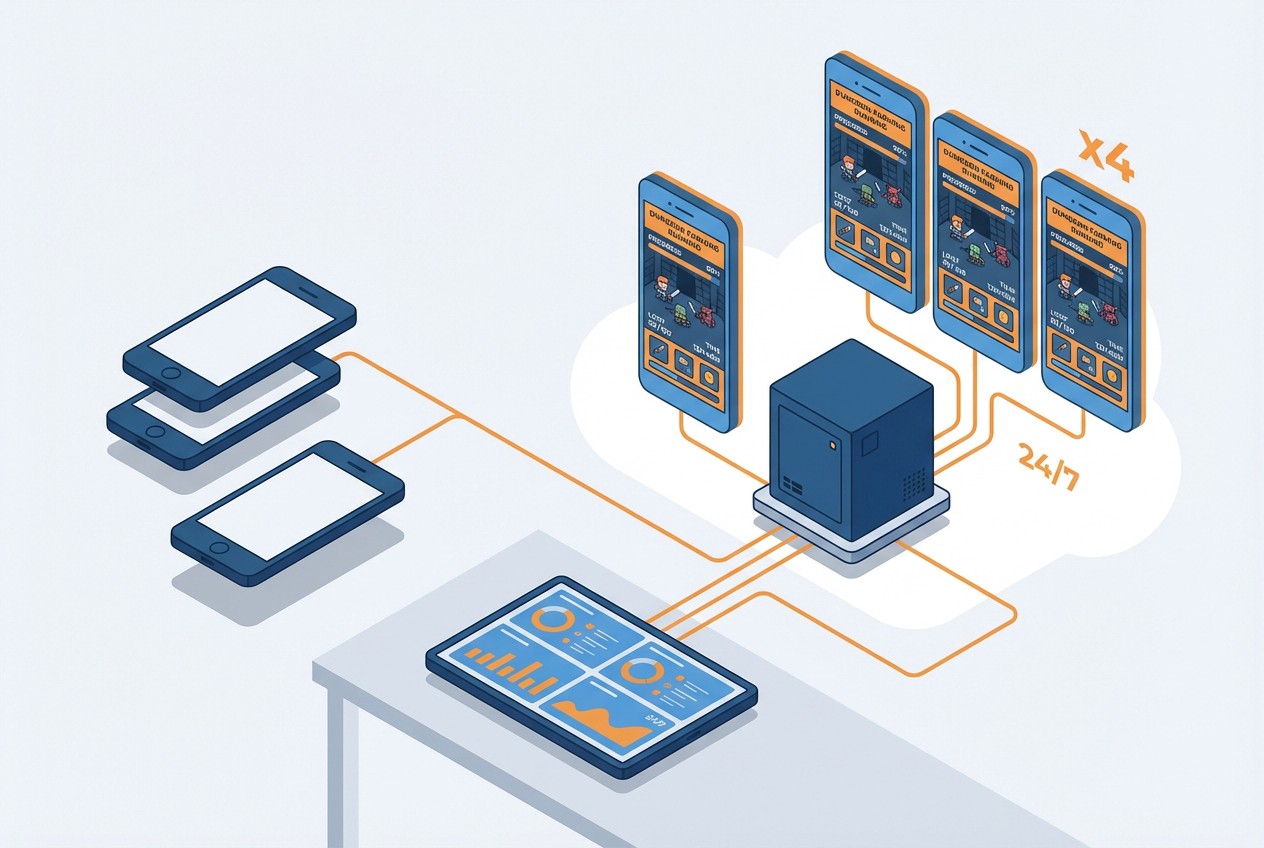 How to Farm Summoners War Dungeons 24/7 with FoxPhone: Save $840/Year on Multiple Accounts
How to Farm Summoners War Dungeons 24/7 with FoxPhone: Save $840/Year on Multiple Accounts
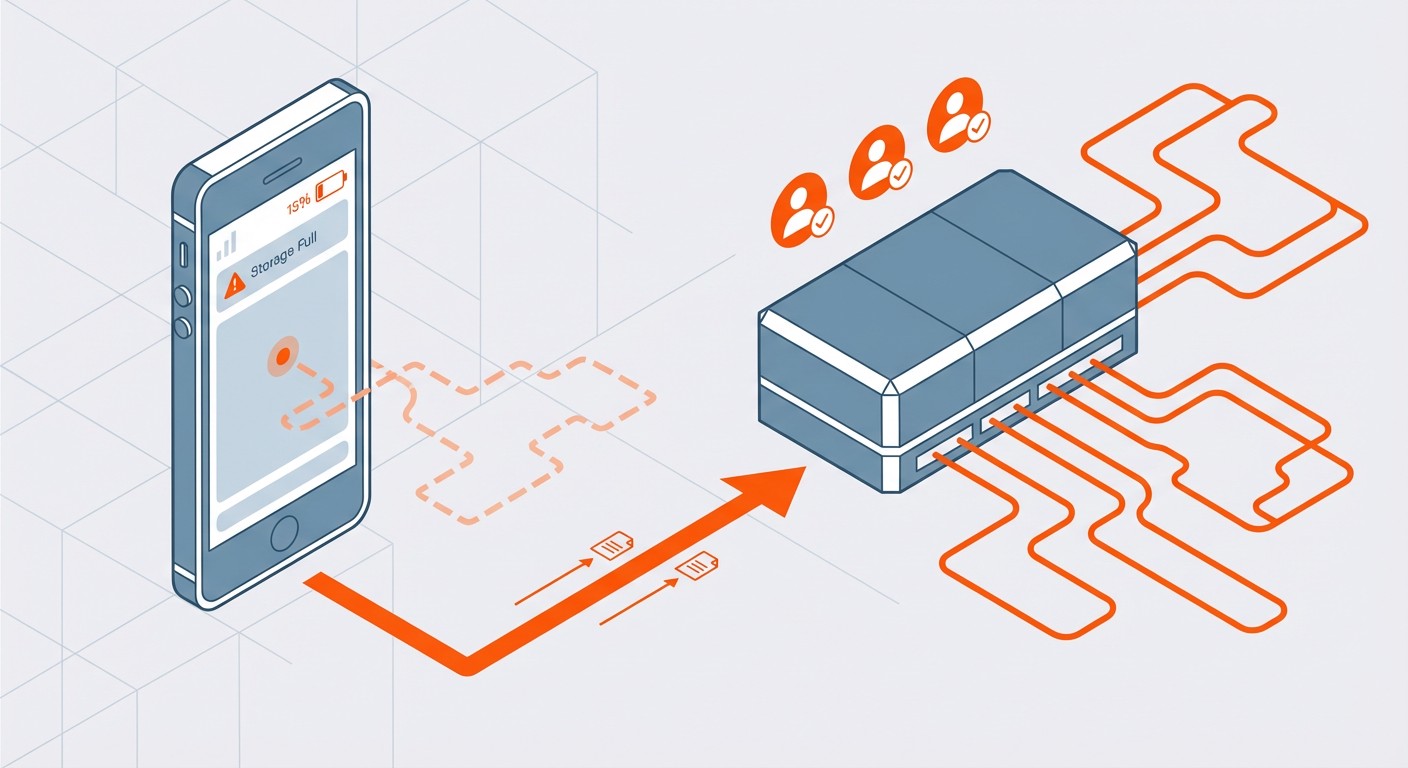 How to Sync Strava Activities 24/7 with FoxPhone: Save Battery and Never Miss a Workout
How to Sync Strava Activities 24/7 with FoxPhone: Save Battery and Never Miss a Workout
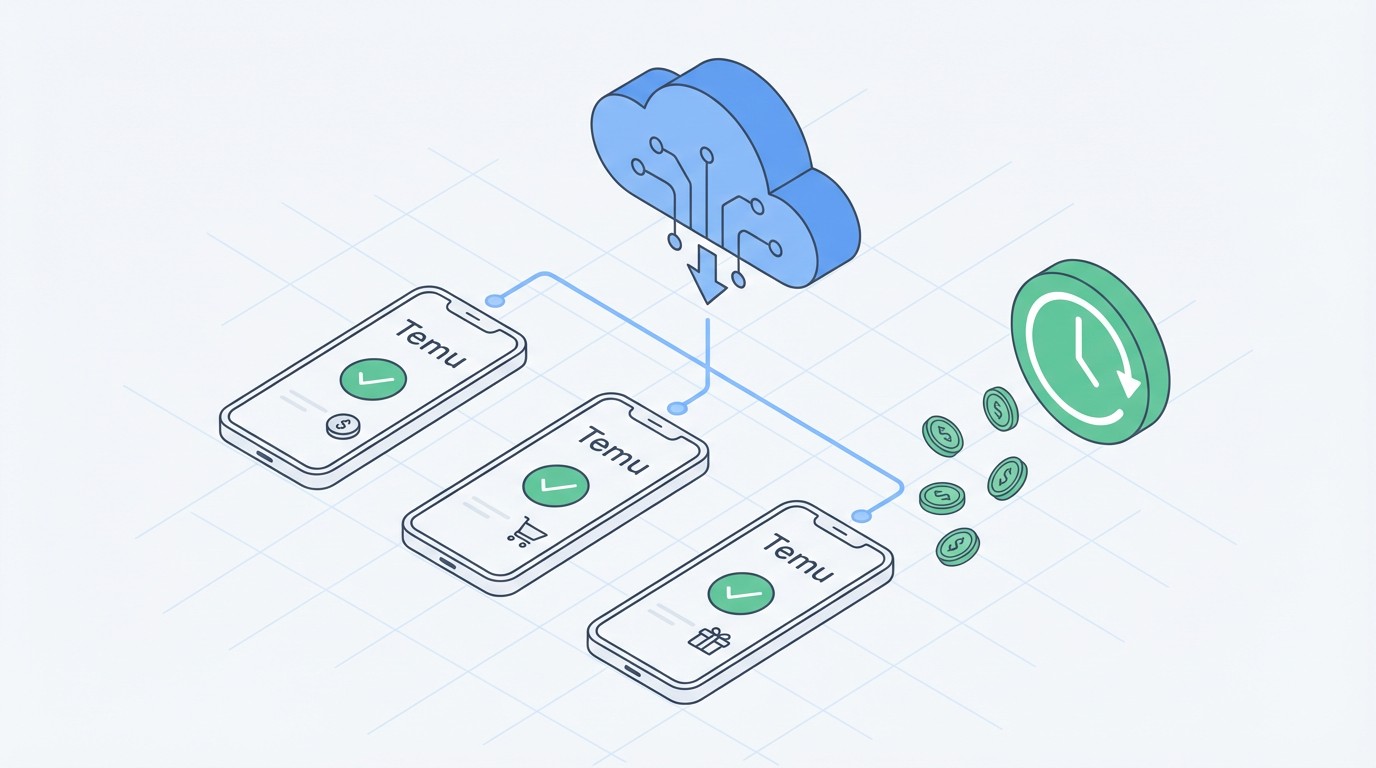 How to Automate Temu Daily Rewards with FoxPhone: Complete 2025 Guide
How to Automate Temu Daily Rewards with FoxPhone: Complete 2025 Guide


© 2026 Foxphone LLC. All rights reserved.


 Cookie Notice