


How to Complete Free Fire Missions 24/7 with FoxPhone: 3 Methods That Actually Work
 2026-03-02 10:01:30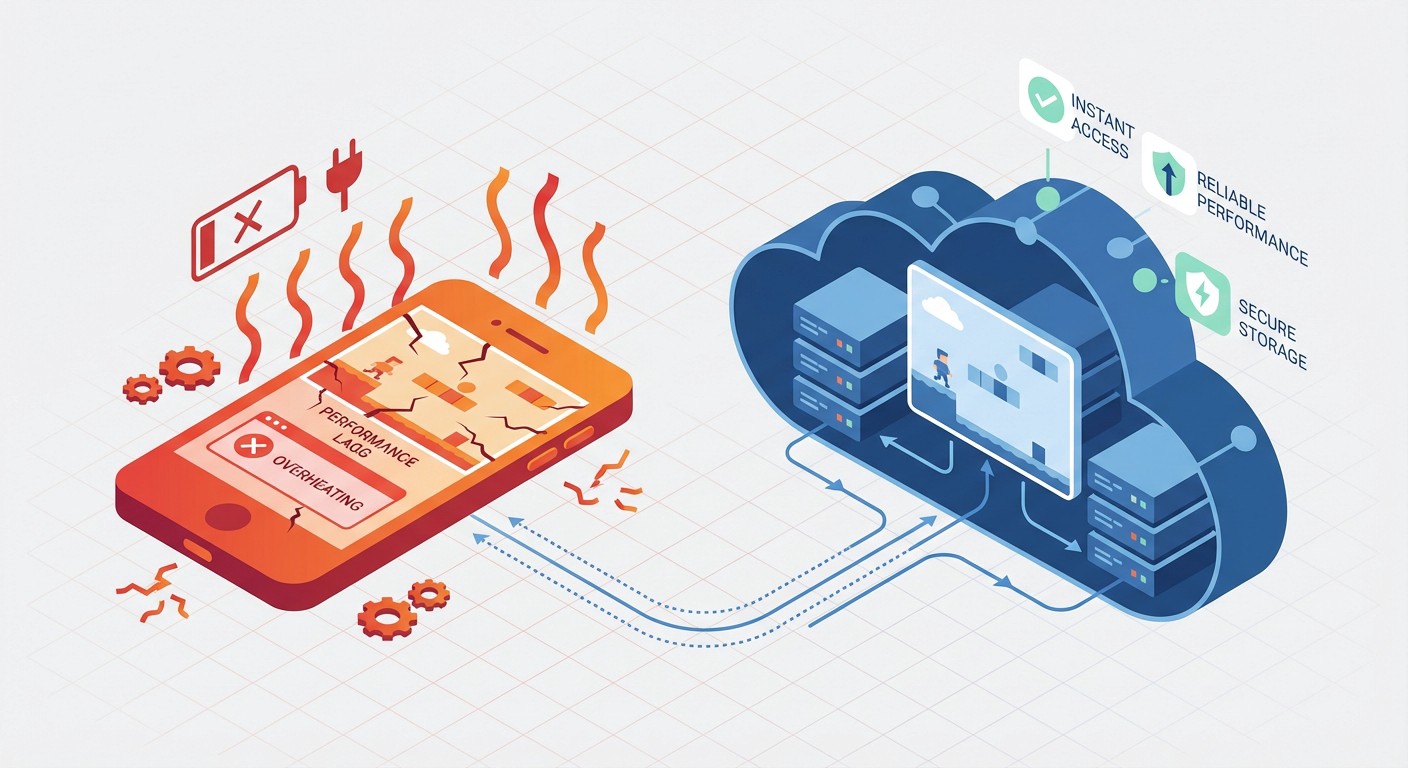
How to Complete Free Fire Missions 24/7 with FoxPhone: 3 Methods That Actually Work
Your phone's at 15% battery. You've been grinding Free Fire missions for three hours straight, and your device is literally too hot to hold. You still need to complete the Daily Missions for 2,000 gold, finish the Elite Pass weekly tasks, and you haven't even touched the Training Grounds rewards yet. Oh, and your main phone is basically unusable for anything else right now.
This is the Free Fire grind problem. Garena designed the game with aggressive daily engagement mechanics—miss a day of missions, and you fall behind on diamonds, gold coins, and Elite Pass progression. The game rewards consistent logins and mission completion, but it punishes your phone's battery, heats up your device like a space heater, and monopolizes your screen time. FoxPhone solves this by running Free Fire on cloud-based Android instances that operate 24/7 without touching your personal device.
Free Fire isn't just a casual battle royale anymore. With daily missions resetting every 24 hours, weekly Elite Pass tasks requiring 50+ matches, and limited-time events demanding constant participation, the game has become a part-time job. Players who want to maximize diamond earnings and rank progression need to log in multiple times daily. That's where FoxPhone's cloud infrastructure changes the equation entirely.
Why Free Fire Missions Drain Your Resources
Free Fire's mission structure is intentionally grindy. Daily Missions require you to play 3-5 matches, deal 5,000+ damage, and survive for cumulative minutes. Elite Pass missions stack on top with "Play 10 matches with friends" or "Get 20 kills in Clash Squad." Each mission takes 5-15 minutes of active gameplay.
The math gets brutal fast. If you're completing the full Daily Mission set (roughly 45 minutes), plus Elite Pass weeklies (2-3 hours per week), plus Training Grounds for free diamonds (30 minutes daily), you're looking at 60-90 minutes of screen time per day. That's 6-9 hours per week of your phone running a graphics-intensive battle royale.
Your regular phone suffers in three ways. First, battery degradation—charging cycles while gaming accelerate lithium-ion wear. A phone battery has about 500 full charge cycles before capacity drops to 80%. Gaming while charging can consume one cycle every 1.5 days, meaning your battery health tanks in under two years. Second, thermal throttling kicks in after 20-30 minutes of gameplay. Your chipset reduces performance to avoid overheating, which makes Free Fire lag during crucial firefights. Third, you can't use your phone for anything else. No texts, no calls, no scrolling Reddit while you're stuck in a 12-minute match.
Traditional Solutions and Why They Fail
Some players buy a second budget phone just for Free Fire. A $150 Android device can handle the game on low settings, but now you're maintaining two devices, two charge cables, and dealing with a phone that still overheats during extended sessions. The battery degradation problem doesn't disappear—you've just shifted it to a cheaper device that'll die in 18 months.
Android emulators like BlueStacks or GameLoop seem like the obvious PC solution. But Garena's anti-cheat system actively detects emulator environments. Free Fire checks for specific hardware signatures that emulators can't perfectly replicate—GPU renderer strings, sensor data availability, touch input patterns. Players report shadow bans where matchmaking times increase dramatically, or worse, permanent account flags. Even if you get an emulator working, you're tethered to a PC running at 150+ watts just to complete mobile missions.
Some players try running Free Fire on old phones in airplane mode, only logging in for mission completion. This works until you realize the game requires constant internet for mission validation. And you still have the same battery and heat issues on outdated hardware that's even less efficient than modern devices.
This is where FoxPhone comes in. Instead of buying extra hardware or risking emulator detection, FoxPhone provides cloud-based Android instances that run genuine ARM architecture—the same processor type as real phones. Free Fire sees a legitimate Android device, not an emulator. And because FoxPhone instances run on remote servers, there's zero battery drain, no heat generation on your physical device, and you can run missions 24/7 while your actual phone stays in your pocket.
How FoxPhone Solves Free Fire Mission Grinding
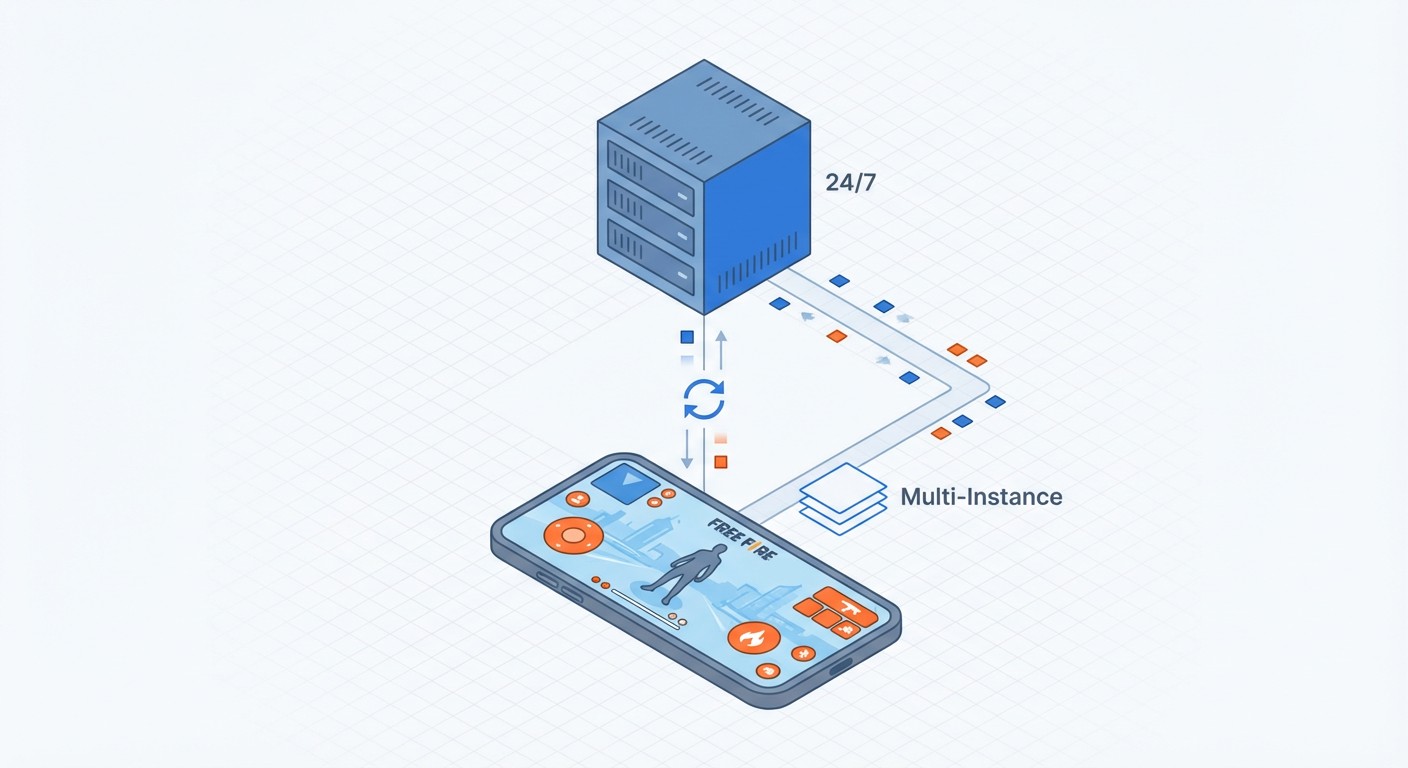
FoxPhone operates actual Android systems on cloud servers, not emulated environments. Each FoxPhone instance runs on ARM-based server hardware, which means Free Fire detects it as a real Android device. You get a legitimate device ID, genuine sensor data, and proper touch input simulation. Garena's anti-cheat has no flags to detect because you're not spoofing anything—it's a real Android system, just running remotely.
The 24/7 uptime changes everything for Free Fire's mission economy. Daily Missions reset at midnight in your timezone. With FoxPhone, you can schedule automatic logins to claim those missions the moment they're available. Elite Pass weekly tasks that require "Play 50 matches" can run continuously in the background. Training Grounds rewards, which reset every 4 hours, can be farmed around the clock without you touching a button.
FoxPhone's multi-instance capability lets you manage multiple Free Fire accounts simultaneously. Maybe you have a main account for ranked play and alt accounts for farming diamonds through events. Each FoxPhone instance maintains separate device IDs, so Free Fire treats them as completely different devices. You could run 3 accounts through daily missions in parallel, tripling your diamond earnings while your actual phone sits idle.
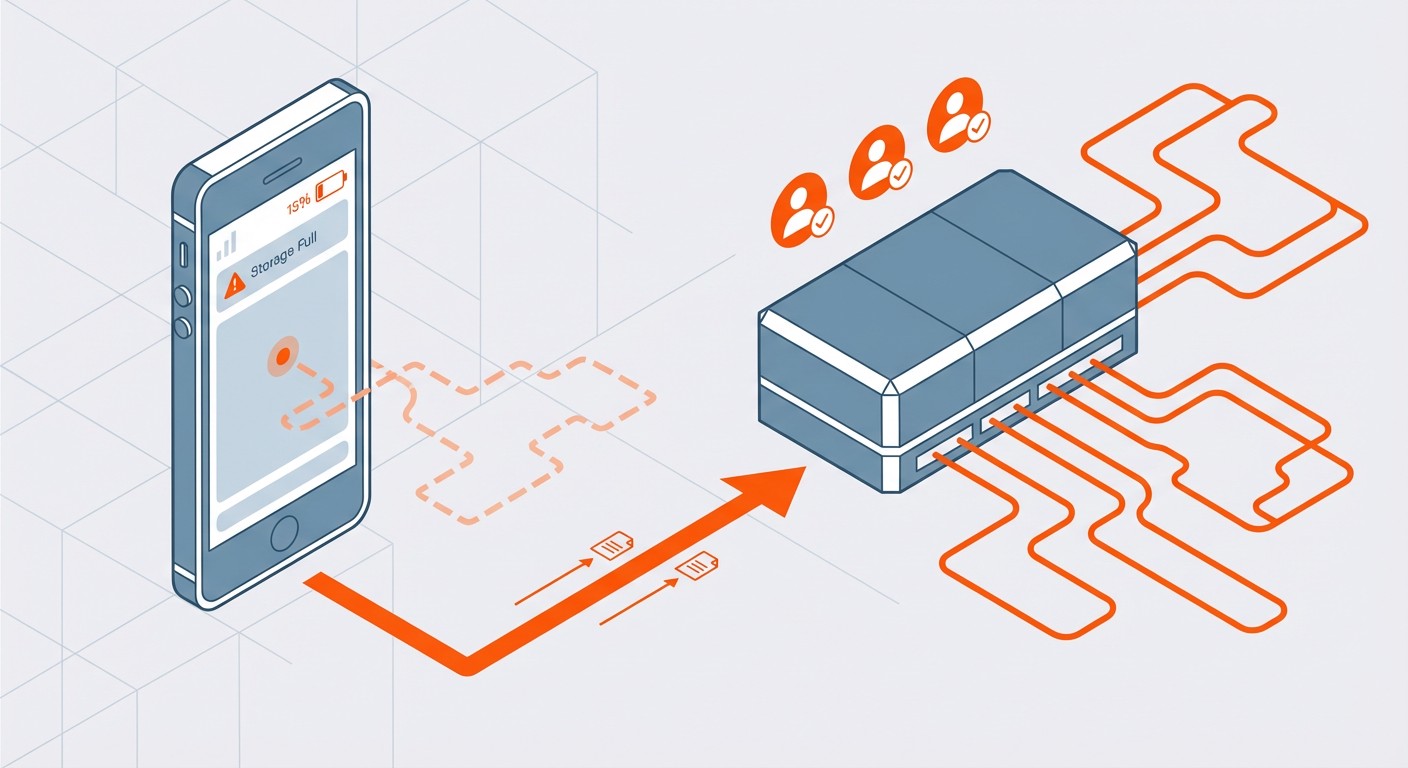
The cloud storage advantage matters more than you'd think. Free Fire updates are 1-3 GB every few weeks. On a phone with 64 GB storage, those updates eat precious space. FoxPhone instances have expandable cloud storage, so updates never force you to delete photos or other apps. You can keep multiple Free Fire versions installed if you need to test new features or run events across different server regions.
Setting Up Free Fire on FoxPhone
Step 1: Create Your FoxPhone Instance
Log into the FoxPhone dashboard and create a new Android instance. For Free Fire, select Android 9 or higher (the game requires Android 4.4 minimum, but newer versions have better GPU support). Choose a device profile that matches your target performance—mid-range profiles work fine for completing missions on medium graphics settings.
Step 2: Install Free Fire from Google Play
Access the Google Play Store on your FoxPhone instance. Download Free Fire normally—no sideloading or APK files needed. The game installs exactly as it would on a physical device. Log in with your existing Free Fire account or create a new one. FoxPhone's ARM architecture ensures the game runs smoothly without emulator warnings.
Step 3: Configure Graphics Settings
In Free Fire's settings, adjust graphics to match your mission goals. If you're just grinding daily missions and not focused on high-level ranked play, Medium graphics at 30 FPS reduces server resource usage while keeping the game playable. FoxPhone instances handle High graphics at 60 FPS fine, but you'll pay slightly more for the increased compute requirements.
Step 4: Set Up Auto-Play for Training Grounds
Free Fire's Training Grounds offers diamond rewards for completing target practice and parkour challenges. These don't require battle royale matches, so they're perfect for automation. Use FoxPhone's scheduled task feature to launch Free Fire at specific intervals (every 4 hours when Training Grounds resets). You can manually complete the challenges or use the game's built-in practice modes that offer diamond rewards.
Step 5: Schedule Daily Mission Check-Ins
FoxPhone lets you set login schedules. Configure your instance to boot Free Fire daily at midnight (when missions reset), play 3-5 matches to complete Daily Missions, then idle until the next reset. This ensures you never miss a day of mission rewards even when you're sleeping or busy with work.
Step 6: Monitor from Your Phone
Download the FoxPhone mobile app to check your Free Fire progress remotely. You can view your instance screen, see mission completion status, and even manually control gameplay if needed. The instance runs independently, so checking it doesn't drain your phone battery—you're just viewing a remote desktop stream.
Real-World Cost Comparison: FoxPhone vs Physical Devices
Let's calculate actual costs over one year of Free Fire mission grinding.
Option A: Using Your Main Phone
- Battery replacement after 1 year of heavy gaming: $50-80
- Electricity cost (3 hours daily charging at $0.12/kWh): ~$8/year
- Opportunity cost of phone unavailability: Unmeasurable but significant
- Total tangible cost: $58-88
Option B: Dedicated Budget Phone
- Budget Android device: $150
- Battery replacement after 18 months: $40
- Electricity for charging: ~$8/year
- Total first-year cost: $198
Option C: FoxPhone
- FoxPhone subscription (mid-tier instance): ~$15/month = $180/year
- Zero battery wear on your devices: $0
- Zero electricity cost on your end: $0
- Can run 24/7 for mission farming without physical device degradation
- Total cost: $180
FoxPhone breaks even with buying a dedicated device, but with massive advantages. Your instances run continuously, so you can farm Training Grounds every 4 hours (6 times per day vs maybe twice on a physical device). That's potentially triple the diamond earnings. You avoid all battery degradation on your personal devices. And you can manage multiple accounts—if you run 2 Free Fire accounts for double mission rewards, you're now earning more resources than you could physically manage on regular hardware.
The time savings are even more dramatic. With FoxPhone handling daily mission grinding automatically, you save 45-60 minutes per day. Over a year, that's 273-365 hours of your life back. Even if you value your time at minimum wage ($7.25/hour in the US), that's $1,979-2,646 in opportunity cost saved. Suddenly, FoxPhone's $180 annual cost looks absurdly cheap.
Advanced FoxPhone Strategies for Free Fire
Multi-Account Diamond Farming:
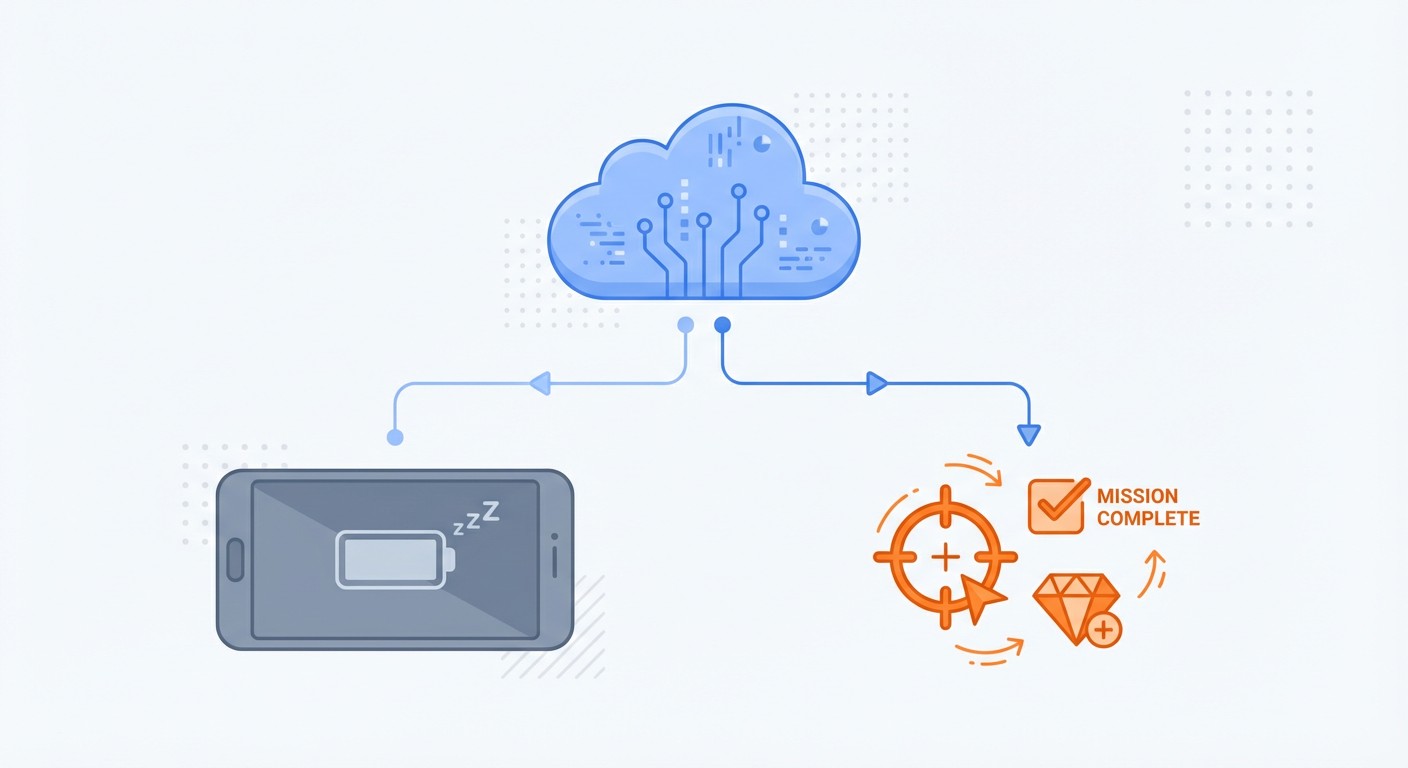
Free Fire regularly runs events where new accounts get bonus diamonds for completing tutorial missions. With FoxPhone's multi-instance support, you can create 3-5 alt accounts, complete the new player missions simultaneously, and transfer event rewards to your main account through in-game gifting systems. Each instance operates with separate device IDs, so Free Fire sees them as legitimate different users.
Elite Pass Completion Across Regions:
Free Fire has different server regions (NA, SA, Europe, Asia) with slightly staggered event timings. By running FoxPhone instances configured for different regions, you can participate in time-limited events multiple times. This requires separate accounts per region, but FoxPhone makes it trivial to maintain since you're not juggling physical SIM cards or device resets.
Training Grounds 24/7 Rotation:
Training Grounds rewards reset every 4 hours with a daily cap. FoxPhone can run 6 farming cycles per day (every 4 hours), maximizing your diamond intake. Set up scheduled tasks to launch Free Fire, complete the weapon training challenges (which award 5-10 diamonds), then close the app. Over a month, this automation farms an extra 900-1,800 diamonds without any manual input.
Guild Event Participation:
Free Fire guilds run timed events that require coordinated logins. If you manage a guild across multiple timezones, FoxPhone instances can maintain 24/7 guild presence. Members in different regions can rely on your FoxPhone accounts to hold territories or complete group challenges when they're offline.
What FoxPhone Can't Fix
FoxPhone excels at mission grinding and account management, but it's not ideal for competitive ranked play. The cloud gaming experience introduces 30-80ms of additional input latency compared to playing directly on a phone. For casual matches and mission completion, this is barely noticeable. But if you're pushing for Grandmaster or Heroic rank, that latency affects quickscoping and movement precision.
Free Fire's ranked mode also uses skill-based matchmaking that considers device performance. If you're playing on FoxPhone with medium graphics settings to save costs, you might be matched against players on lower-skilled lobbies. This is fine for grinding, but it won't give you the competitive practice you need for serious rank climbing.
Event modes that require real-time voice coordination (like Clash Squad ranked) work better on your physical phone. FoxPhone supports audio, but the slight latency can make callouts feel delayed. For those intense 4v4 matches where milliseconds matter, your local device still has the edge.
Battery-related features don't benefit from FoxPhone since the cloud instance doesn't have a physical battery to preserve. This is obvious, but worth stating—you're trading battery wear concerns for a subscription cost.
Frequently Asked Questions
Is FoxPhone safe for my Free Fire account?
Yes. FoxPhone runs legitimate Android systems on ARM architecture, so Free Fire detects it as a real device, not an emulator. Each FoxPhone instance has unique device IDs, which Free Fire treats as separate hardware. Thousands of FoxPhone users run Free Fire daily without account flags. The key difference from emulators is that FoxPhone isn't spoofing hardware signatures—it's running actual Android on server infrastructure.
Can I play Free Fire on FoxPhone and my phone with the same account?
Free Fire allows one active login per account. If you log into your FoxPhone instance while already logged in on your phone, it'll disconnect the phone session. But you can switch between devices freely. This is useful for using FoxPhone for overnight mission grinding, then switching to your phone for ranked play during the day.
How much does FoxPhone cost compared to cloud gaming services?
FoxPhone pricing starts around $10-15/month for basic instances that handle Free Fire smoothly. Cloud gaming services like GeForce NOW or Xbox Cloud charge similar rates but don't give you 24/7 persistent access—they're session-based. FoxPhone instances run continuously, so your Free Fire account can grind missions even when you're not actively controlling it. For dedicated Free Fire farming, FoxPhone's persistent Android environment is more cost-effective than hourly cloud gaming.
Stop Burning Out Your Phone—Let FoxPhone Handle the Grind
Free Fire's mission economy demands daily engagement, but it shouldn't demand sacrificing your phone's battery health or monopolizing your screen time. FoxPhone transforms the grind into a background process that runs independently of your physical devices.
You get legitimate Android instances that Free Fire treats as real devices, 24/7 uptime for automatic mission completion, and multi-instance support for managing multiple accounts. Your phone stays cool, your battery stays healthy, and you reclaim hours of daily screen time while still maximizing diamond earnings and Elite Pass progression.
The math is simple: FoxPhone costs less than buying a dedicated gaming phone, saves hundreds of hours per year, and eliminates battery degradation entirely. Whether you're a casual player who wants to keep up with dailies or a serious grinder managing multiple accounts, FoxPhone handles the repetitive work while you focus on the matches that actually matter.
Try FoxPhone free for 7 days and see how much time you get back when Free Fire runs itself. Your phone battery will thank you.

 How to Sync Strava Activities 24/7 with FoxPhone: Save Battery and Never Miss a Workout
How to Sync Strava Activities 24/7 with FoxPhone: Save Battery and Never Miss a Workout
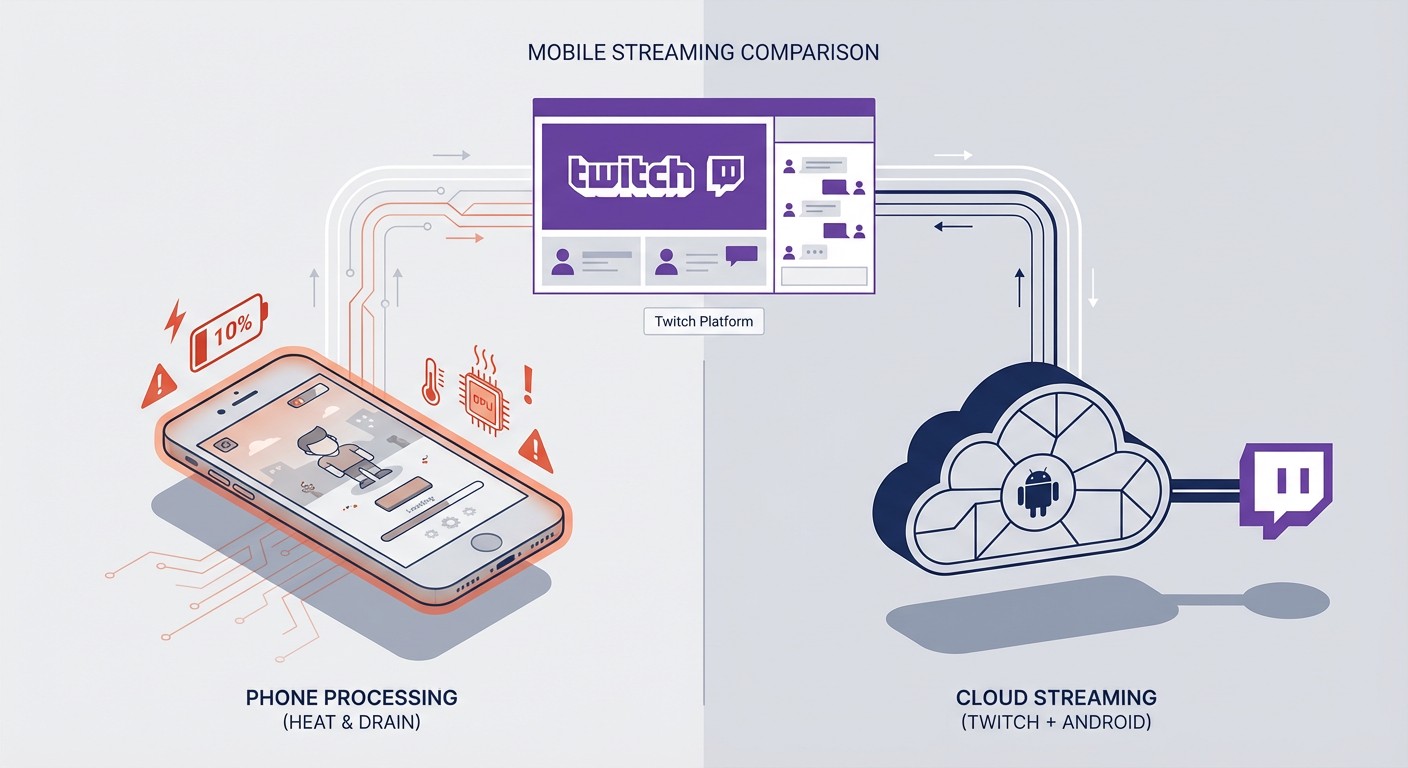 Run Twitch Mobile Game Streams 24/7 with FoxPhone: Setup Guide for Multi-Channel Streaming
Run Twitch Mobile Game Streams 24/7 with FoxPhone: Setup Guide for Multi-Channel Streaming
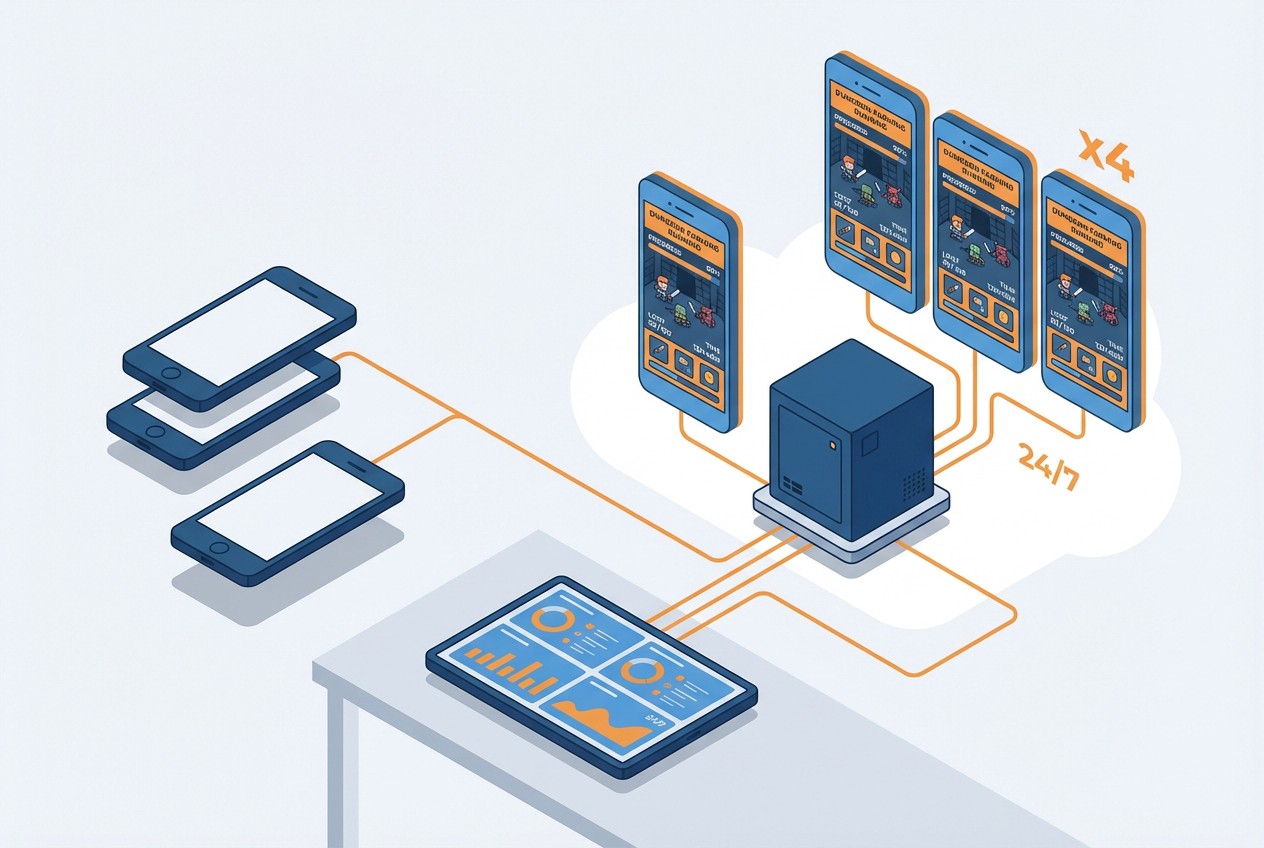 How to Farm Summoners War Dungeons 24/7 with FoxPhone: Save $840/Year on Multiple Accounts
How to Farm Summoners War Dungeons 24/7 with FoxPhone: Save $840/Year on Multiple Accounts


© 2026 Foxphone LLC. All rights reserved.


 Cookie Notice