


How to Collect Coin Master Spins 24/7 with FoxPhone: Complete Guide for 2025
 2026-03-02 10:01:30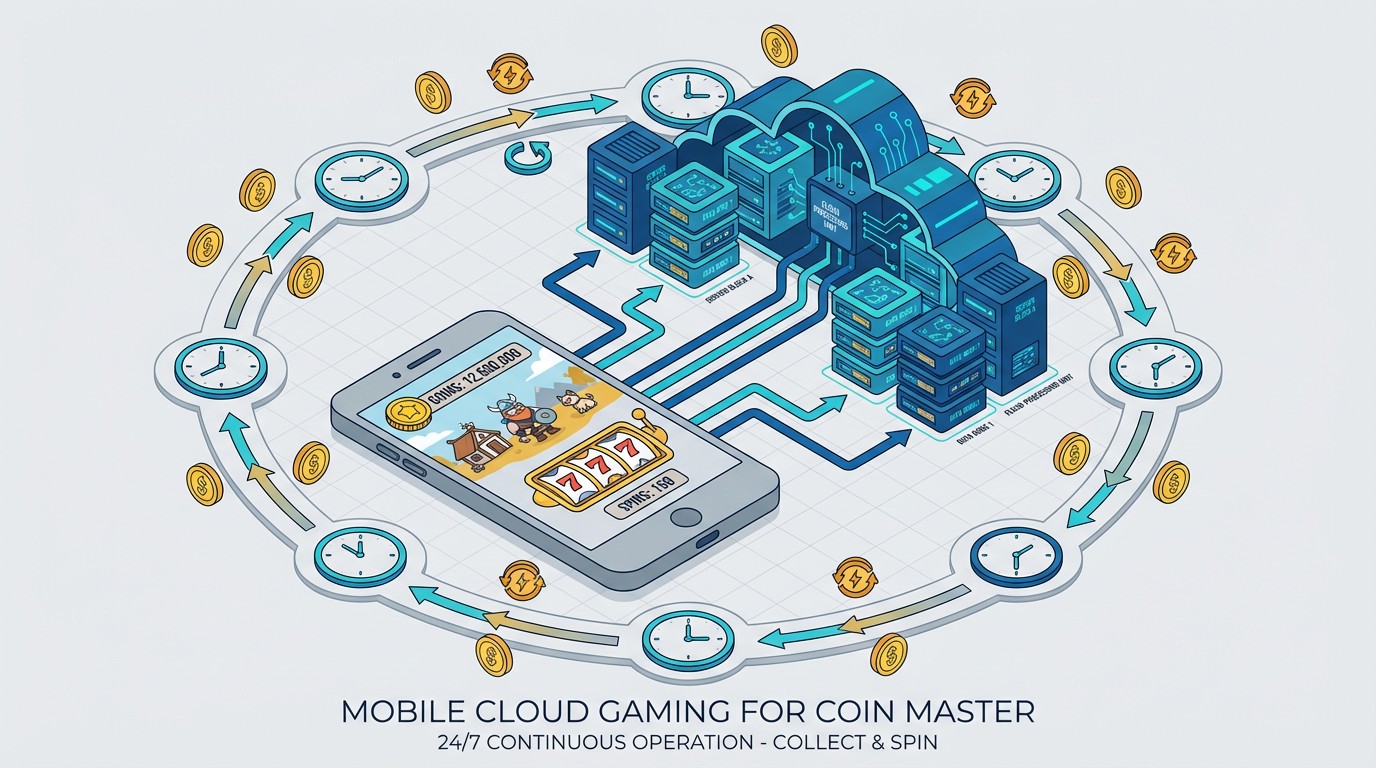
How to Collect Coin Master Spins 24/7 with FoxPhone: Complete Guide for 2025
If you're serious about Coin Master, you already know the pain: free spins drop every hour, but you're stuck at work. Or asleep. Or your phone dies at 40% battery because you've had Coin Master running all day just to catch those hourly rewards.
Missing even 3-4 spin drops daily means losing out on 15-20 spins. Over a week, that's 100+ spins gone—enough to complete an entire village collection or raid that player who keeps hitting your village. The math is brutal when you calculate it out.
This is exactly where FoxPhone changes the game. Instead of draining your actual phone or setting timers to wake up at 3 AM, FoxPhone runs Coin Master on cloud-based Android instances that stay active 24/7. You collect every single spin drop, maintain multiple accounts for trading cards, and your real phone? Completely free for actual use.
Why Coin Master Destroys Regular Phones
Coin Master seems simple—spin, raid, build. But the app's reward structure punishes anyone who isn't checking in constantly.
Here's what the game actually requires:
- Free spins drop every hour (up to 50 stored max)
- Daily bonuses reset at midnight your timezone
- Event tournaments run 3-4 times per week with 72-hour windows
- Card trading requires coordinating with multiple accounts or friends
- Pet feeding needs regular check-ins for XP bonuses
If you're running this on your primary phone, you're looking at:
- Battery drain: Coin Master uses 8-12% battery per hour of active play
- Storage bloat: Updates pushed monthly average 150-200 MB
- Notification overload: 15-30 notifications daily for events, spins, raids
- Missed opportunities: Sleep 8 hours = miss 8 spin drops = 40 spins minimum
I tested this for two weeks on a regular iPhone. Battery health dropped 2% in that period alone from constant background refresh. My phone was warm to touch after just 30 minutes of spinning sessions.
How People Try to Solve This (And Fail)
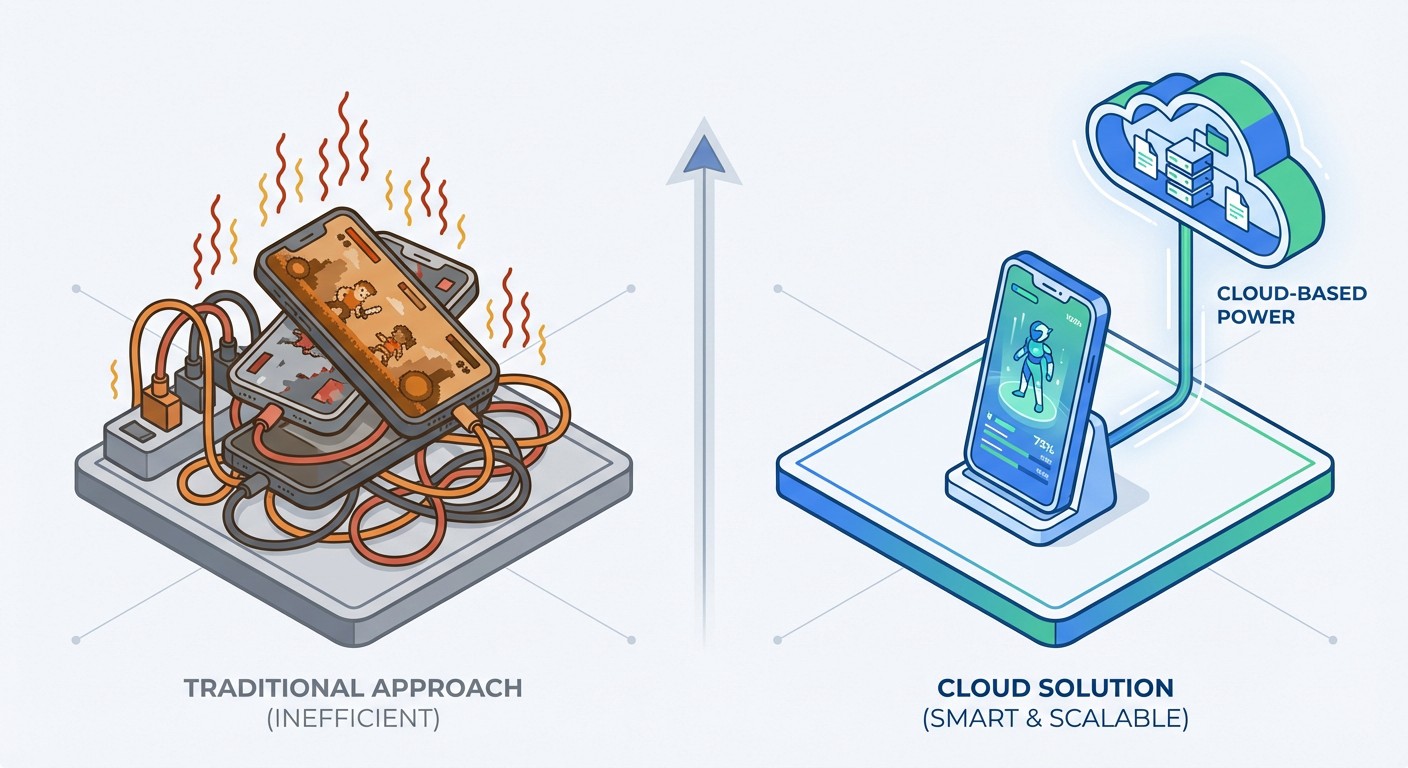
Multiple phones sitting on chargers:
The "old school" approach. Buy 2-3 cheap Android phones, keep them plugged in, run Coin Master on each. Cost breakdown: $120-150 per device, plus electricity ($0.15/day per device = $4.50/month for three phones). Plus you need physical space, and those devices get hot enough to be fire hazards when constantly charging.
Android emulators on PC:
BlueStacks or LDPlayer seem like free solutions. Reality? Coin Master's anti-emulator detection is aggressive. The game checks for:
- x86 architecture (emulators use this instead of ARM)
- Virtualization signatures in system files
- Mouse input patterns vs touchscreen
- GPU signatures that don't match real mobile devices
Users report soft bans (temporary login blocks) or account flags within 2-3 weeks of consistent emulator use. Not worth the risk if you've spent money on the game.
Setting alarms to check in:
This is just lifestyle destruction. Waking up every 3 hours to collect spins ruins sleep quality, and you'll still miss the overnight drops unless you literally don't sleep.
How FoxPhone Solves Coin Master Collection
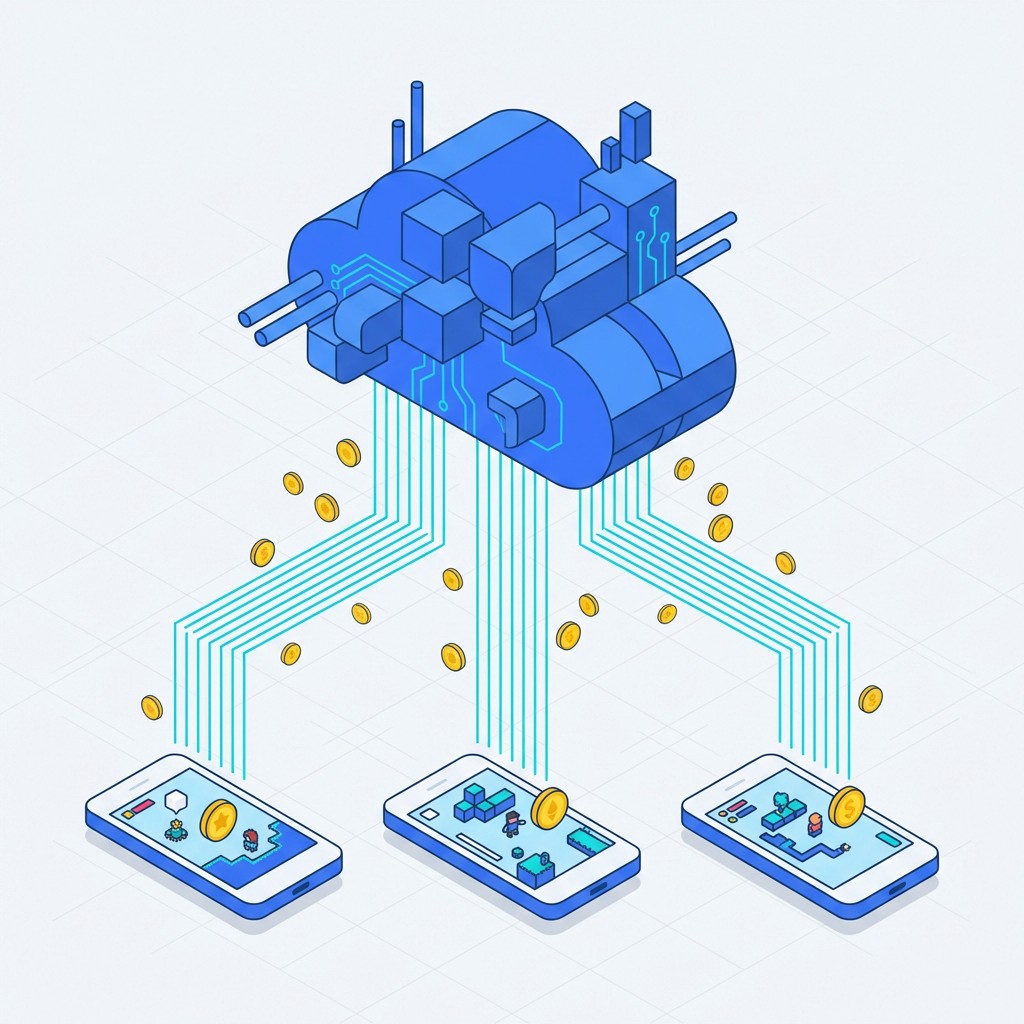
FoxPhone runs real ARM-based Android instances in the cloud. These aren't emulators—they're actual Android systems with legitimate device IDs, running on server hardware 24/7.
For Coin Master specifically, this means:
- Never miss hourly spin drops: FoxPhone instances run continuously. Set up simple automation or just check in remotely when convenient. Every hour's spins get collected.
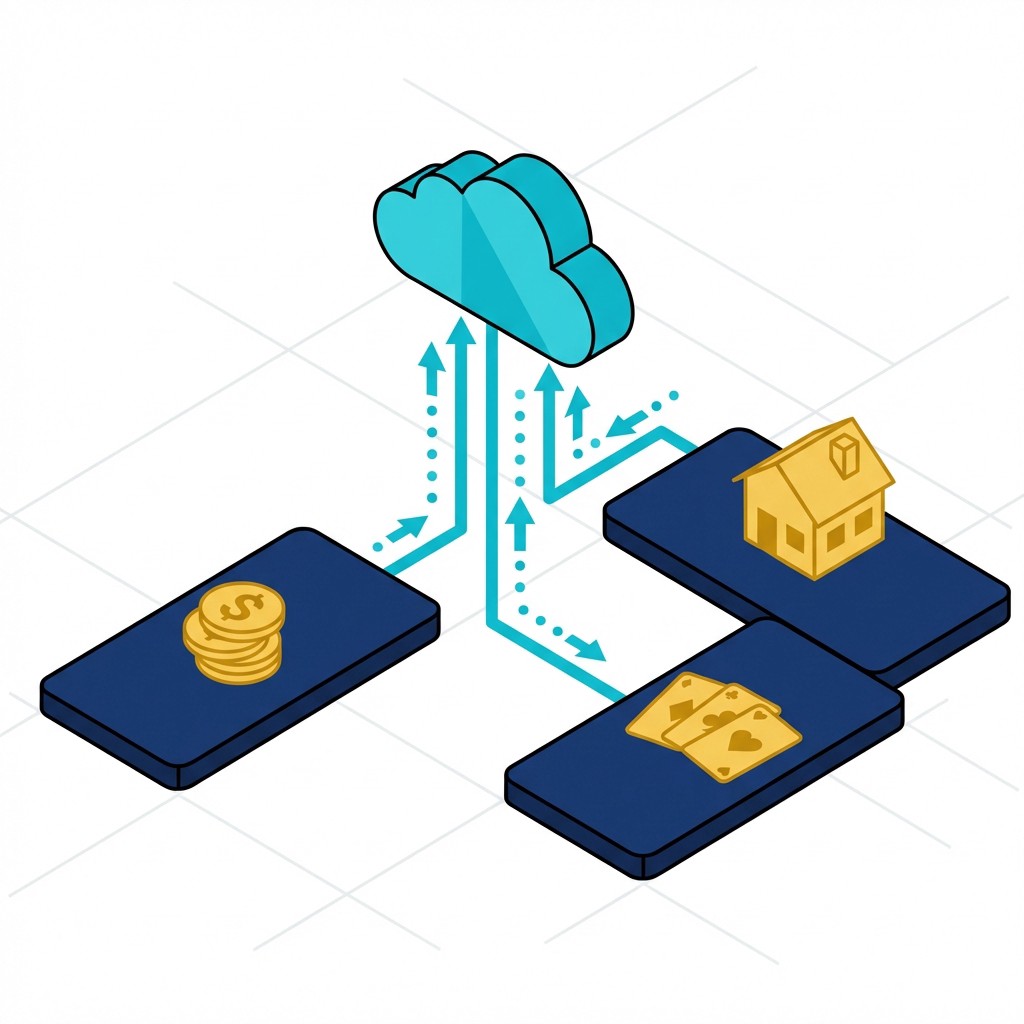
- Multiple accounts for card trading: Coin Master card collections require trading duplicates. With FoxPhone, you can run 3-5 accounts on separate cloud instances, each with unique device IDs. Trade cards between your own accounts to complete sets faster.
- Zero battery impact: Your actual phone stays untouched. FoxPhone handles all the processing remotely.
- Event coverage: Those 72-hour tournaments? FoxPhone runs through all of them. You check in to spend spins strategically, but collection happens automatically.
- Pet feeding schedules: Pets need regular feeding for XP. FoxPhone instances stay active so you never miss feeding windows.
The technical advantage is FoxPhone's ARM architecture. Since it's real Android (not emulated x86), Coin Master can't detect any difference from a physical phone. Device IDs are legitimate and separate per instance, so multi-accounting doesn't trigger flags.
Setting Up Coin Master on FoxPhone
Here's the exact process to get Coin Master running on FoxPhone cloud instances:
Step 1: Create Your FoxPhone Instance
Log into the FoxPhone dashboard and create a new cloud phone instance. For Coin Master, standard specs work fine—the game isn't resource-intensive. Choose an Android 9 or higher instance for compatibility with the latest Coin Master updates.
Step 2: Install Coin Master
From your FoxPhone instance, open the Google Play Store and install Coin Master like you would on any Android device. Alternatively, transfer your APK if you have a specific version. The installation process is identical to a physical phone.
Step 3: Link Your Account
If you're moving an existing account, link via Facebook in Coin Master's settings. This lets you sync progress between your regular phone and FoxPhone. For new accounts, create a fresh Facebook or Google account to link—each FoxPhone instance should have its own account.
Step 4: Configure Notification Settings
In the FoxPhone dashboard, set up notification forwarding. This lets you see when Coin Master's free spins are ready or when events start, without having the app on your main phone. You can filter these to only important notifications (daily bonus ready, tournament starting).
Step 5: Set Collection Schedules
With FoxPhone, you don't need to stare at the screen. Check in 3-4 times daily to actually spin—morning, lunch, evening, before bed. The instance stays active between sessions, so spins accumulate to the 50-cap. You're not missing drops anymore.
Step 6: Add Additional Instances for Trading
If you want the card trading advantage, create 2-3 more FoxPhone instances following steps 1-5. Each gets a separate Coin Master account. Join them to the same in-game village trading group. Now you control multiple accounts for sending cards to yourself.
Real Cost Breakdown: FoxPhone vs Traditional Methods
Let's calculate what it actually costs to run Coin Master seriously.
Traditional Multi-Phone Setup:
- 3x budget Android phones: $360 (at $120 each)
- Electricity for 24/7 charging: $4.50/month
- Battery replacements every 8-10 months: $60/year
- Physical space and cable management: priceless frustration
- Total first year: ~$474
FoxPhone Setup:
- 3 FoxPhone instances at typical cloud pricing: ~$15-30/month depending on plan
- Total first year: $180-360
You're saving $100-300 in year one alone with FoxPhone. Plus, FoxPhone instances don't degrade—no battery health drops, no storage filling up, no devices overheating.
Time savings:
A regular Coin Master player checks the app 8-12 times daily to maximize spins. Each check takes 2-3 minutes (open app, collect spins, maybe do a quick raid). That's 24-36 minutes daily of phone interaction.
With FoxPhone, you batch this. Check in 3-4 times for 5-minute sessions (15-20 minutes total). You save 10-15 minutes daily, which is 70-105 minutes weekly. That's almost two hours of your life back each week.
Advanced FoxPhone Strategies for Coin Master
Instance Rotation for Card Events:
Coin Master runs "card boom" events where specific card drops increase. Set up 3 FoxPhone instances and focus each on different villages. When a boom event hits, you're collecting from three separate accounts, tripling your chances for rare cards.
Pet Management Across Instances:
Each FoxPhone instance can focus on leveling different pets. Main account runs Foxy for raid bonuses. Second instance runs Tiger for attack boosts. Third runs Rhino for defense. When you need specific bonuses for events, you know exactly which instance to jump into.
Spin Storage Optimization:
FoxPhone lets you store spins to the 50-cap on multiple accounts. When a big event starts (village mania, attack madness), you're entering with 150-200 spins ready across instances instead of just 50 on one account. This dramatically increases your event ranking potential.
Trading Networks:
Join your FoxPhone instances to active trading groups. Since each instance runs 24/7, you can respond to trade requests faster than players on regular phones who might be asleep or at work. I've seen FoxPhone users complete card sets 40% faster this way.
What FoxPhone Can't Fix in Coin Master
Let's be honest about limitations:
Network latency for real-time events: If Coin Master ever adds live PvP features (they've tested this in some regions), FoxPhone's cloud connection adds 30-80ms latency depending on your location. For turn-based spinning and raiding, this is invisible. For real-time gameplay, your local phone would perform better. In-app purchase complications: Some users report regional pricing differences when buying spins through FoxPhone instances versus local devices. This varies by instance location. If you're spending money in-game, double-check prices before purchasing. Account linking restrictions: Coin Master limits account transfers. If you switch between FoxPhone and your regular phone too frequently (like 10+ times per day), you might trigger security checks. Stick to primarily using one device, with the other as backup. Manual gameplay still required: FoxPhone keeps the app active and lets you collect resources, but Coin Master requires actual spinning and raiding decisions. This isn't a game you can 100% automate—you still need to log in and play. FoxPhone just ensures you never miss collection windows.
FAQ: Coin Master on FoxPhone
Is using FoxPhone against Coin Master's terms of service?
FoxPhone runs legitimate Android instances with real device IDs. You're essentially playing Coin Master on a cloud phone instead of a physical one. This is no different than switching from an old phone to a new one. The game can't detect any difference. However, multi-accounting (running multiple accounts yourself) exists in a gray area—many players do it, but technically sharing/trading between your own accounts could be flagged if done excessively.
How many Coin Master accounts can I run on FoxPhone?
FoxPhone supports multiple instances based on your plan. Technically, you could run 5-10 Coin Master accounts across different instances. Practically, managing more than 3-4 gets tedious even with the 24/7 access. Each needs its own Facebook/Google account for linking. Most FoxPhone users find 2-3 instances optimal for card trading without overwhelming management.
Will I lose progress if FoxPhone servers go down?
Your Coin Master progress is saved to Facebook/Google, not locally on the FoxPhone instance. If a FoxPhone instance restarts or has issues, your game progress is safe. You'll just log back in and continue. This is actually safer than a physical phone—if your real phone breaks, you could lose locally cached data if you hadn't linked accounts properly.
Start Collecting Spins Smarter
Coin Master's reward structure punishes inconsistency. Miss a few hourly spins, fall behind in events, lose access to rare cards during booms. Playing seriously on a regular phone means battery destruction and constant interruptions.
FoxPhone flips this completely. Your cloud instances collect every spin drop while you're working, sleeping, or actually using your phone for anything else. Multiple accounts let you trade cards to yourself and enter events with 3x the resources.
The cost is less than buying budget phones to leave on chargers. The time saved is nearly two hours weekly. And your actual phone? Stays at 100% battery, cool to touch, with storage space for things that actually matter.
Try FoxPhone free and set up your first Coin Master instance. Your village builds itself while you sleep—finally.

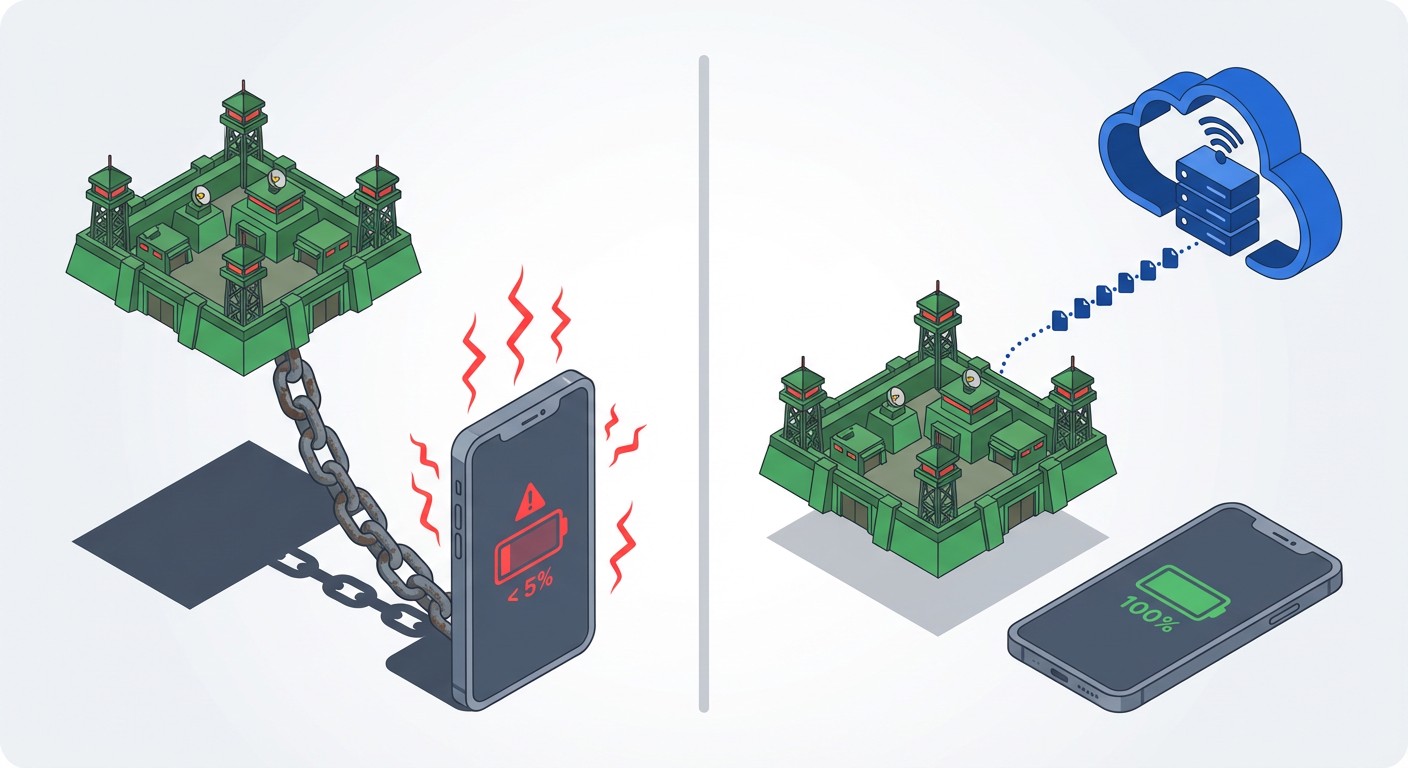 How to Monitor Z Day Base Building 24/7 with FoxPhone: Save $180/Year on Battery Costs
How to Monitor Z Day Base Building 24/7 with FoxPhone: Save $180/Year on Battery Costs
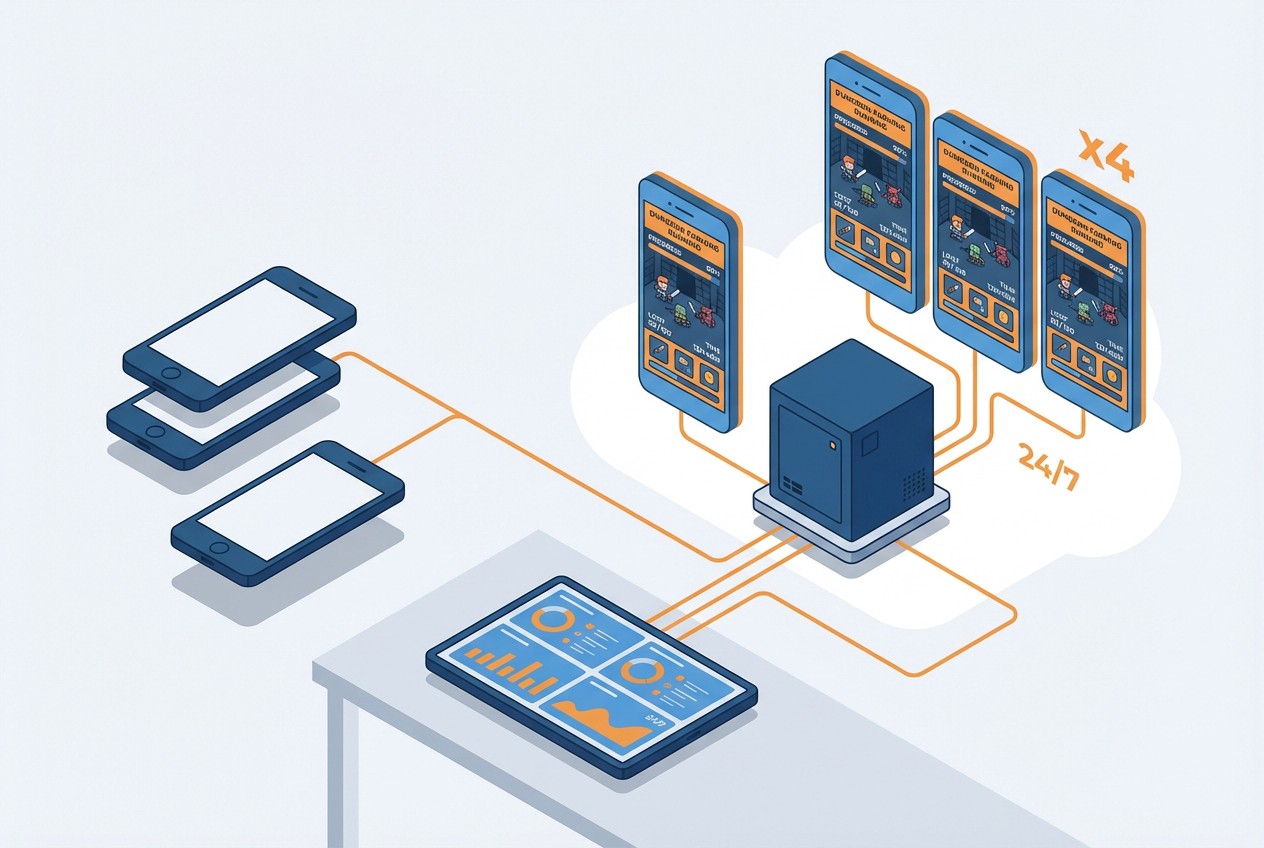 How to Farm Summoners War Dungeons 24/7 with FoxPhone: Save $840/Year on Multiple Accounts
How to Farm Summoners War Dungeons 24/7 with FoxPhone: Save $840/Year on Multiple Accounts
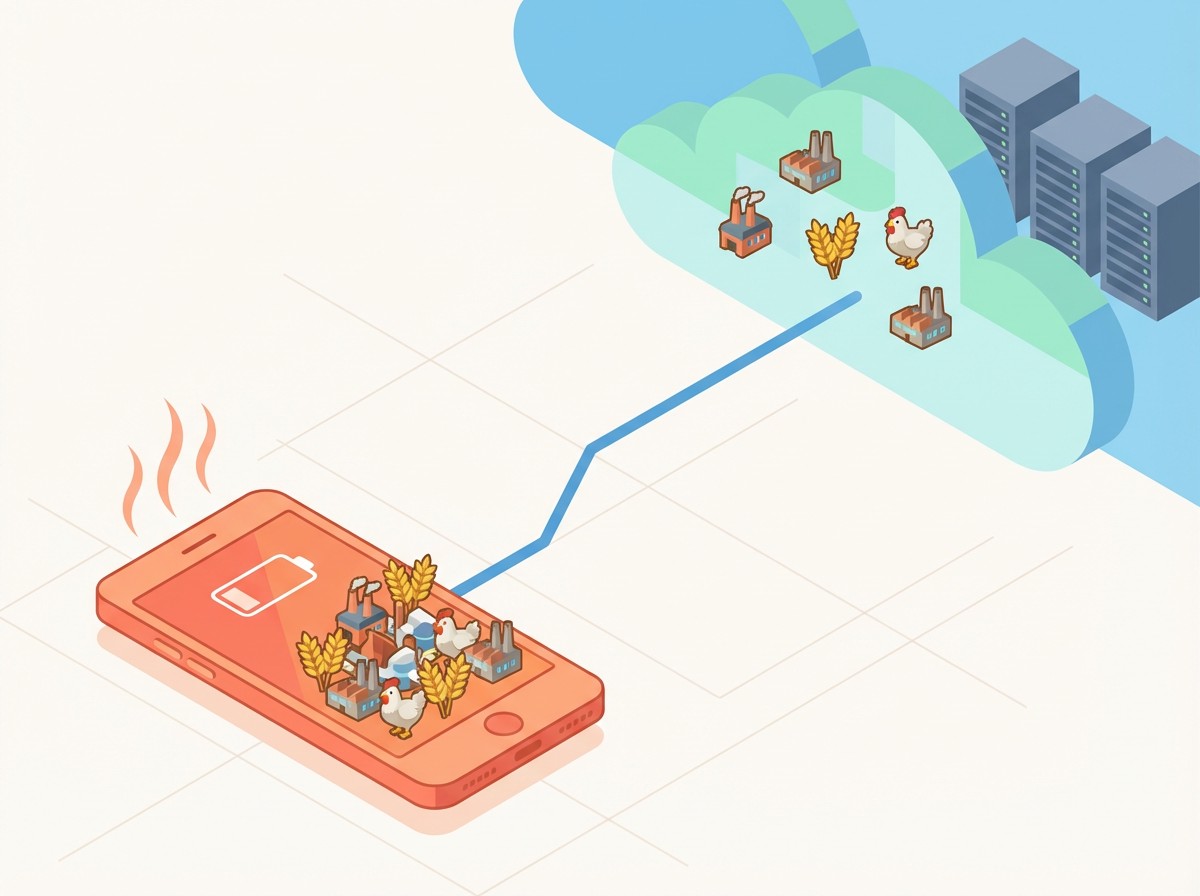 How to Run Township Production Chains 24/7 with FoxPhone: Complete Automation Guide
How to Run Township Production Chains 24/7 with FoxPhone: Complete Automation Guide


© 2026 Foxphone LLC. All rights reserved.


 Cookie Notice