


How to Automate Mafia City Turf Building with FoxPhone: 5 Accounts Without Burning Out Your Phone
 2026-03-02 10:01:30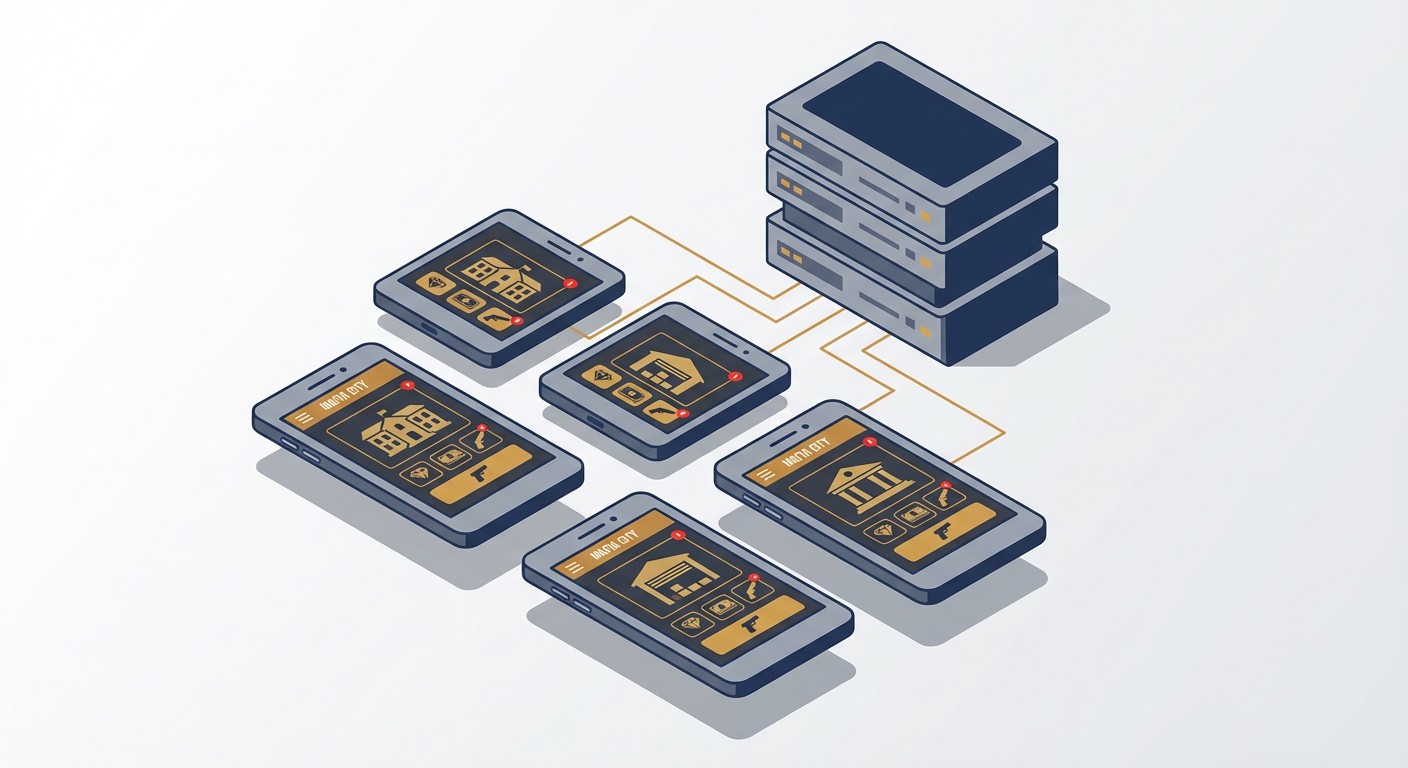
How to Automate Mafia City Turf Building with FoxPhone: 5 Accounts Without Burning Out Your Phone
If you're serious about Mafia City, you already know the grind. Your turf needs constant attention—troops training every 4-8 hours, resource production that caps in 12 hours, and timed events that punish you for sleeping. Miss a single Arms Race checkpoint at 3 AM, and you've fallen behind your entire region.
Most players solve this by setting alarms or running the game on an old phone 24/7. But that old phone gets nuclear-hot, the battery swells after 6 months, and your electricity bill creeps up. If you're managing multiple accounts (most competitive players run 3-5 cities), you're looking at a drawer full of overheating devices. This is where FoxPhone changes the equation entirely.
FoxPhone cloud phones let you run Mafia City instances on remote servers that never overheat, never drain batteries, and cost a fraction of physical devices. You get real Android environments with separate device IDs for each account, running ARM architecture that Mafia City can't distinguish from a physical Samsung or Xiaomi.
Why Mafia City Destroys Regular Phones
Mafia City's resource management demands constant check-ins. Here's what actually happens in-game:
- Troop Training Queues: 4-hour cycles for basic troops, 8+ hours for higher tiers. If your queue finishes and you don't start the next batch, you're wasting time.
- Resource Production: Food/Cash/Arms/Metal production caps at 12 hours for most turf levels. After that, no new resources generate until you collect.
- Timed Events: Arms Race runs 3x daily at fixed times (often 12 PM, 6 PM, 2 AM server time). Mansion Defense and Turf War have similar rigid schedules.
- Cargo Ship Arrivals: Every 6 hours, but you need to claim within 30 minutes for optimal rewards.
Running this on your daily-driver iPhone means constant notifications and a battery that's drained by 3 PM. Running it on a dedicated phone means that device stays plugged in 20+ hours daily. A typical mid-range Android phone running Mafia City continuously:
- Draws 8-12W while gaming (charging + running)
- Costs ~$0.03/hour in electricity (US average $0.15/kWh)
- That's $5.25/month or $63/year in power alone
- Battery replacement after 8-12 months: $50-80
- Total first-year cost per phone: $113-143
If you run 3 accounts, you're spending $340-430 annually just keeping old phones alive.
The Emulator Trap (And Why Most Players Avoid It)
Some players try BlueStacks or LDPlayer on their PC. Mafia City technically runs, but there's a problem: the game detects x86 emulation signatures. While it won't insta-ban you, players report:
- Frequent "suspicious activity" login verifications
- Lower drop rates in events (unconfirmed but widely discussed in forums)
- Your account flagged for "review" during Arms Race events
More importantly, emulators tie you to your PC. You can't check your turf from your phone while commuting without logging out of the emulator, which resets timers and pauses production.
How FoxPhone Solves Mafia City's 24/7 Problem
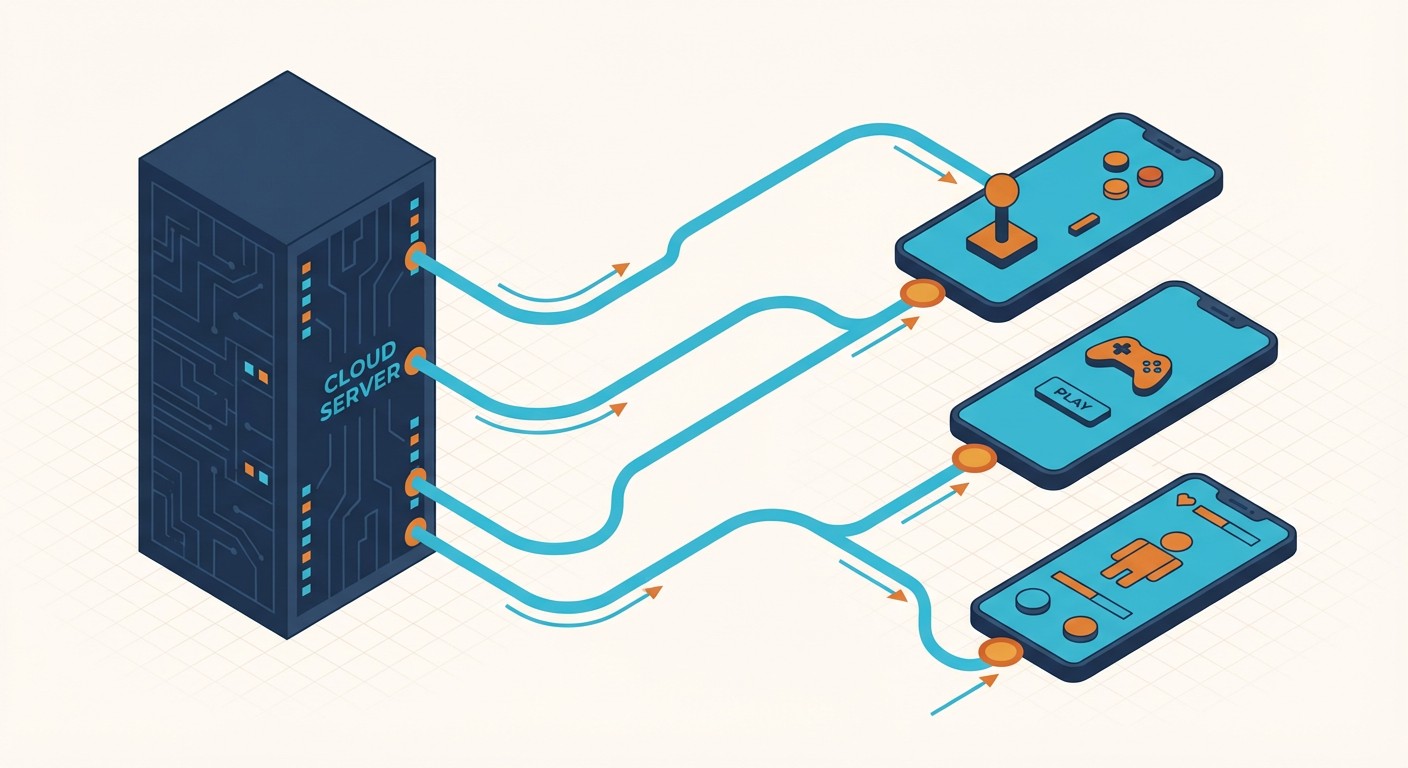
FoxPhone runs actual ARM-based Android instances in the cloud—the same processor architecture as physical phones. To Mafia City's servers, each FoxPhone instance looks identical to a OnePlus, Samsung, or Xiaomi device. You get:
- Separate Device IDs: Each FoxPhone instance has its own unique Android ID, IMEI equivalent, and hardware fingerprint. Running 5 Mafia City accounts means 5 completely distinct devices to the game servers.
- True 24/7 Operation: Your turf keeps producing resources, training troops, and auto-collecting idle rewards even when you're asleep. No battery degradation, no overheating, no electricity waste at your home.
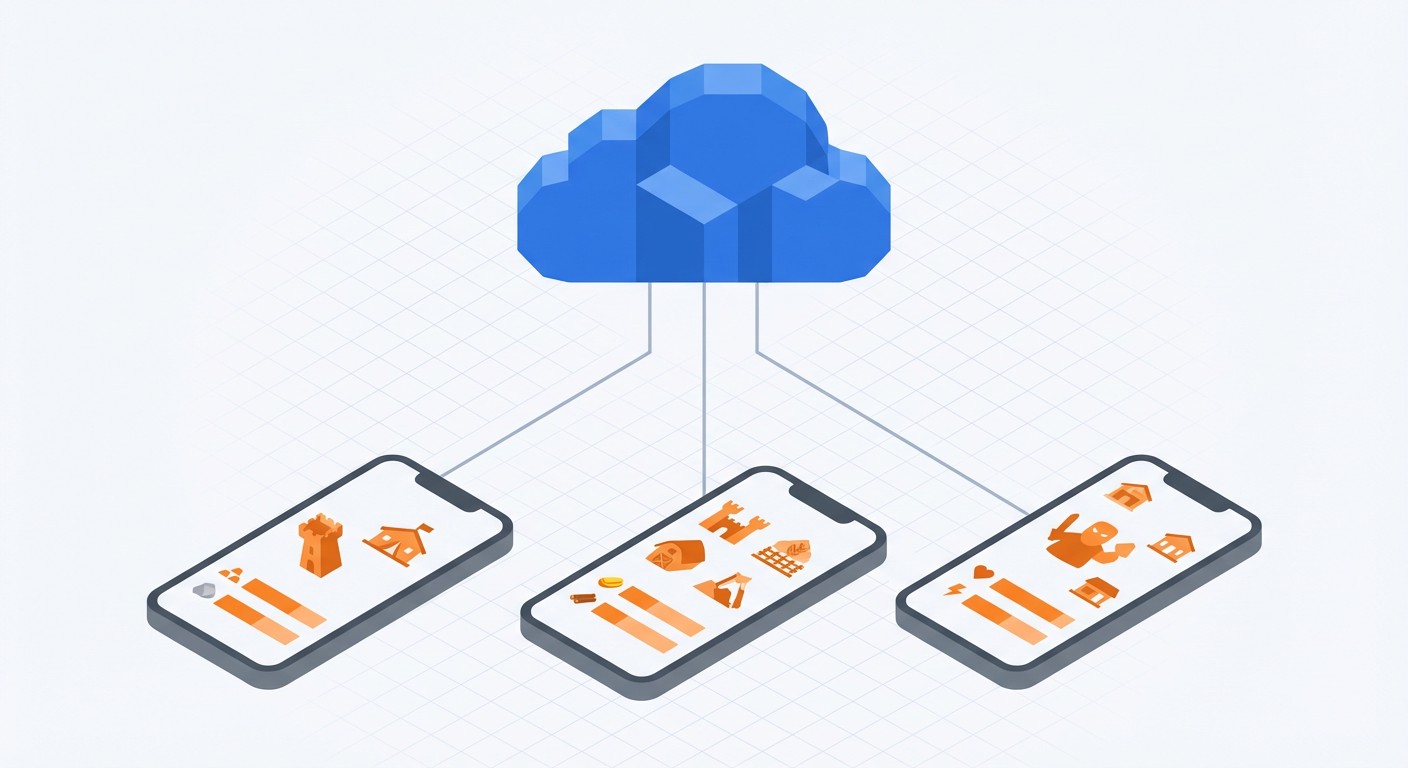
- Multi-Instance Management: Check all 5 accounts from one FoxPhone dashboard. No logging in/out, no device switching, no confusion about which phone has which account.
- Remote Access from Any Device: Manage your turf from your iPhone during lunch, your tablet at home, or any browser. The game state persists in the cloud.
Setting Up Mafia City on FoxPhone
Here's how to migrate your existing account (or start fresh) on FoxPhone:
- Step 1: Create Your FoxPhone Instance
Log into the FoxPhone dashboard and spin up a new Android instance. For Mafia City, select Android 9 or newer (the game requires Android 7+ but runs smoother on 9+). Choose a device profile that matches your region—if you're playing on a US server, pick a Samsung or Google Pixel profile commonly used in North America.
- Step 2: Install Mafia City from the Play Store
Inside your FoxPhone instance, open the Google Play Store (comes pre-installed). Download Mafia City like you would on any phone. The game is 1.2GB+, but FoxPhone's cloud storage handles it without eating your personal device space.
- Step 3: Link Your Existing Account
If you're migrating from a physical phone, bind your account to Google Play or Facebook first (do this on your old device under Settings > Account). Then on FoxPhone, log into Mafia City and select "Load Account." The game transfers your mansion, troops, and progress instantly.
- Step 4: Configure Auto-Collection Settings
Mafia City has built-in idle collection—enable "Auto Collect Resources" in game settings. On FoxPhone, this means your turf gathers resources 24/7 without manual clicking. For troop training, you'll still need to queue new batches, but FoxPhone's persistent connection ensures queues complete on schedule.
- Step 5: Set Up Notifications (Optional)
Enable FoxPhone's notification forwarding to get alerts on your phone when big events start (Turf War, Mansion Defense). You'll see the notification on your iPhone/Android, then access the FoxPhone instance to participate—no need to keep Mafia City installed locally.
- Step 6: Clone for Additional Accounts
Managing multiple cities? Duplicate your FoxPhone instance in the dashboard. Each clone gets a new device ID automatically. Install Mafia City on each, sign in with different accounts (or start new cities), and manage them all from one interface.
Real Cost Comparison: FoxPhone vs Physical Phones
Let's calculate the actual savings for a player running 3 Mafia City accounts:
Physical Phone Setup (3 old devices):
- Electricity: 3 phones × $5.25/month = $15.75/month
- Battery replacements (year 1): 3 × $65 average = $195
- First-year total: $384
- Used phones if you need to buy them: 3 × $80 = $240 upfront
FoxPhone Setup (3 cloud instances):
- Subscription: ~$30/month for 3 instances (varies by plan)
- Electricity: $0 (runs on FoxPhone's servers)
- Battery replacements: $0
- First-year total: $360
- Upfront cost: $0
You save $24 in year one, but the real savings kick in year two when you're not replacing batteries or phones. Physical devices degrade—FoxPhone instances don't. Plus, no heat damage to your furniture, no fire risk from overheating batteries, and no e-waste.
The time savings matter more. Checking 3 accounts on 3 physical phones takes 12-15 minutes (unlock each device, launch app, collect resources, queue troops, lock device, grab next phone). On FoxPhone, you check all 3 from one browser in under 5 minutes by switching tabs.
Advanced FoxPhone Strategies for Mafia City
Timed Event Coordination: Set alarms on your phone for Turf War or Arms Race, then access all your FoxPhone instances simultaneously. Attack with your main account while using alts to scout or reinforce—all from one screen.
Resource Farming Alts: Create low-level cities on separate FoxPhone instances purely for farming. Get them to Mansion 10-12, focus entirely on resource production, then transfer goods to your main city via in-game packages. The alts run 24/7 on FoxPhone, maximizing production without your attention.
Event Participation Across Time Zones: If you're in the US but play on an Asia server (where events happen at 4 AM your time), FoxPhone handles it. Set up your troops before bed, and the instance participates while you sleep.
Safe Account Switching: Mafia City doesn't love rapid logins from different IPs. FoxPhone gives each account a stable cloud IP that doesn't change randomly like mobile networks. Less "verify your account" hassle.
What FoxPhone Can't Fix
Let's be honest about limitations:
- Real-Time PvP Requires Fast Reflexes: Turf War battles where you're manually commanding troops will have 50-100ms more latency on FoxPhone compared to a local phone. For most Mafia City gameplay (which is tap-to-queue, not twitch combat), this doesn't matter. But if you're micromanaging troops in a live battle, a physical phone feels slightly snappier.
- Graphics Quality: FoxPhone streams the game to your device, so max graphics settings might look compressed. For Mafia City's cartoonish art style, this is barely noticeable. But if you care about crisp textures, dial down in-game graphics to "Medium" for better streaming performance.
- Tutorial Hand-Holding: If you're brand new to Mafia City, the tutorial is easier on a native phone where touch feels more direct. Once you're past Mansion 5-6, FoxPhone handles everything fine.
- Alliance Chat Needs: Real-time chat during coordinated attacks works, but typing on FoxPhone's virtual interface isn't as fast as your phone's native keyboard. Use Discord or LINE for voice coordination if your alliance does complex ops.
FAQ
Is FoxPhone safe for my main Mafia City account?
Yes—FoxPhone uses real ARM Android architecture with unique device IDs. To Mafia City, it looks like you bought a new Samsung. Thousands of strategy game players use FoxPhone for games like Lords Mobile, King of Avalon, and Mafia City without issues. Just avoid running the same account on FoxPhone and your physical phone simultaneously (the game sees two devices logged in and forces one out).
Can I run Mafia City on FoxPhone and my iPhone at the same time?
Not the same account—Mafia City logs out one device when you sign in elsewhere. But you can run Account A on FoxPhone and Account B on your iPhone simultaneously, perfect for managing multiple cities.
How much does FoxPhone cost for 5 Mafia City accounts?
Pricing varies, but expect ~$50/month for 5 instances. Compared to buying and maintaining 5 used phones ($400+ year one, $325+ year two in electricity and batteries), FoxPhone breaks even in 8 months and saves money forever after.
Stop Babysitting Your Turf, Let FoxPhone Handle It
Mafia City rewards consistency over skill. The player who checks in every 8 hours beats the player who binges on weekends. But "every 8 hours" means 3 AM wake-ups, lunch break grinding, and your phone dying at dinner.
FoxPhone turns Mafia City into a game you control, not one that controls your schedule. Your turf keeps producing while you sleep, your troops train through your workday, and you check in when convenient—not when the game demands it.
If you're running multiple cities, FoxPhone is the only sane way to manage them. No drawer full of hot phones, no battery anxiety, just your accounts humming along in the cloud.
Try FoxPhone free and see your first city run 24/7. Your main phone's battery will thank you, and your alliance will wonder how you're always online.

 How to Sync Strava Activities 24/7 with FoxPhone: Save Battery and Never Miss a Workout
How to Sync Strava Activities 24/7 with FoxPhone: Save Battery and Never Miss a Workout
 What is Cloud Phone?
Insightful article
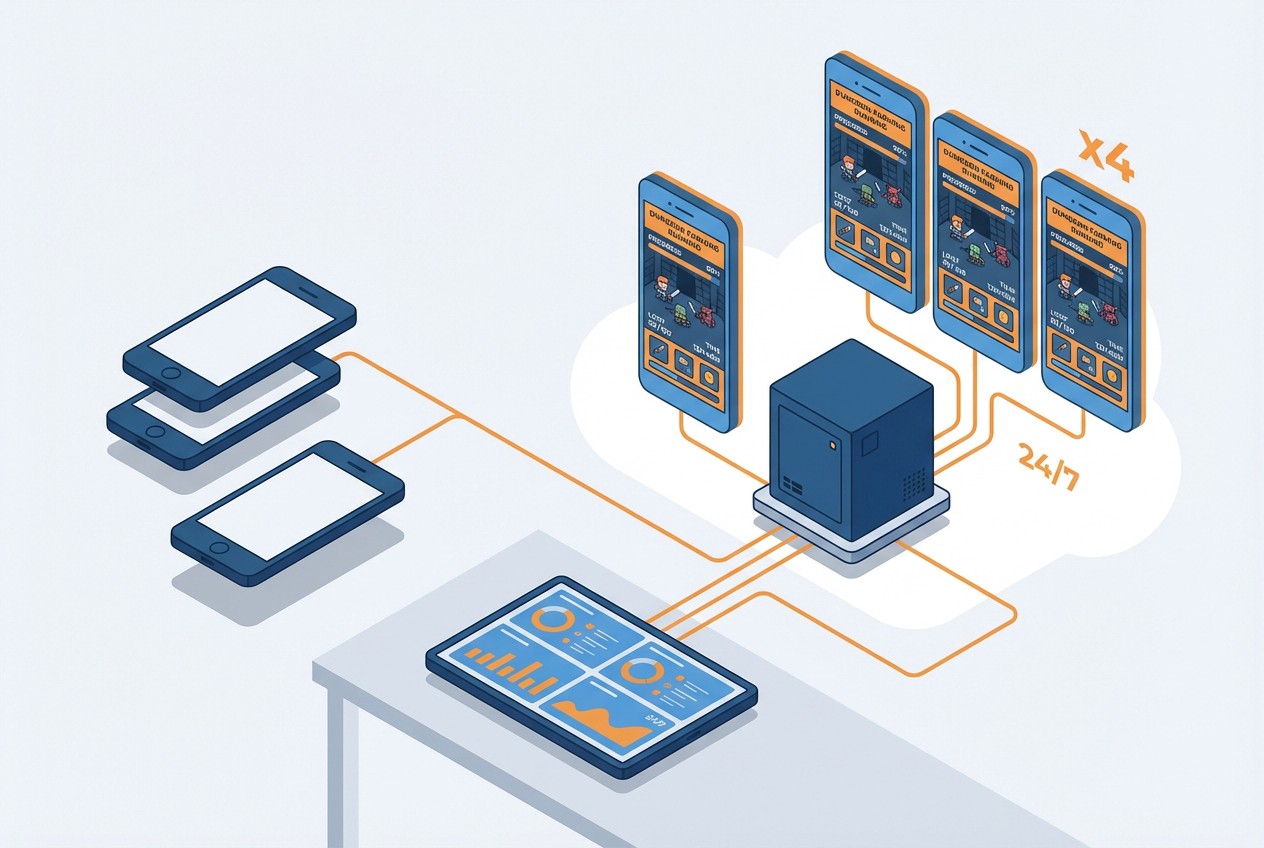 How to Farm Summoners War Dungeons 24/7 with FoxPhone: Save $840/Year on Multiple Accounts
How to Farm Summoners War Dungeons 24/7 with FoxPhone: Save $840/Year on Multiple Accounts


© 2026 Foxphone LLC. All rights reserved.


 Cookie Notice