


Choosing Proxies for Cloud Phones: Residential, ISP and Mobile
 2026-10-28 04:03:36
Cloud phones have become a practical solution for businesses and individuals who need to manage mobile applications, test location-specific experiences, or automate mobile workflows. By running mobile environments in the cloud, users can access devices remotely without maintaining a large collection of physical phones.
However, a cloud phone's network connection is just as important as its device environment. The right proxy can help users select IP locations, manage network sessions, and access services through different types of IP addresses.
Cloud phone platforms such as FoxPhone provide remote mobile environments, while NiuProxy offers residential, ISP, and mobile proxy services for different connectivity requirements. Combining an appropriate cloud phone setup with a suitable proxy can provide more flexibility for geographic testing, application management, and network troubleshooting.
1. Understanding the Role of Proxies in Cloud Phone Workflows
A cloud phone provides a remote mobile environment, while a proxy routes network traffic through an intermediary server before it reaches its destination.
Depending on the configuration, a proxy can help users select an IP location, separate network connections across different workflows, and manage sessions that require specific network characteristics.
Common use cases include:
- Application testing: Checking how mobile applications behave when accessed from different geographic locations.
- E-commerce operations: Reviewing localized storefronts and regional content.
- Social media management: Organizing authorized business accounts into separate working environments.
- Mobile QA and automation: Testing application connectivity and network behavior.
- Market research: Accessing publicly available regional content for comparison.
For users working with cloud phone platforms such as FoxPhone, choosing the right proxy can help tailor network connectivity to specific requirements. Residential proxies may be useful for regional content verification, static ISP proxies can support workflows requiring a consistent IP address, and mobile proxies can route traffic through mobile carrier networks.
A proxy does not automatically make a cloud phone secure or guarantee that an application will accept a connection. Application policies, device configuration, account history, and network reputation can all influence the outcome.
2. Residential vs. ISP vs. Mobile Proxies: Key Differences
Different proxy types use IP addresses associated with different network environments. Understanding these differences helps users choose a solution that fits their workflow.
Residential Proxies
Residential proxies use IP addresses associated with residential internet connections. Depending on the provider and plan, users may be able to select a country or city and choose between rotating and sticky sessions.
Best suited for:
- Geographic content verification
- Regional website and application testing
- Location-specific market research
- Workflows that benefit from residential IP diversity
Residential proxies are useful when geographic flexibility matters. However, IP availability, session duration, and connection performance depend on the provider and selected plan.
For users who need flexible geographic coverage, NiuProxy residential proxies offer options for different traffic requirements and targeting needs.
ISP Proxies
ISP proxies use IP addresses associated with internet service providers and are commonly hosted on data center infrastructure. They can combine ISP-associated IP characteristics with infrastructure designed for stable connectivity.
Many ISP proxy plans provide static IPs, making them useful when a workflow needs to maintain the same network identity over time.
Best suited for:
- Long-running application testing
- Workflows requiring a consistent IP address
- Cloud environments with persistent network sessions
- Advertising and e-commerce operations requiring stable connectivity
Before choosing a plan, check whether the provider supports your required locations, authentication methods, and session duration.
Mobile Proxies
Mobile proxies route internet traffic through mobile carrier networks, using IP addresses associated with cellular connectivity, such as 4G or 5G networks.
Best suited for:
- Testing application behavior when traffic exits through a mobile carrier network
- Evaluating access from carrier-associated IP addresses
- Research requiring mobile-network IP connectivity
An important distinction is that mobile proxies provide carrier-network egress; they do not reproduce cellular radio conditions, mobile-device hardware, radio signal strength, or cellular latency characteristics. Actual latency and application behavior also depend on the proxy infrastructure, routing path, cloud phone environment, and destination service.
If your goal is to test how an application behaves under specific radio conditions or on-device cellular performance, a mobile proxy alone is not sufficient. You will need an appropriate device and network testing environment.
Quick Comparison
|
Feature |
Residential |
ISP |
Mobile |
|
IP association |
Residential internet connections |
ISP-associated IPs |
Mobile carrier networks |
|
Typical session approach |
Rotating or sticky |
Often static |
May rotate or change dynamically |
|
Main advantage |
Geographic flexibility |
IP consistency |
Carrier-network egress |
|
Common use case |
Regional testing and research |
Persistent workflows |
Mobile-network IP testing |
|
Key consideration |
Location and rotation availability |
Static IP and session support |
Carrier coverage and proxy limitations |
These are general characteristics rather than guarantees. Actual behavior varies by provider and plan.
3. How to Choose a Proxy for Your Cloud Phone
The best proxy depends on what you are trying to accomplish. Consider three key factors before selecting a plan.
Geographic Targeting
If you need to inspect localized content, choose a proxy provider that offers the countries or regions relevant to your work.
Check whether location selection is available at the country, state, or city level. If precise geographic targeting matters, verify the actual IP location rather than relying exclusively on the location displayed in a provider's dashboard.
Session Requirements
Consider whether your application needs the same IP address throughout a session.
For short testing tasks or workflows that benefit from changing IPs, rotating residential proxies may be appropriate. For longer sessions requiring a consistent network identity, static ISP proxies may be a better fit.
Mobile proxies are worth considering when carrier-network egress is specifically required.
Keep in mind that a sticky session does not necessarily guarantee an unchanged IP for an unlimited period. Check the provider's session rules before deployment.
Connectivity and Compatibility
A proxy can offer suitable geographic coverage but still be unsuitable if it cannot connect reliably to your cloud phone environment.
Before committing to a plan, verify:
- Whether your cloud phone supports the intended proxy protocol.
- Whether authentication is supported and configured correctly.
- Whether DNS requests follow the expected network route.
- Whether the target application can establish connections successfully.
- Whether latency and connection stability meet your workflow's requirements.
Testing these factors in advance can help prevent configuration problems from being mistaken for application or device issues.
4. Common Proxy Configuration Mistakes and How to Avoid Them
Even a suitable proxy can perform poorly when the configuration is incorrect.
Choosing a Proxy Based Only on Price
A low price per gigabyte or IP does not necessarily mean lower operating costs. Unstable connections, unsuitable locations, or insufficient session support can lead to repeated testing and troubleshooting.
Compare the overall cost of running your workflow, including bandwidth, session requirements, and the time needed to maintain it.
Ignoring Protocol Compatibility
HTTP(S) and SOCKS5 proxies are not interchangeable in every application. Check which protocols your cloud phone, browser, or automation tool supports before purchasing a plan.
Also verify the required authentication format. Incorrect authentication settings can prevent a proxy connection from being established.
Failing to Verify the Actual IP
A successful proxy connection does not prove that traffic is using the intended IP address.
After configuration, use a reputable IP-checking service to verify the visible public IP and its approximate geographic location. If the results differ from expectations, investigate the proxy settings and routing behavior.
Changing Too Many Variables at Once
If you change the proxy, cloud phone, application settings, and network configuration simultaneously, it becomes difficult to identify the source of a problem.
Test one variable at a time and document the results. This makes troubleshooting more efficient and helps establish a reliable baseline.
5. Practical Tips for Testing Proxy Connectivity and Maintaining Sessions
A simple testing routine can help identify problems before a cloud phone workflow goes into production.
Step 1: Establish a baseline.
Check the cloud phone's normal internet connectivity before adding a proxy. Confirm that the target application or test environment is accessible.
Step 2: Configure the proxy.
Enter the proxy host, port, authentication details, and protocol according to the provider's instructions. Confirm that the cloud phone or application is configured to use the intended proxy.
Step 3: Verify the public IP.
Visit an IP-checking service and confirm the visible IP address and approximate location. Check for unexpected changes between tests.
Step 4: Test connection quality.
Measure response time and observe whether connections remain stable during ordinary use. Repeat tests if your workflow is sensitive to network variability.
Step 5: Validate session behavior.
For workflows that require persistence, reconnect and revisit the target application to see whether the IP remains consistent for the intended session period.
Step 6: Record the results.
Keep a record of the proxy endpoint, location, protocol, test time, latency, and connection errors. These records make it easier to compare configurations and diagnose recurring problems.
A single successful connection does not guarantee long-term reliability. Periodic testing is particularly important for workflows that run continuously.
6. NiuProxy: Flexible Proxy Solutions for Cloud Phone Workflows
Cloud phone platforms such as FoxPhone provide remote mobile environments for application testing, account management, and other mobile workflows. NiuProxy complements these environments with residential, ISP, and mobile proxy options for different geographic, IP, and session requirements.
Check the current plan’s locations, protocols and session limits before testing.
The appropriate proxy type depends on the task. Residential proxies can support regional content verification, static ISP proxies may suit workflows that require a consistent IP, and mobile proxies can provide carrier-network egress when that is a specific requirement.
When using a cloud phone with a proxy, users should verify protocol compatibility, actual IP location, connection stability, and session behavior. For mobile application testing, remember that a mobile proxy does not reproduce cellular radio or device conditions.
Conclusion
Choosing the right proxy for a cloud phone starts with understanding your workflow.
Residential proxies are often suitable for geographic flexibility and regional research. ISP proxies can be a strong option for persistent sessions and consistent IP requirements. Mobile proxies are useful when traffic needs to exit through mobile carrier networks, but they do not replace real cellular radio or device testing.
For users working with cloud phone platforms such as FoxPhone, selecting a proxy that complements their cloud phone environment can help meet specific geographic, connectivity, and session requirements.
By evaluating the cloud phone and proxy as separate but complementary components, users can build a setup that better fits their application testing, market research, and other legitimate mobile operations.

 How to Automate Temu Daily Rewards with FoxPhone: Complete 2025 Guide
 How to Progress 5+ AFK Arena Accounts Simultaneously with FoxPhone: The Idle Gamer's Blueprint
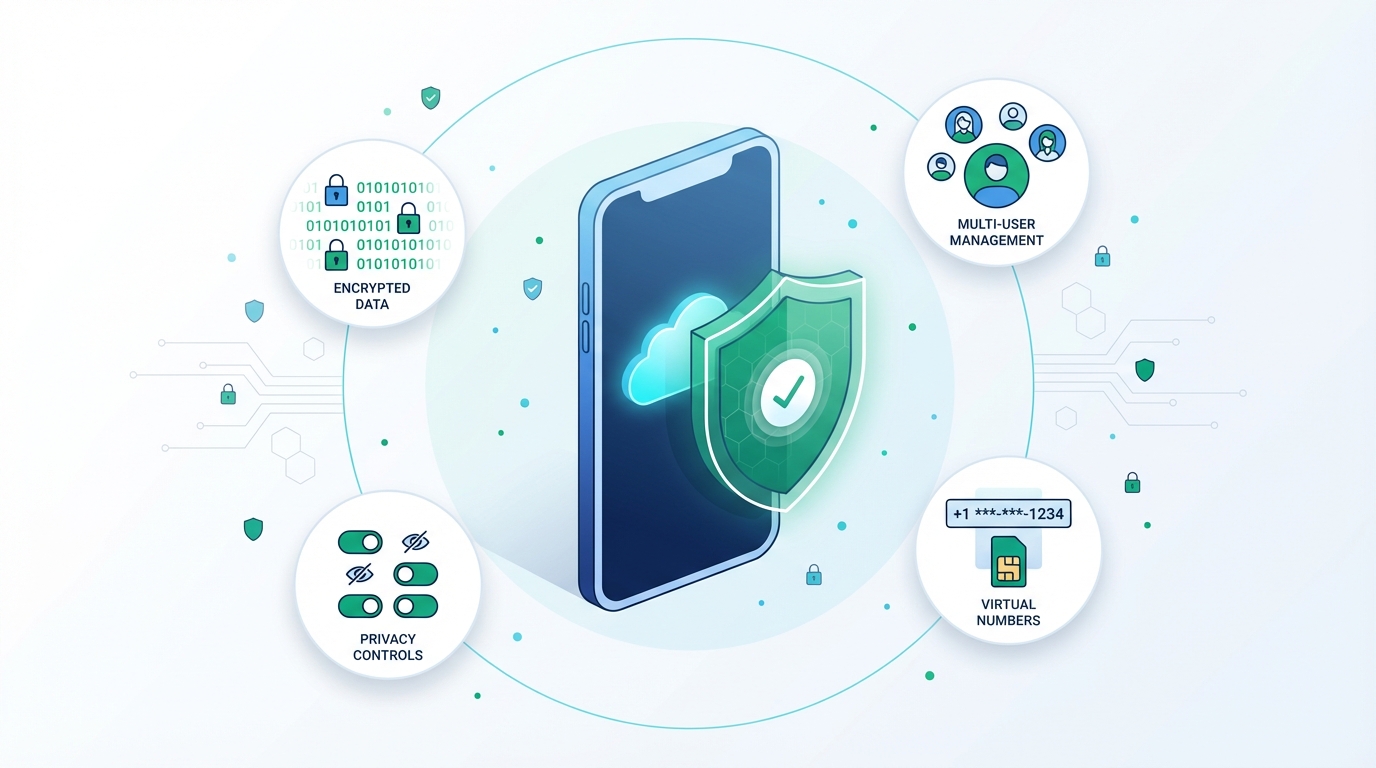 Choosing Proxies for Cloud Phones: Residential, ISP and Mobile
A practical comparison for cloud phone connectivity


 쿠키 알림